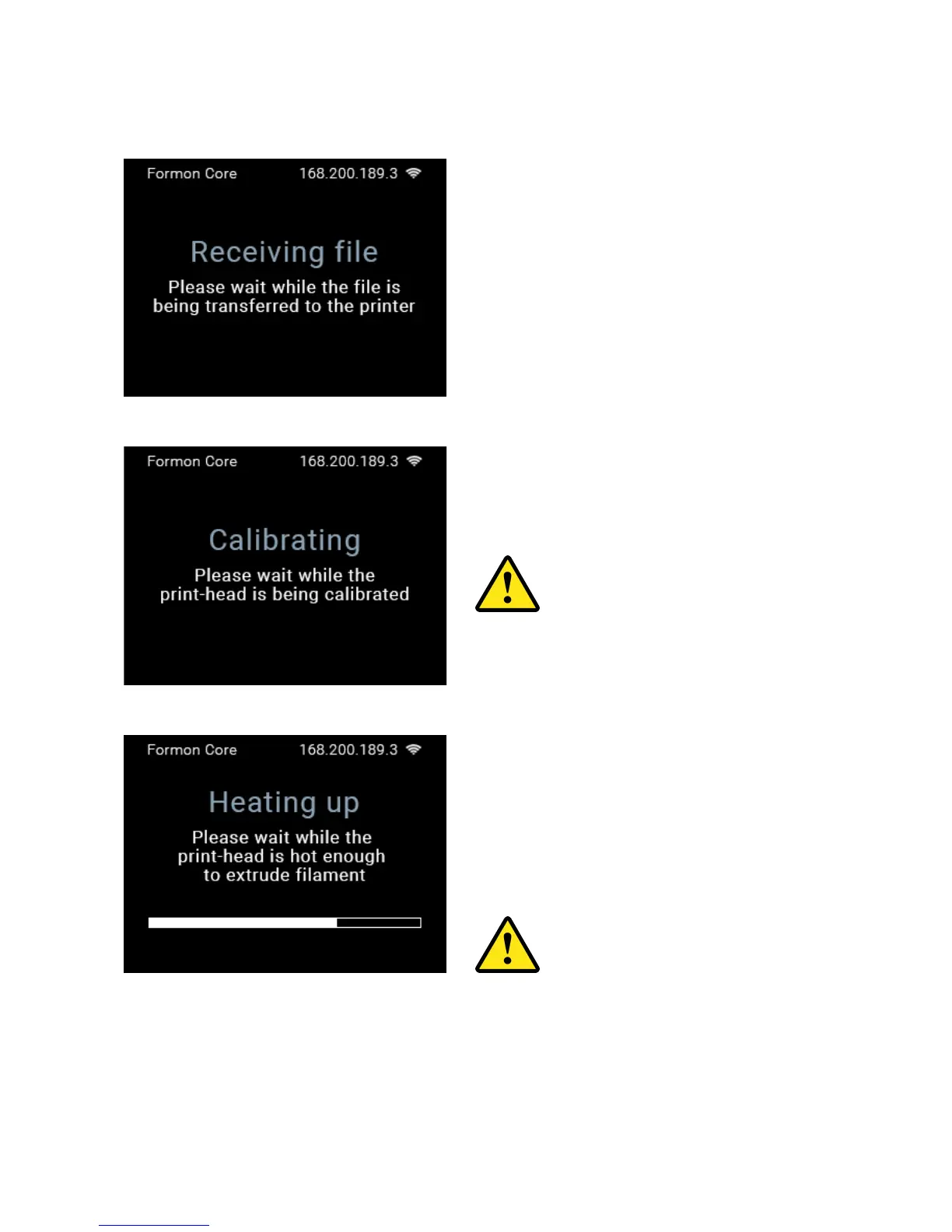
PRINTING PROCESS
the CALIBRATION process of the
print-head will start automatically.
printer’s touch screen display.
HEATING UP in order to start extruding
DO NOT reach inside with your
hands to touch the print-head
during this process.
During the printer’s calibration
process, DO NOT place anything
on the top platform or inside the
printer, and DO NOT touch the
printer while calibrating. The top
platform will move upwards.
STARTING A PRINT | 29



 To Next Page