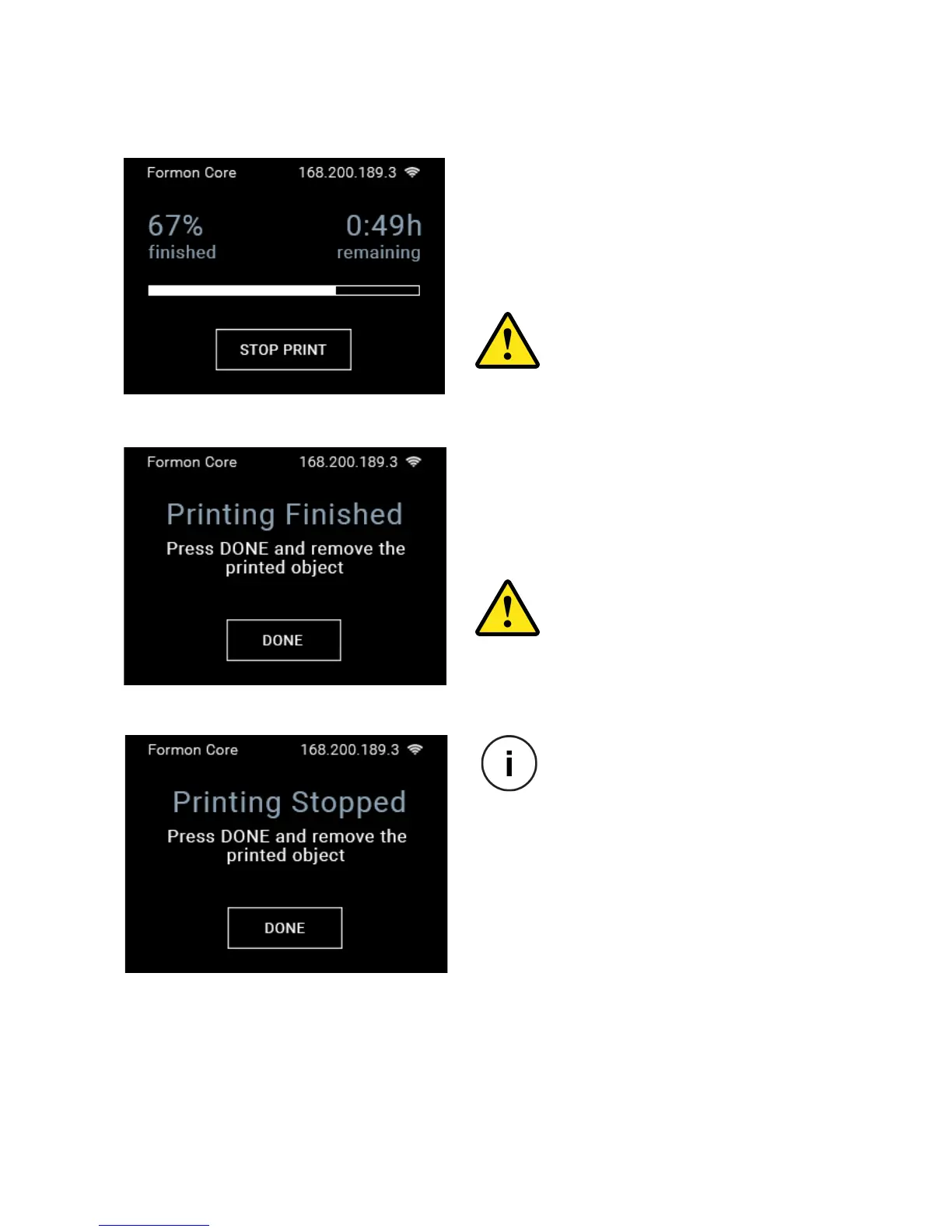
PRINTING PROCESS
PROGRESS BAR with the remaining time
from this screen by pressing the STOP
PRINT button.
8. Once the model has been printed, you
can pres DONE
will open up so you can take the print plate
with the printed object out.
DO NOT reach to touch the print-
head while taking the printed
object out. It will be very hot
and it might hurt you and cause
damage.
DO NOT reach to touch the printer
and DO NOT touch anything inside
the print area while the object is
being printed.
STARTING A PRINT | 30
process, this screen will appear
on the touch screen display.
You can click the DONE button
and the printer will open up so
print.



 To Next Page