Introduction Page 2 FortiFone User Guide
Programmable keys
For information on how to configure the programmable keys, please consult the FVE Admin
Guide located here: http://www.fortivoice.com/support/documentation/index.html.
Display layout
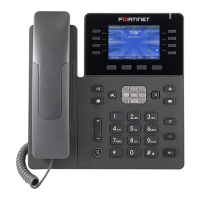
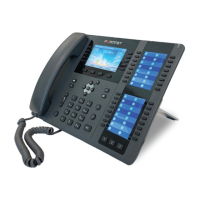
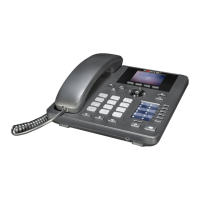
The phone has a 2.8" screen with a 320 x 240 resolution, used to display information to the user,
such as the time and date, as well as various status icons.
The bottom line shows choices associated with the 4 context-sensitive softkeys located just
below the display.
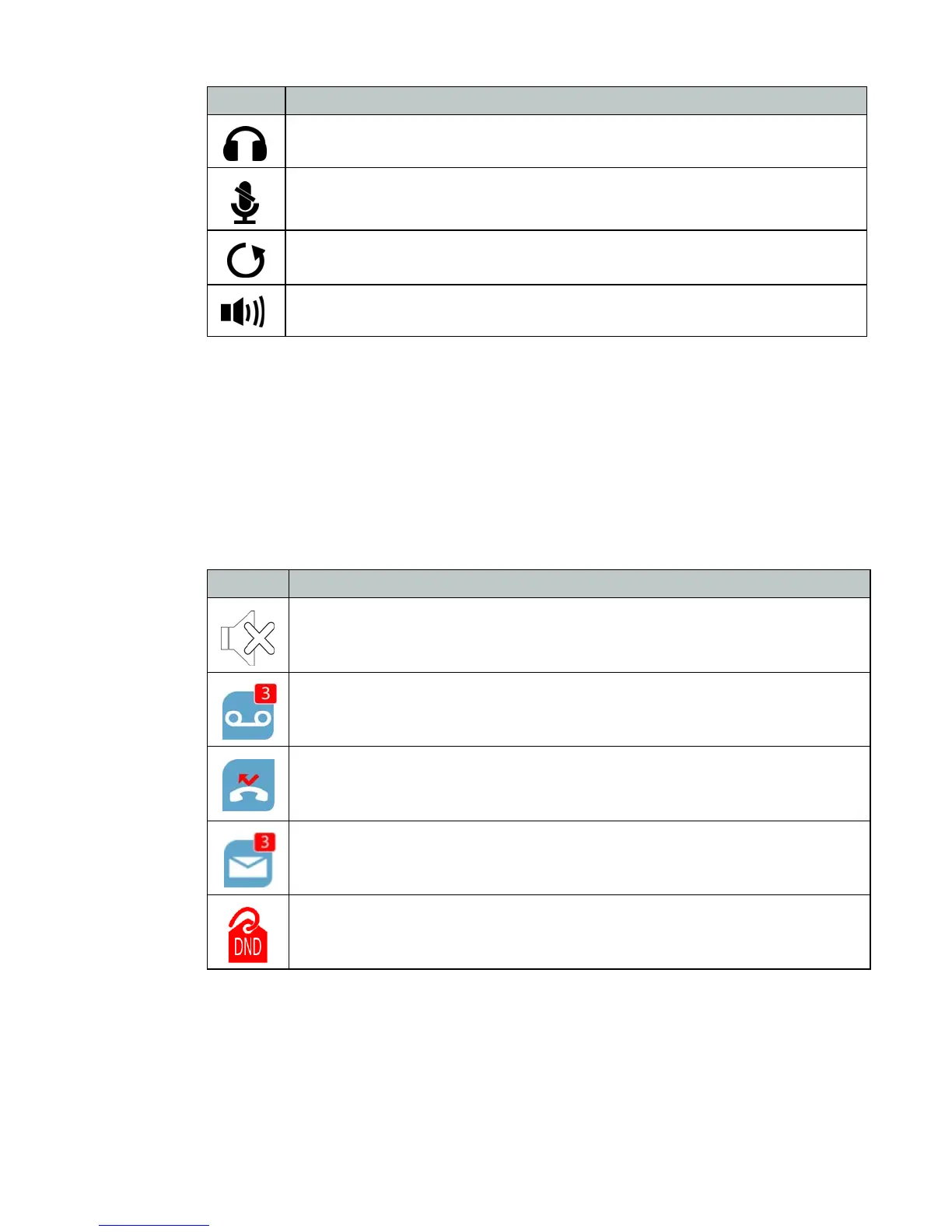
Headset — toggles the headset on and off.
Mute — Toggles the microphone on and off.
Redial— places a call to the last number dialed.
Speakerphone— toggles the speaker on and off.
Button Function
Icons Descriptions
Ringer is turned off
New voicemail
Missed calls
New SMS messages
Do Not Disturb is enabled


 To Next Page