WWW.FOSCAM.COM FI8608W User Manual
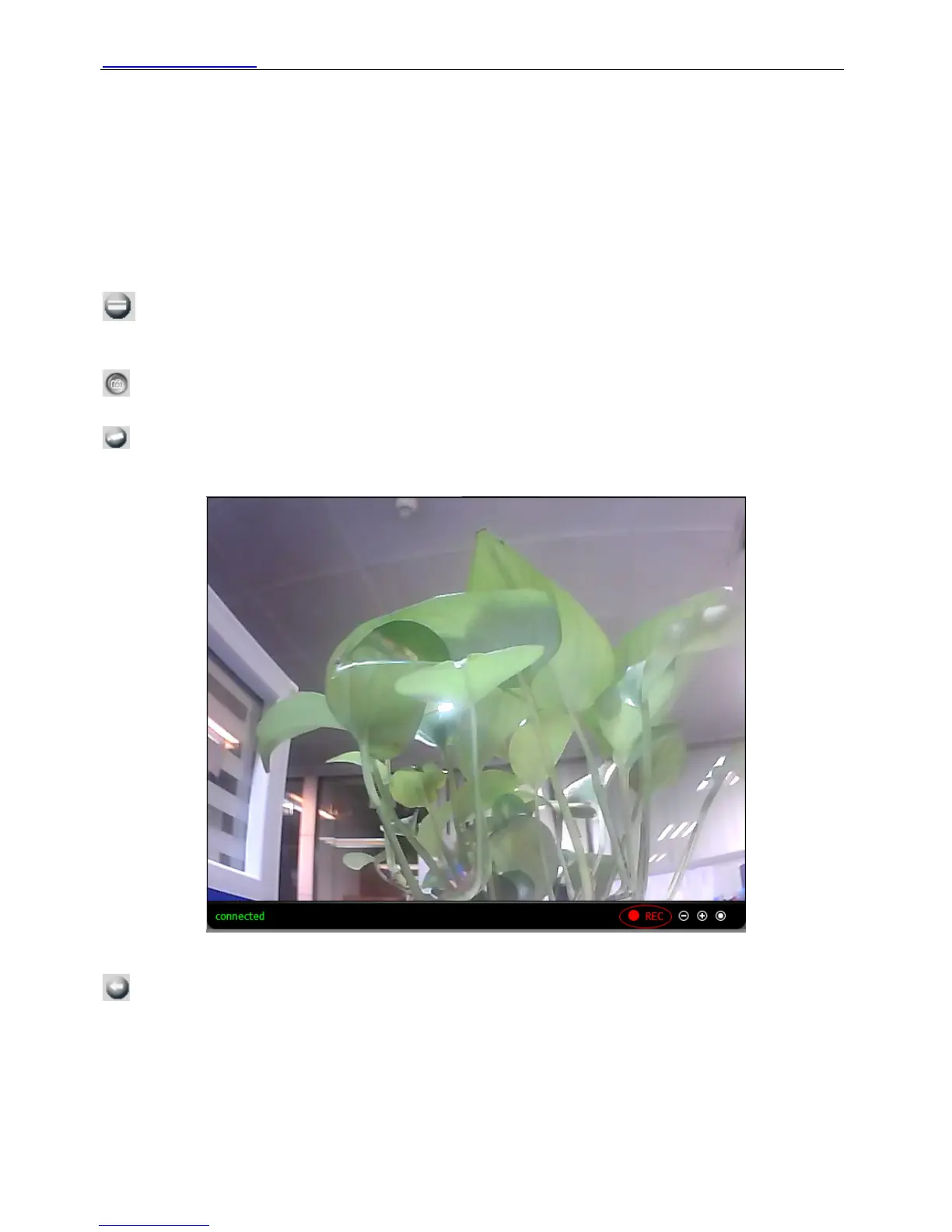
There is a status column below the view window (Figure2.19).
1) The current state of IPCAM
2) After the view has been digital amplified, click the icon, the view will be digital narrowed.
3) Click the icon, the view window will be digital amplified.
4) Click the icon, the view window will restore the original size.
View: The resolution contains VGA.QVGA, QVGA, Auto. You can choose First Stream or
Second Stream to adjust the view window.
Note: If you use mobile login, you should choose Second stream to view.
: If the camera has plugged in SD card, click this icon and you can see some information
such as the stored files at the SD card, you can read the stored files.
: Click this icon, the camera will snap a picture to a predetermined path.
: Click the icon. The camera will begin recording and store the recorded file to the folder you
set. And the status column will display REC when recording. Click again it will stop recording.
Figure 2.20
: Click the icon, it will pop up a player. And you can see the videos you have stored.
Shenzhen Foscam Intelligent Technology Co., Limited
Tel: 86 755 2674 5668 Fax: 86 755 2674 5168
16



 To Next Page