WWW.FOSCAM.COM FI8608W User Manual
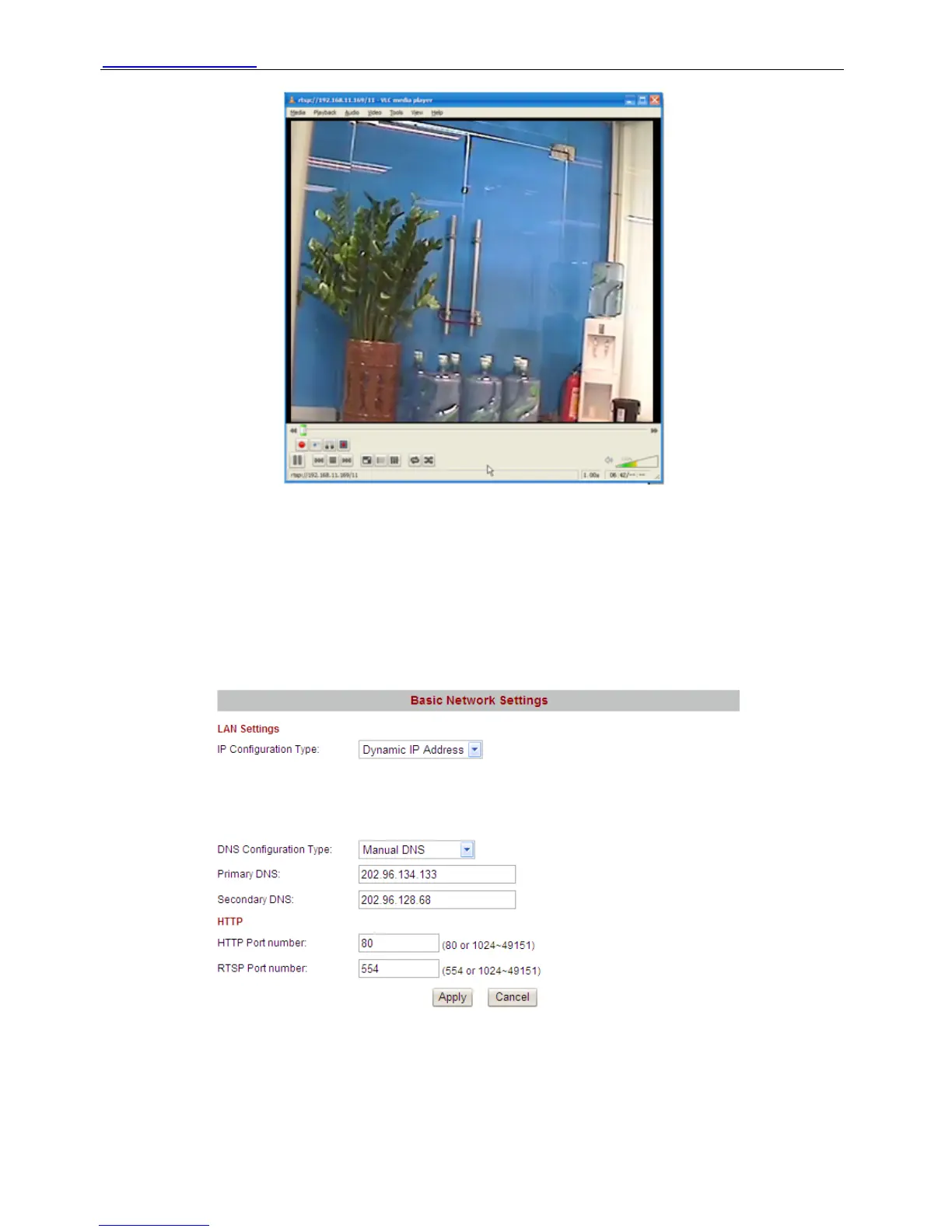
Figure 3.12
Note: 1 You’d better not change the HTTP and RTSP port number at the same time, or else you
may not submit successfully.
2 If you cannot play the video in the VLC player, please check the port mapping. You can read
Quick Installation Guide about How to configure port forwarding.
3.3.2 Dynamic IP Address
Figure 3.13
The dynamic IP address do not need set IP address, subnet mask and gateway. If you choose
“Manual DNS” but you don’t know the DNS, you can do as figure3.6/3.7.
3.4 Wireless Settings
Shenzhen Foscam Intelligent Technology Co., Limited
Tel: 86 755 2674 5668 Fax: 86 755 2674 5168
28



 To Next Page