WWW.FOSCAM.COM FI8608W User Manual
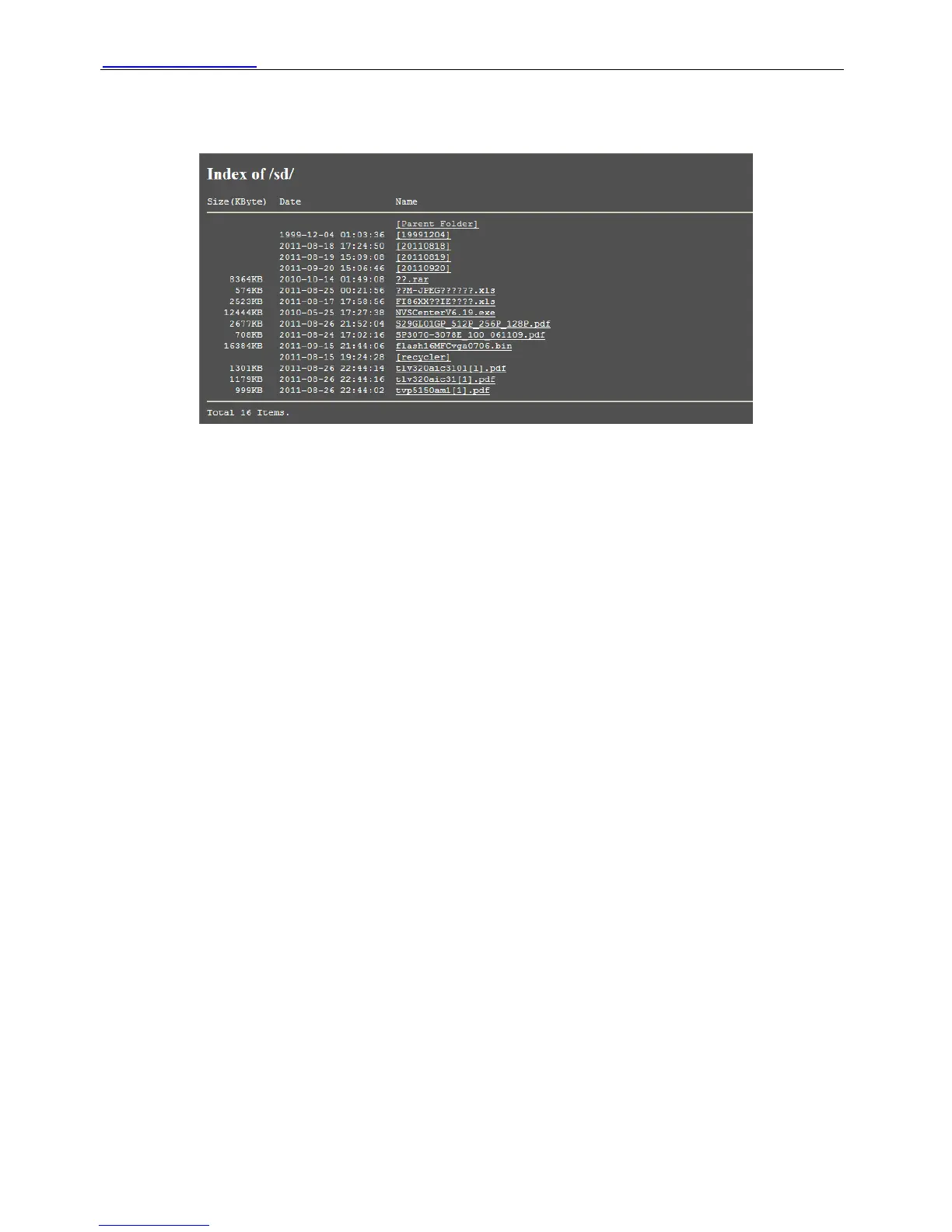
Browser SD Card: Click it and you can see the stored files if the camera has plugged SD card.
You need enter the user name and password again before looking the following screen:
Figure 2.26
You can open the stored files and read it.
Format SD card as fat32: Click it and format the SD card.
Unplug SD Card: Click it then unplug SD card safely.
3 How to configure settings in For Administrator
3.1 Date & Time Settings
There are four models for you to adjust time: Manual setting, Sync with computer time, Network
Time Protocol and Keep current time, choose one model and adjust the camera time. Then
choose Time zone, such as the following picture:
Shenzhen Foscam Intelligent Technology Co., Limited
Tel: 86 755 2674 5668 Fax: 86 755 2674 5168
21



 To Next Page