WWW.FOSCAM.COM FI8608W User Manual
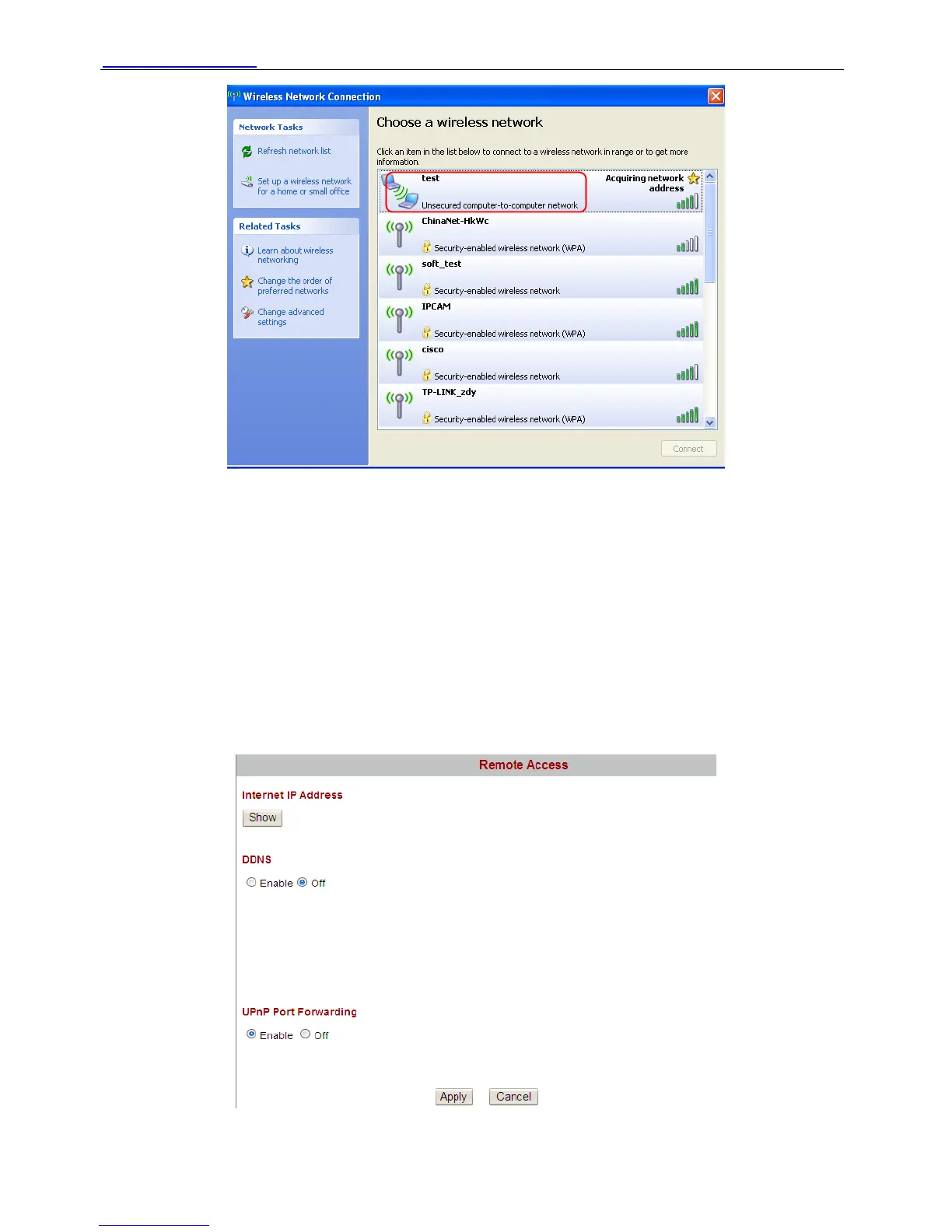
Figure 3.22
Choose it and you computer will use the wireless network. If you have not set wireless key at
figure3.21, you need not enter the key when you choose the SSID. Make sure that SSID,
Security mode and key you filled in for the PC are exactly the same for your camera(Figure 3.21).
The PC and camera will work on wireless and point_to_point mode.
3.5 Remote Access
You can access camera by two ways: static IP and domain name.
¾ Static IP user
Figure 3.23
Shenzhen Foscam Intelligent Technology Co., Limited
Tel: 86 755 2674 5668 Fax: 86 755 2674 5168
33



 To Next Page