WWW.FOSCAM.COM FI8608W User Manual
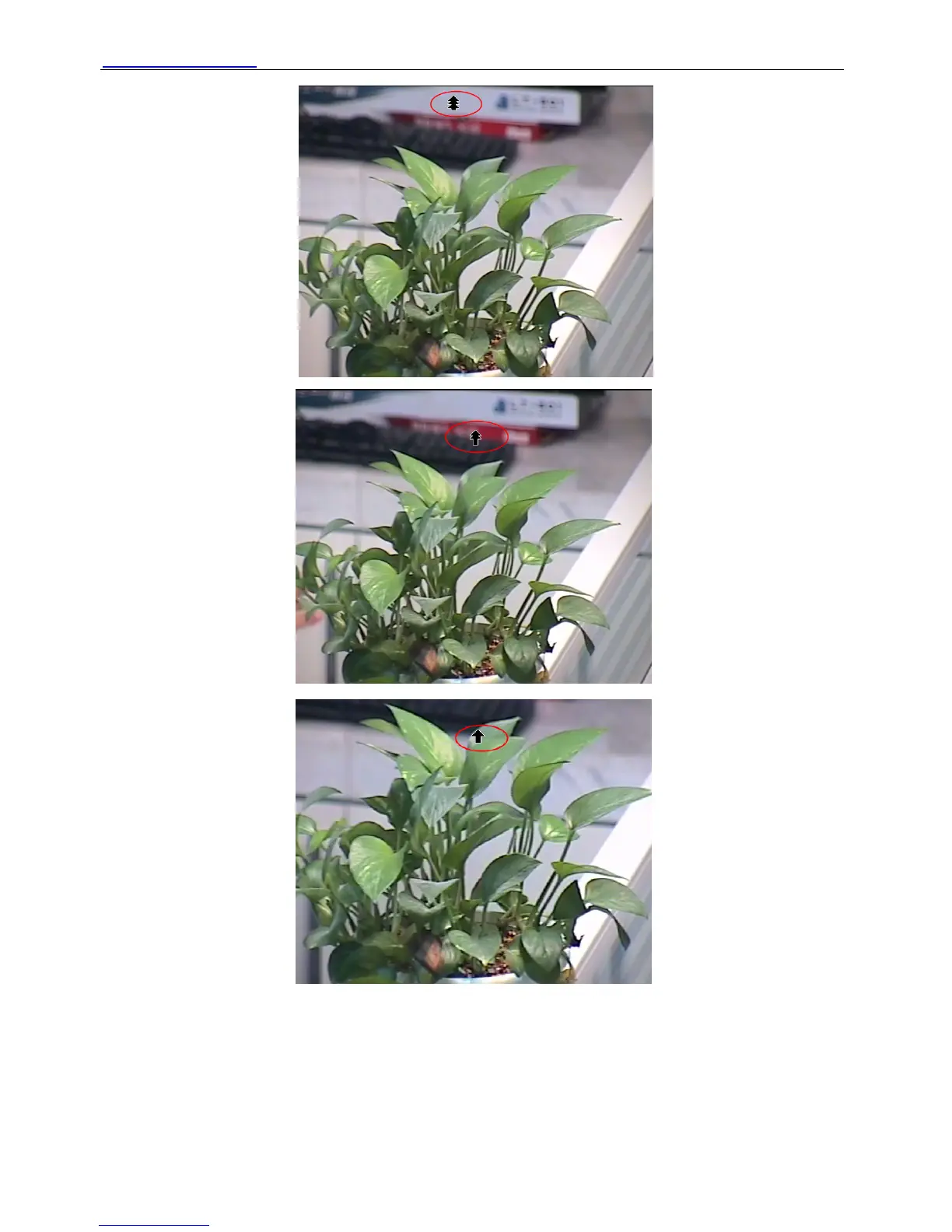
Figure 2.23
Put the mouse at the center of the living video, you will see the icon of the magnifying glass
(Figure 2.24). Press the left mouse and you can use the optical zoom.
Note: The camera doesn’t support this function because the lens without the optical zoom.
Shenzhen Foscam Intelligent Technology Co., Limited
Tel: 86 755 2674 5668 Fax: 86 755 2674 5168
19



 To Next Page