WWW.FOSCAM.COM FI8608W User Manual
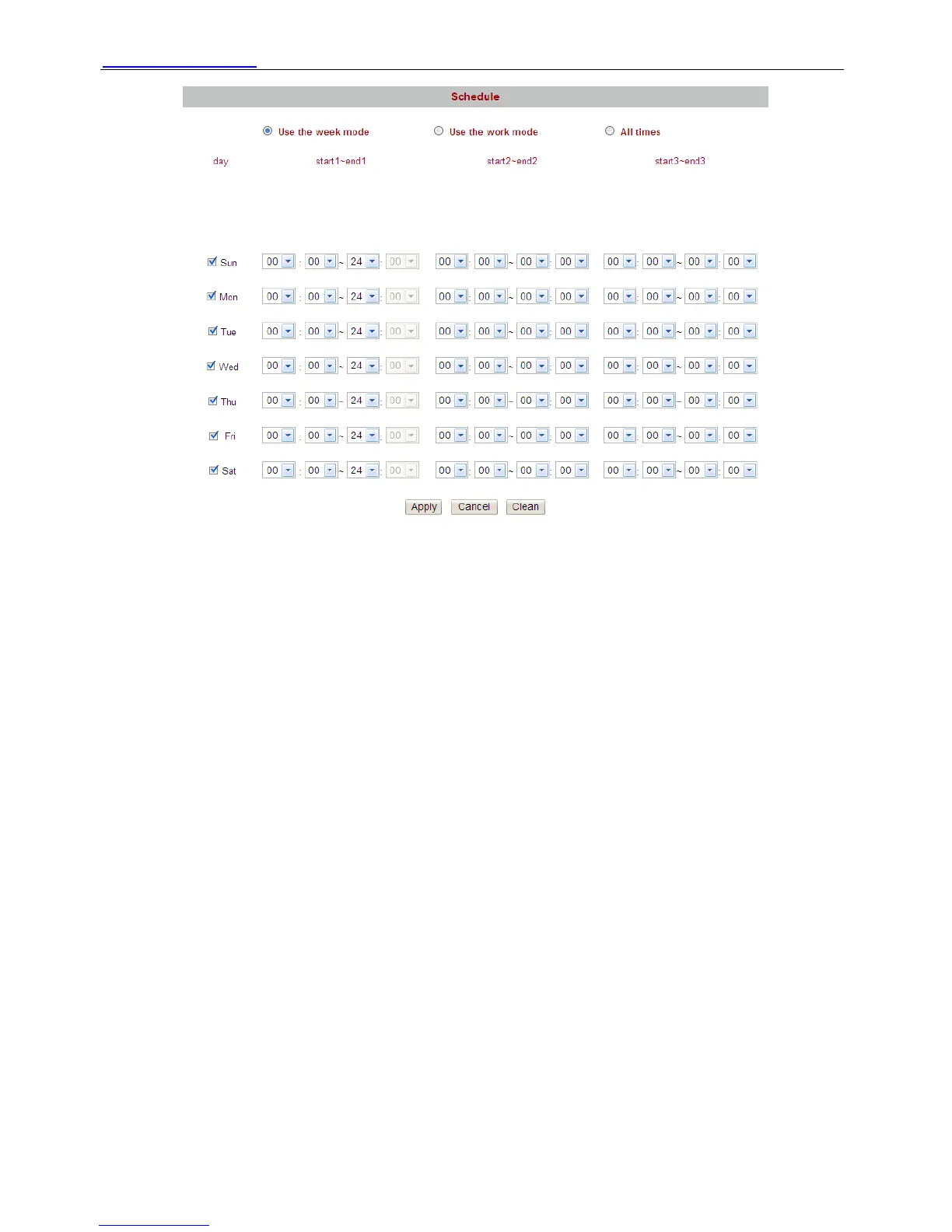
Figure 3.35
There are two ways to set the alarm.
1) Alarm at any time when motion is detected.
Select All times and apply your settings, the camera will alarm at any time when motion is
detected.
2) Specify an alarm schedule.
If you want the camera to alarm during a specify time, you can select Use the week mode or Use
the work mode and set time range.
Click apply, the settings what you have done will take effect.
If you click cancel, the settings will come back to the status before your settings.
If you want to reset all time range, click clean.
NOTE: Adjust system time before set schedule.
Shenzhen Foscam Intelligent Technology Co., Limited
Tel: 86 755 2674 5668 Fax: 86 755 2674 5168
41



 To Next Page