C Take Snapshot
If you select this checkbox, when the motion has been detected, the camera will snap the live view window as
a still picture and load it to the FTP. Make sure you have set FTP and set FTP as the storage path in
Video->Snapshot settings panel.
Time interval: The interval time between two pictures.
D Recording
If you select this checkbox, when the motion has been detected, the camera will recording and load it to the
FTP server. Make sure you have set FTP and set FTP as the storage path in Video->Snapshot settings panel.
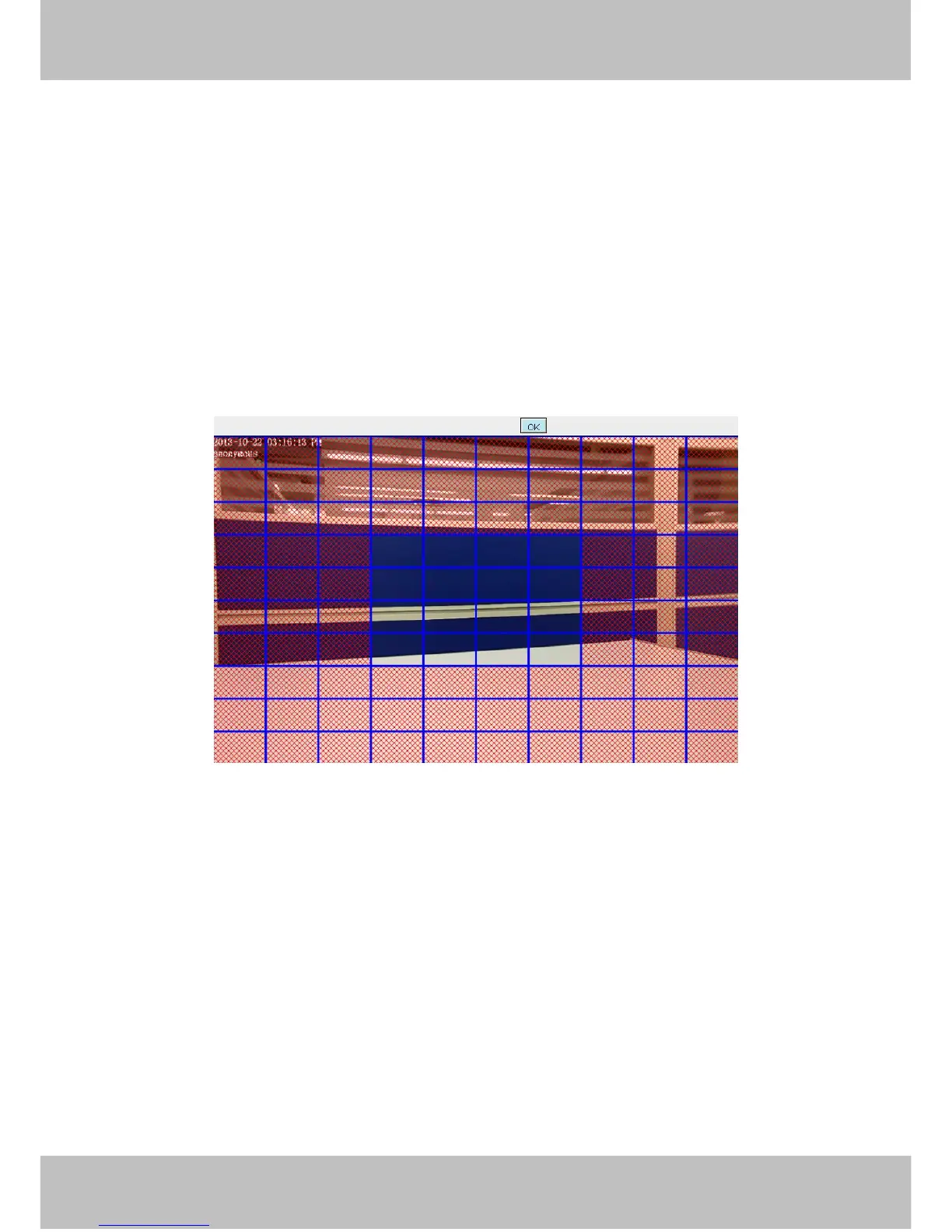
5 Set detection area
Click set detect area and it pop up a window, then you can draw the detection area. Click Back button after
settings. When something moving in the detection area, the camera will alarm.
6 Alarm Schedule
① Alarm anytime when motion is detected
Click the black button up the MON, you will see all time range turn red. When something moving in the
detection area at anytime, the camera will alarm.



 To Next Page