58
w
w
w
w
w
w
w
w
www
www
www
www
www
www
www
www
.foscam.co
.foscam.co
.foscam.co
.foscam.co
.foscam.co
.foscam.co
.foscam.co
.foscam.co
m
m
m
m
m
m
m
m
Shenzhen
Shenzhen
Shenzhen
Shenzhen
Shenzhen
Shenzhen
Shenzhen
Shenzhen
Foscam
Foscam
Foscam
Foscam
Foscam
Foscam
Foscam
Foscam
Intelligent
Intelligent
Intelligent
Intelligent
Intelligent
Intelligent
Intelligent
Intelligent
Technology
Technology
Technology
Technology
Technology
Technology
Technology
Technology
Co.,
Co.,
Co.,
Co.,
Co.,
Co.,
Co.,
Co.,
Limited
Limited
Limited
Limited
Limited
Limited
Limited
Limited
Tel:
Tel:
Tel:
Tel:
Tel:
Tel:
Tel:
Tel:
86
86
86
86
86
86
86
86
755
755
755
755
755
755
755
755
2674
2674
2674
2674
2674
2674
2674
2674
5668
5668
5668
5668
5668
5668
5668
5668
Fax:
Fax:
Fax:
Fax:
Fax:
Fax:
Fax:
Fax:
86
86
86
86
86
86
86
86
755
755
755
755
755
755
755
755
2674
2674
2674
2674
2674
2674
2674
2674
5168
5168
5168
5168
5168
5168
5168
5168
58
58
58
58
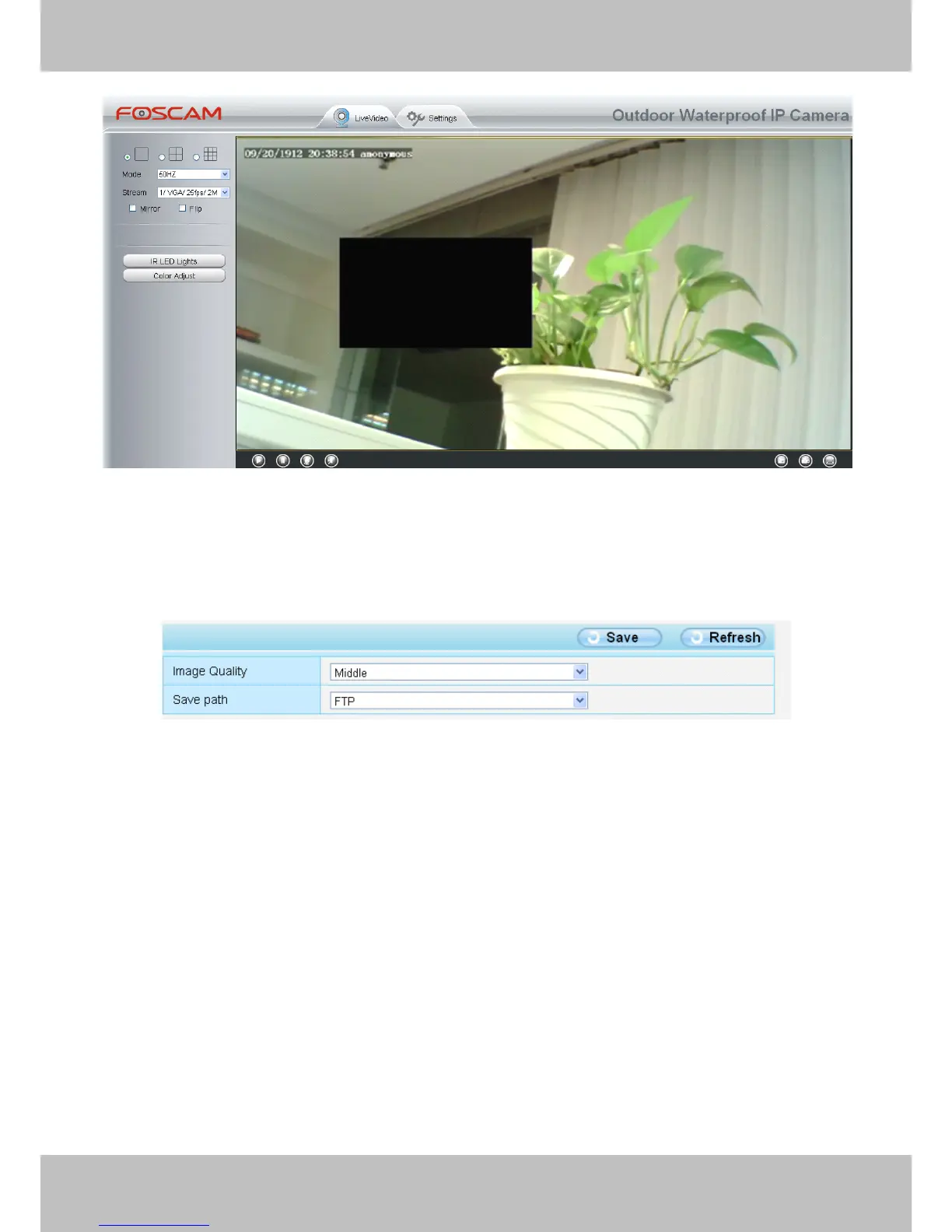
Figure 4.40
4.4.3
4.4.3
4.4.3
4.4.3 Snap
Snap
Snap
Snap shot
shot
shot
shot Settings
Settings
Settings
Settings
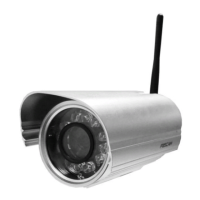
On this page you can set the snapshot pictures ’ image quality and the storage path.
Figure 4.41
Image
Image
Image
Image Quality:
Quality:
Quality:
Quality: Low, Middle and High. The higher the quality, the picture will be clearer.
Save
Save
Save
Save Path:
Path:
Path:
Path: FTP. If you have done FTP and Alarm settings, when alarming, the camera will snap
pictures to the FTP automatically.


 To Next Page