www.foscam.com
Shenzhen Foscam Intelligent Technology Co., Limited
Tel: 86 755 2674 5668 Fax: 86 755 2674 5168
You can select the language you need via click on the language dropdown list to switch.
Section 4 Login the camera
Click Login button and you will see the surveillance windows.(If login the camera for the first time, the page that
modify the username and password will appears.)
3.2 Setup Wizard
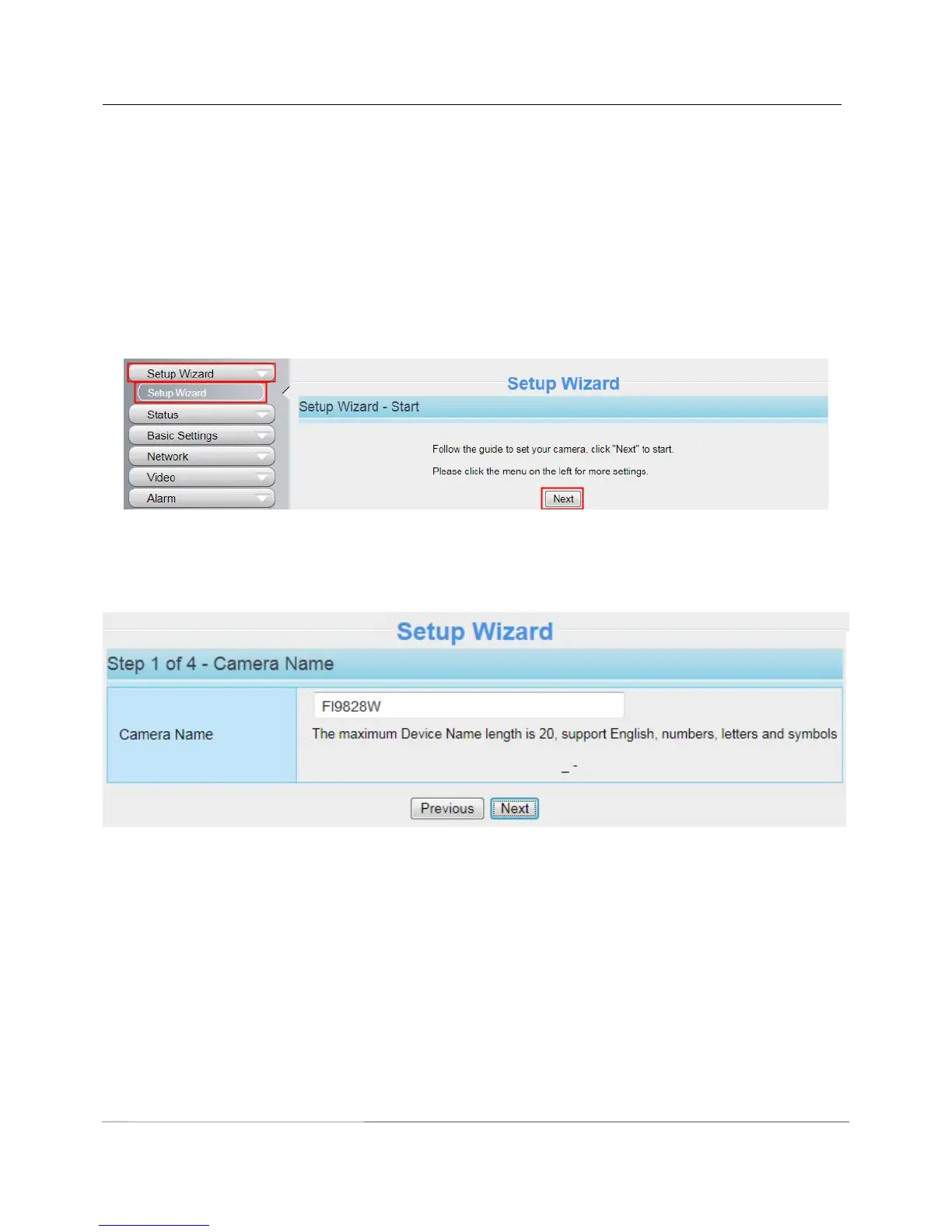
After logging in for the first time, you will go to “Setup Wizard”automatically. Here you can set the basic
parameters of camera, such as camera name, camera time, wireless settings, IP configuration.
Figure 3.3
Device Name: You could give name for your camera.
Figure 3.4
System Time: Select the time zone you need to set the date, time,format and so on.



 To Next Page