EasyManua.ls Logo

Foscam FI9828W - Patch Installation; Factory Reset

Foscam FI9828W
90 pages
Print Icon
To Next Page IconTo Next Page
To Previous Page IconTo Previous Page
Loading...
www.foscam.com
Shenzhen Foscam Intelligent Technology Co., Limited
Tel: 86 755 2674 5668 Fax: 86 755 2674 5168
76
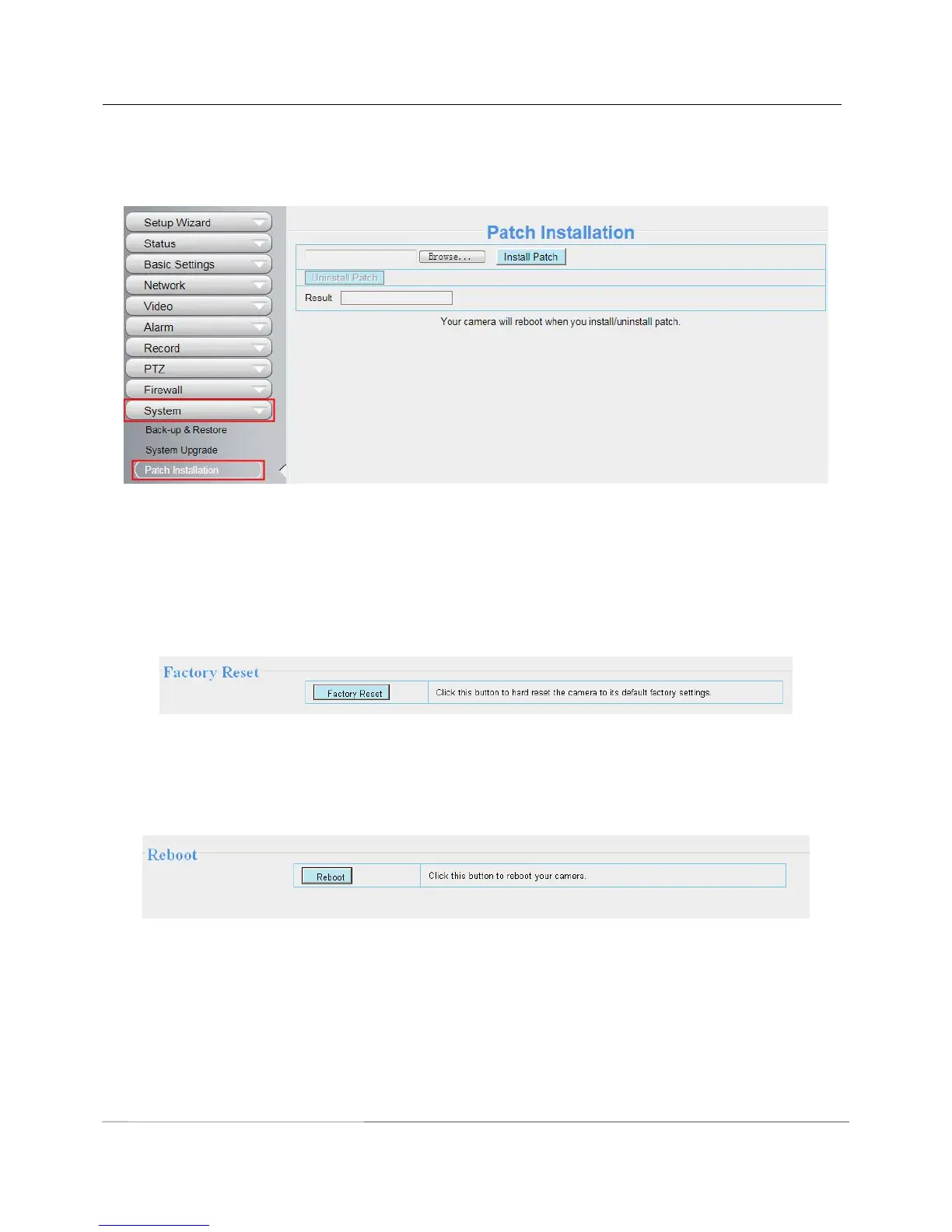
4.9.3 Patch Installation
Click "Browse" to select the correct patch file, and then click "Install Patch" to install the patch. Do not turn off
the power during it installing. After installing is complete, you will receive a system prompt.
Figure 4.82
4.9.4 Factory Reset
Click All reset and all parameters will return to factory settings if selected. This is similar to press the Reset
button on the bottom of the camera..
Figure 4.83
4.9.5 Reboot
Click Reboot System to reboot the camera. This is similar to unplugging the power to the camera.
Figure 4.84

Related product manuals