www.foscam.com
Shenzhen Foscam Intelligent Technology Co., Limited
Tel: 86 755 2674 5668 Fax: 86 755 2674 5168
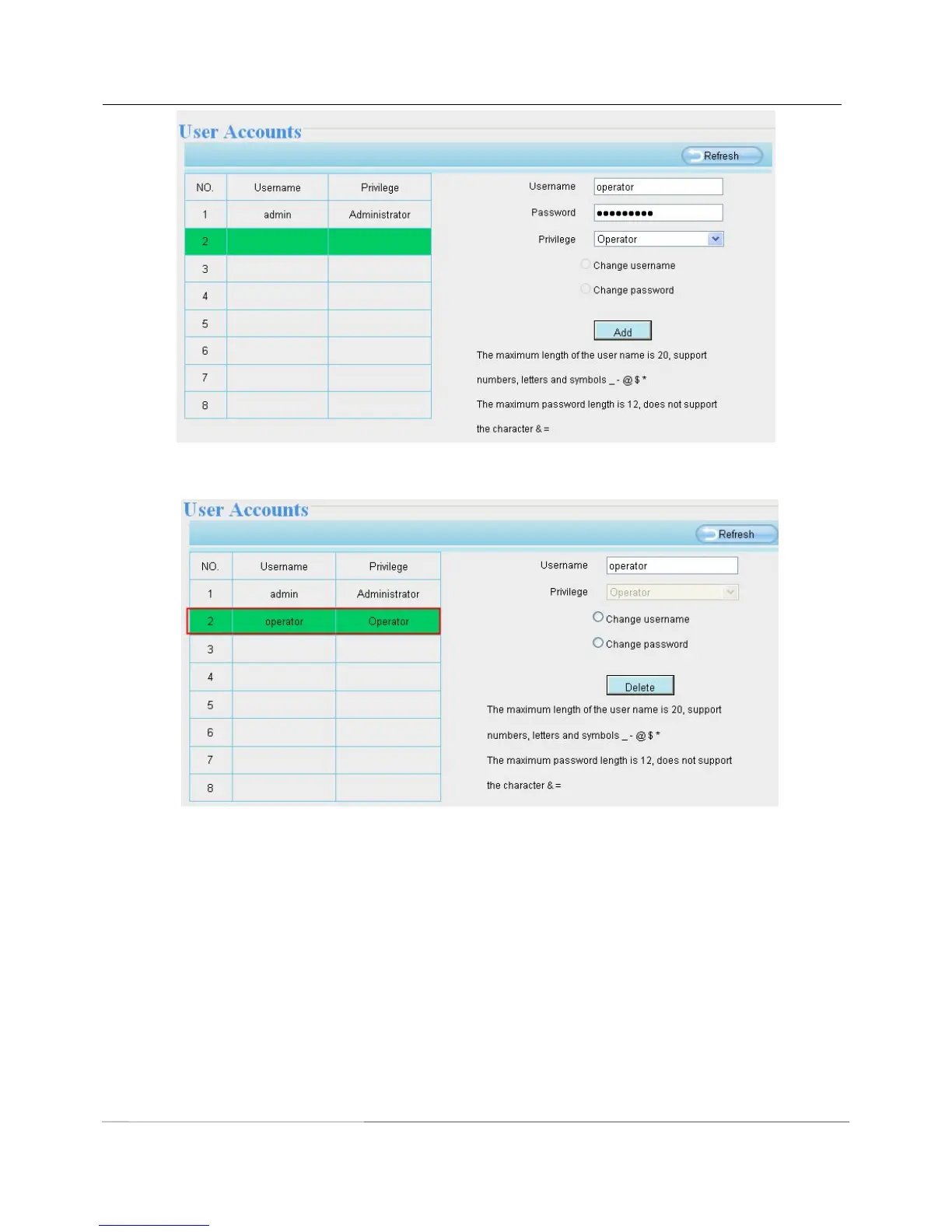
Delete :Select the account which you want to delete, then click Delete button to take effect.
Note: The default admin account cannot be deleted, but you can add other administrator users.
How to change the username ?
Firstly, select the account which you want to change the username, then select “Change username”, enter the
new password, lastly click modify to take effect.



 To Next Page