www.foscam.com
Shenzhen Foscam Intelligent Technology Co., Limited
Tel: 86 755 2674 5668 Fax: 86 755 2674 5168
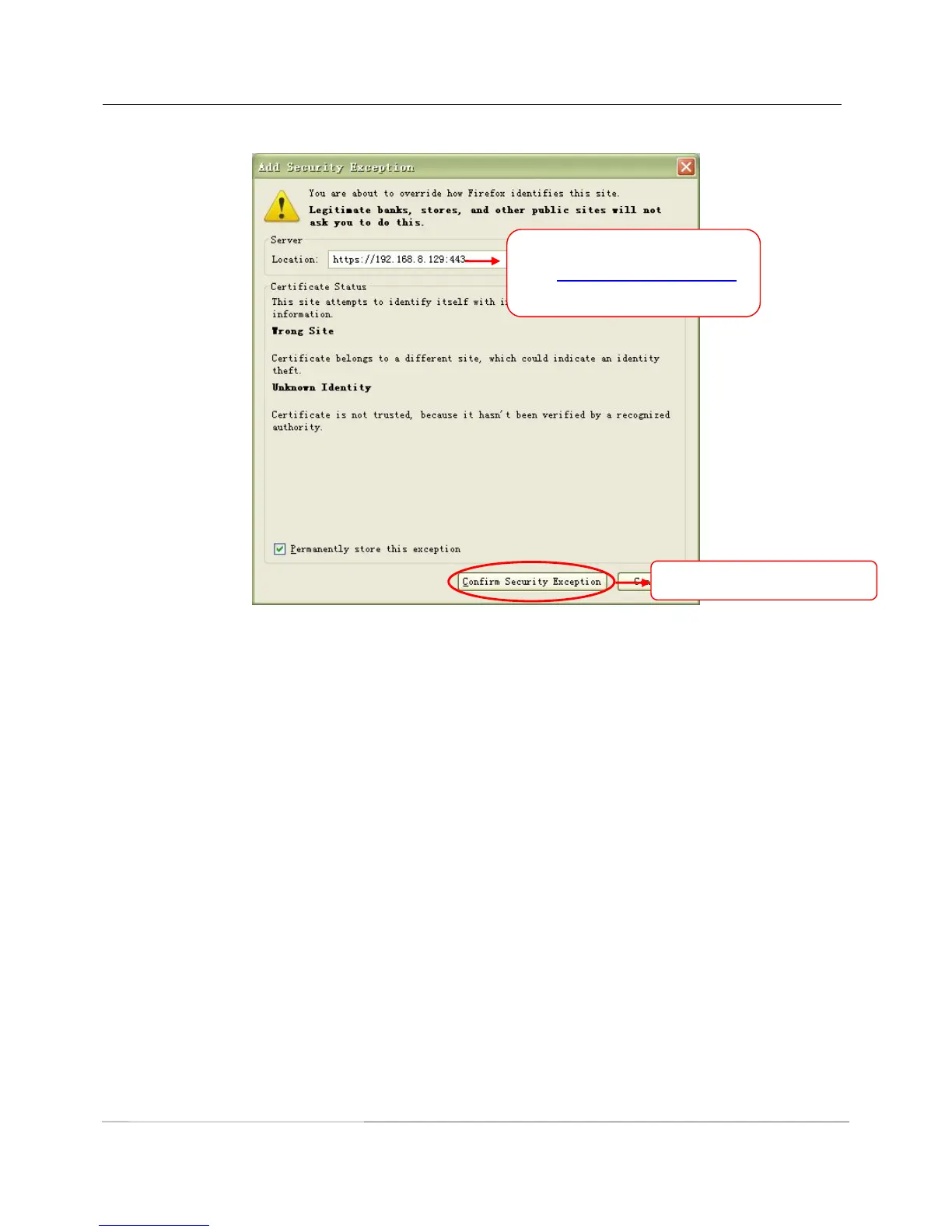
Go to Add Exception panel.
ONVIF port: By default, the ONVIF port is set to 888. Also, they can be assigned with another port number
between 1 and 65535(except 0 and 65534). But make sure they can not be conflict with other existing ports.
4.3.7 Mail Settings
If you want the camera to send emails when motion has been detected, here Mail will need to be configured.
Enter the camera’s url , here
take https://192.168.8.129:443
for example.
Click this button to add it.



 To Next Page