www.foscam.com
Shenzhen Foscam Intelligent Technology Co., Limited
Tel: 86 755 2674 5668 Fax: 86 755 2674 5168
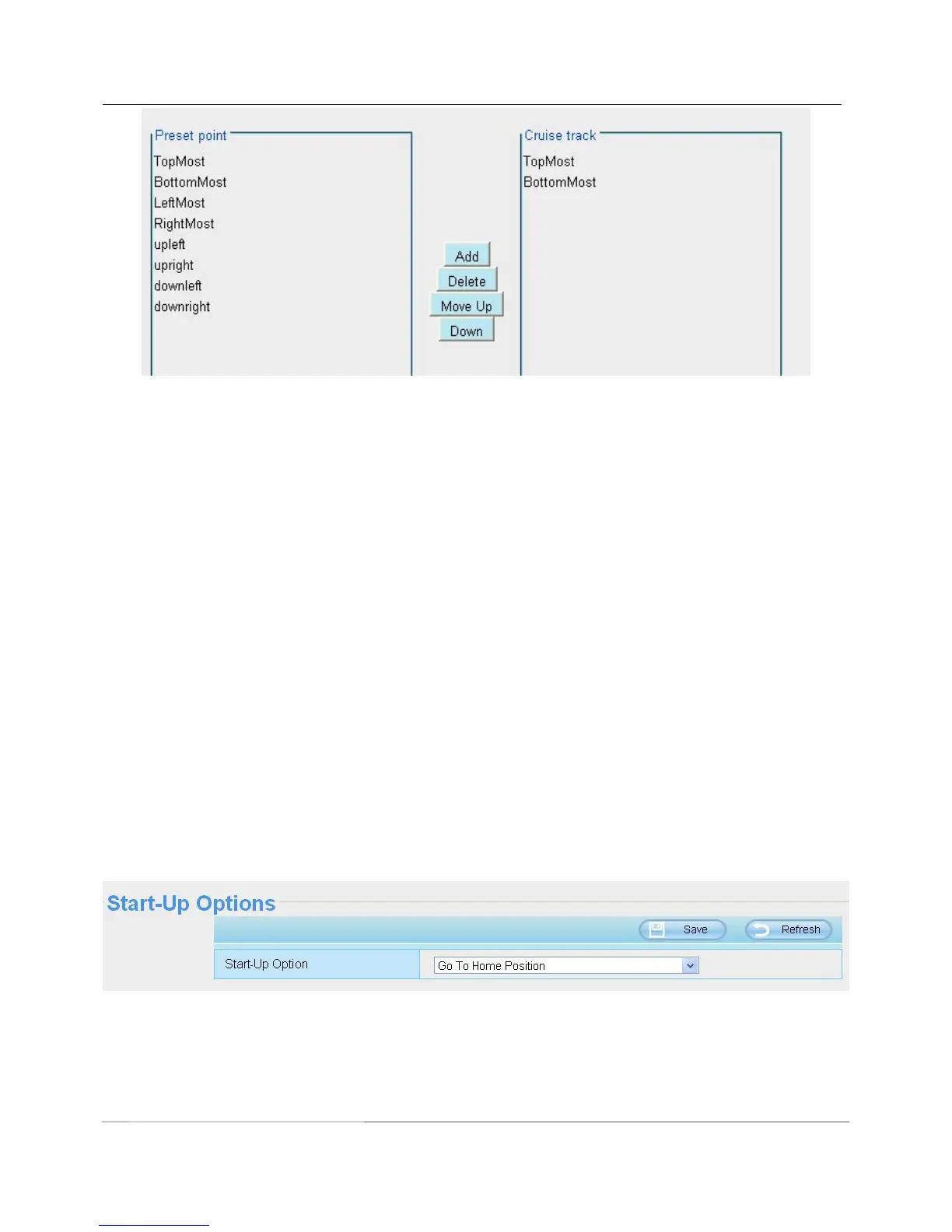
Add: Select one preset points and add it to the selected cruise track.
Delete: Select one preset points you have added to one cruise track, click delete.
Move up/ down: Select one cruise track, adjust the order of preset points in one cruise track.
Attention: Considering the life time and thermal issue of the motor, it’s not recommend to do long-time cruise.
4.7.3 Start-Up Options
Here section will allow you to set the stop position after the camera reboots.
It supports three modes: No self test, Goto home position and Goto preset point.
No self test: When rebooting, the camera will not pan / tilt.
Goto home position: When rebooting, the camera will pa Providing Central Management Software to
manage or monitor multi-cameras n / tilt and stops at center.
Goto Preset point: Select one preset position and save it. When rebooting, the camera will pan/ tilt and stops
at the preset position you have set.



 To Next Page