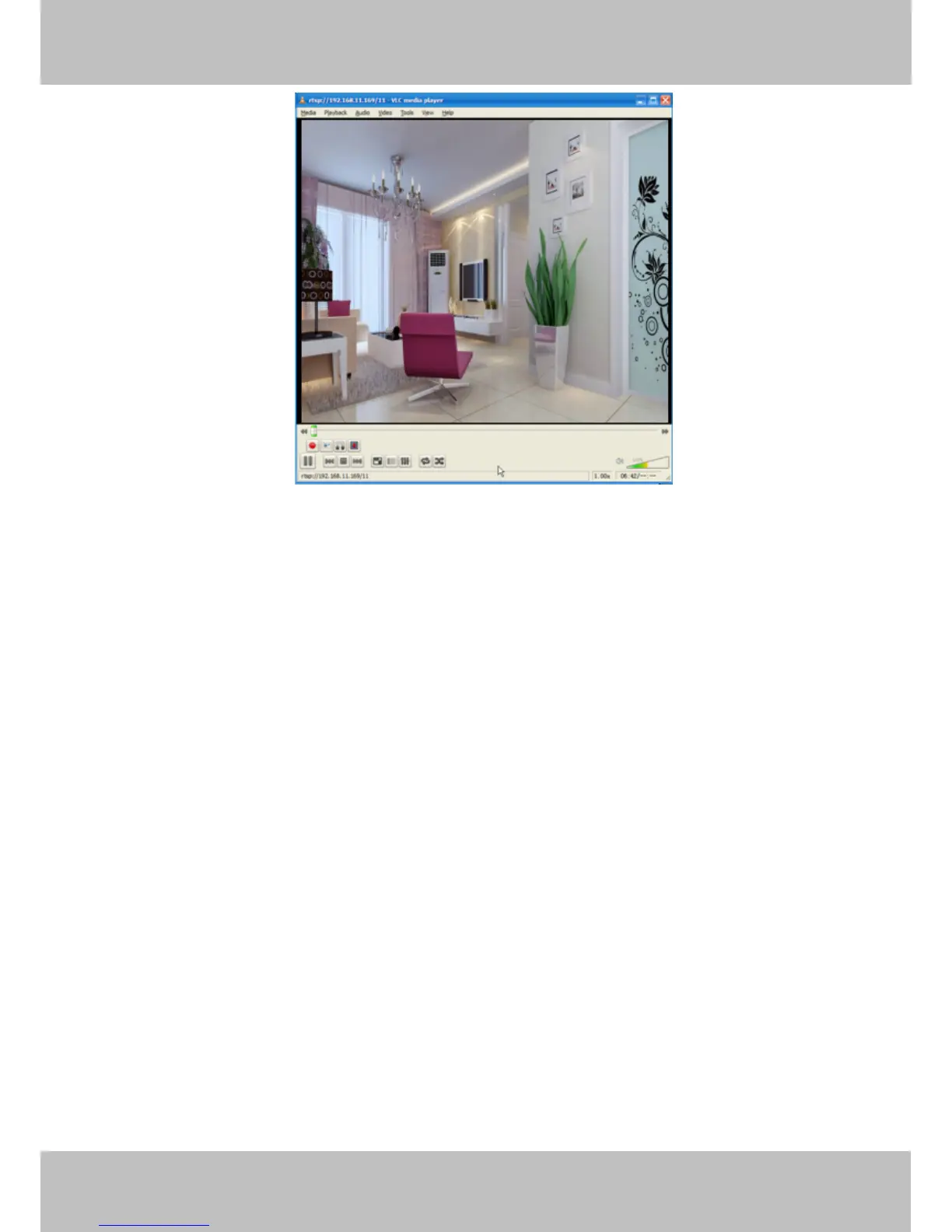
Figure 2.17
If you cannot play the video in the VLC player, please check the port mapping. You can read Quick Installation
Guide about How to configure port forwarding.
NOTE:
If you modify the camera’s username or password, you had better reboot the camera, or else the
new username and password cannot take effect when you enter the authentication in the VLC.
2.4 IP camera connection to the server
Device supports ONVIF 2.2.1 protocol,You can easily access the NVR with ONVIF or server with ONVIF.
3 Surveillance Software GUI
Please refer to the Quick Installation Guide if you install the camera at first time. After finishing quick
installation, you can take time to learn the operation of the software.



 To Next Page