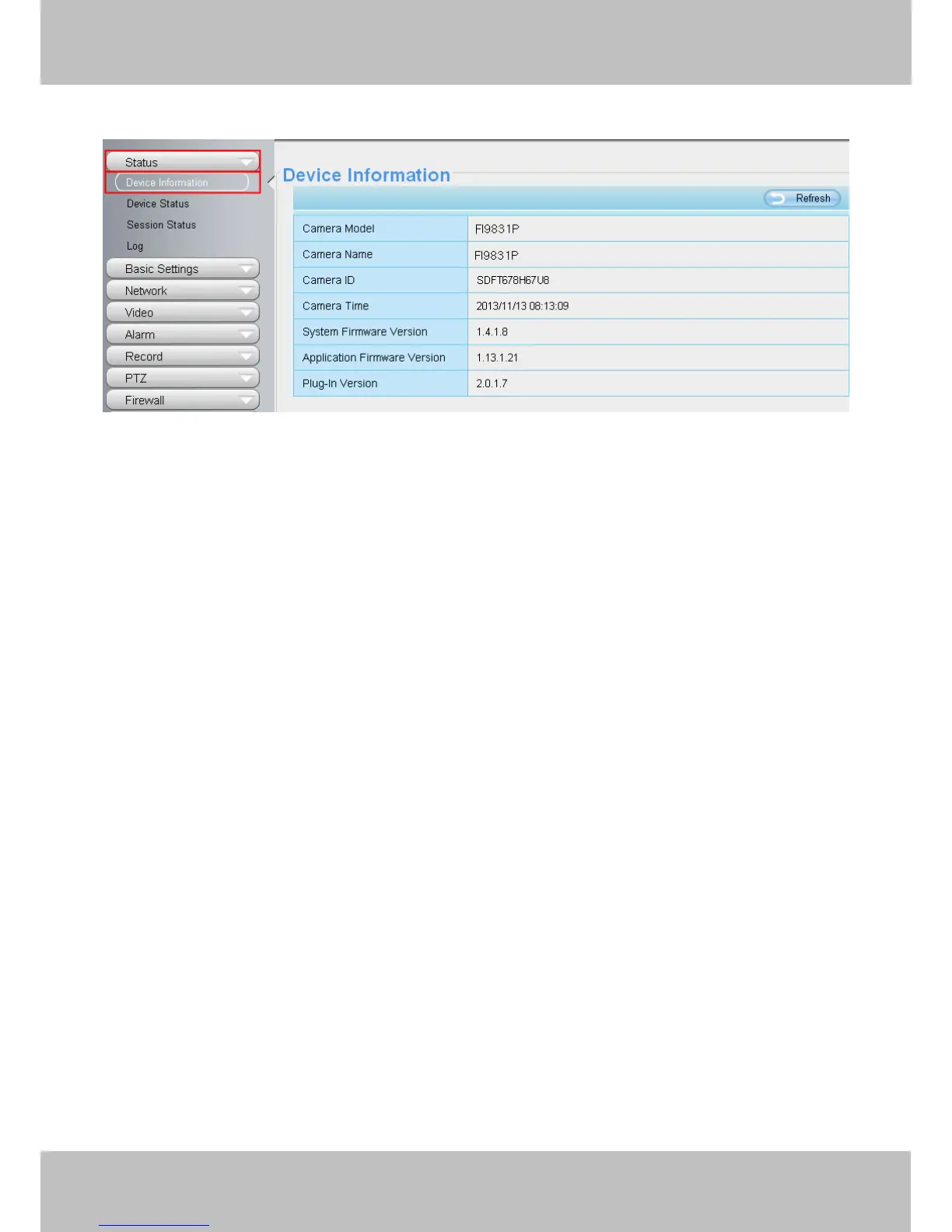
Camera Model: The camera model NO.
Camera Name: The Device Name is a unique name that you can give to your device to help you identify it.
Click Basic Settings and go to Camera name panel where you can change your camera name. The default
device name is anonymous.
Camera ID: Display the wired MAC address of your camera. For example Device ID is 000C5D00008, the
same MAC ID sticker is found at the bottom of the camera.
Camera Time: The system time of the device. Click Basic Settings and go to Camera time panel and adjust
the time.
System Firmware version: Display the System Firmware version of your camera.
App Firmware version: Display the application firmware version of your camera.
Web version: Display the web UI version of your camera
Plug-in version: Display the plug-in version of your camera
4.1.2 Device Status
On this page you can see device status such as Alarm status/ Record Status ,DDNS status ,WIFI status and so
on.



 To Next Page