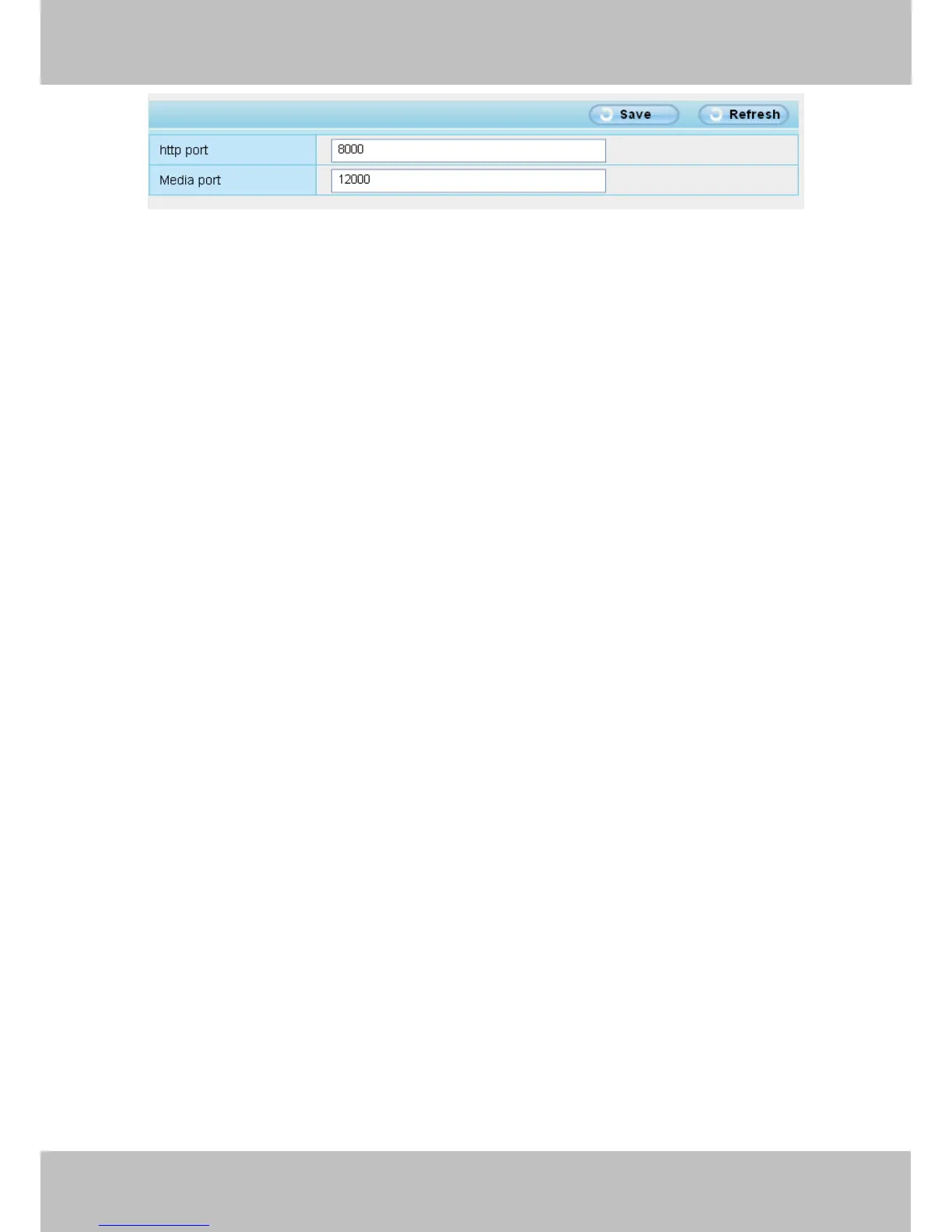
Figure 6.7
NOTE: Make sure that your firewall or anti-virus software does not block the camera or ActiveX. If you could
not see video, please shut down firewall or anti-virus software to try again.
7.1.8 Can’t access IP camera in internet
There are some reasons:
Check these settings and make sure they are correct.
7.1.9 UPnP always failed
UPnP only contains port forwarding in our recent software. Sometimes, it may be failed to do port forwarding
automatically because of firewall or anti-virus software. It also has much relation with router’s security settings.
So we recommend you do port forwarding manually. You can view your camera in internet successfully after
you do port forwarding manually in your router(Figure 4.30).
7.1.10 Camera can not connect wireless
If your camera could not connect wireless after you set wireless settings and plug out the cable. Please check
whether your settings are correct or not.
Normally, camera can’t connect wireless mainly because of wrong settings.
Make sure broadcast your SSID; use the same encryption for router and camera.
7.1.11 Can’t see other cameras listed in multi-device when using remote
access
If you want to view all the cameras via the WAN, verify that each camera added in the multi-device settings can
be accessed by using the DDNS name and port number. Use the DDNS domain name not the camera’s LAN
IP. (For more details see: How to add cameras in WAN)



 To Next Page