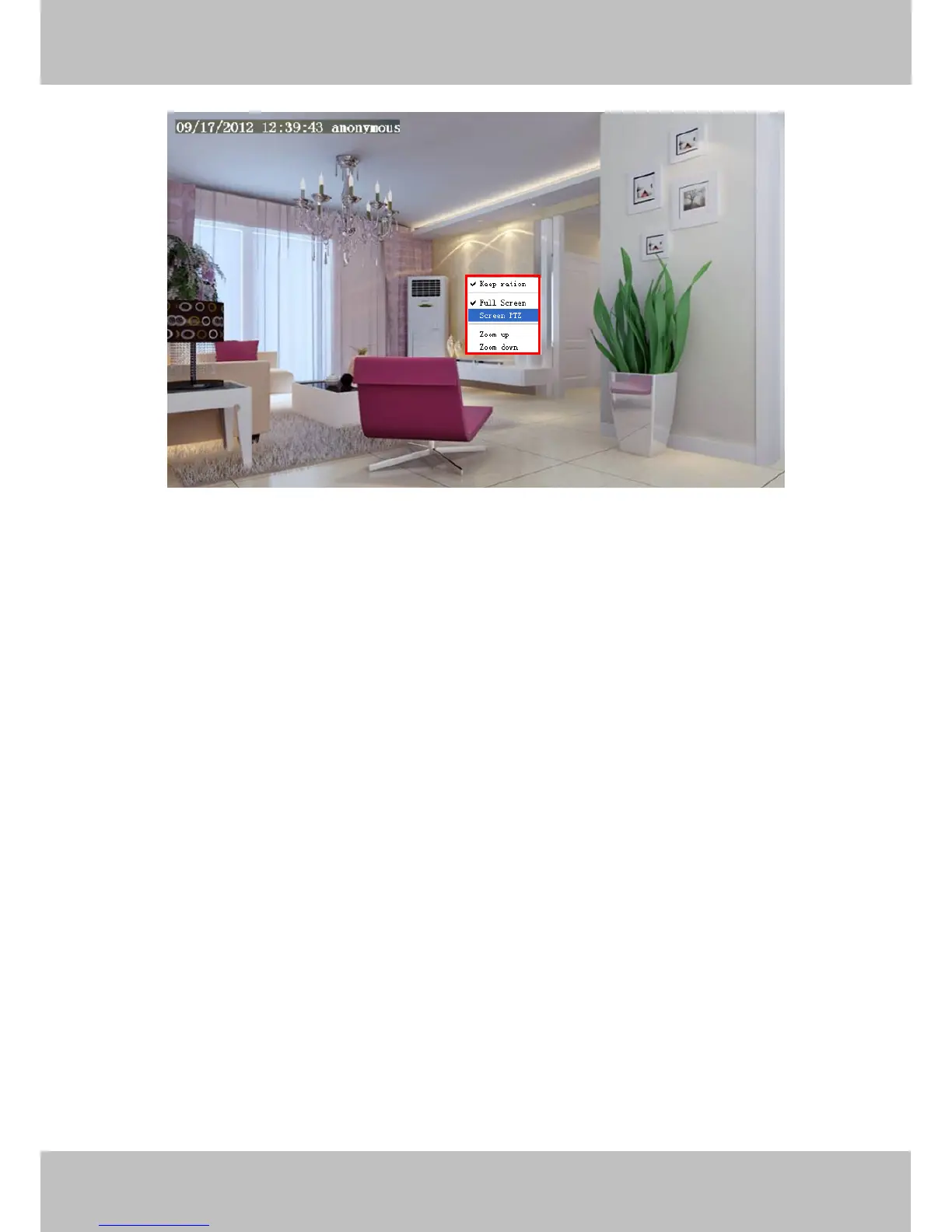
Figure 3.11
Click the Screen PTZ button and put the mouse on the screen to indicate the camera move direction you
prefer, press the left mouse, the camera will move to the corresponding direction. Loosen the mouse and stop
moving. Press Esc button or double click right mouse and cancel the function.
NOTE: For Mac OS, the plugin cannot support Onscreen Mouse Control, so you cannot allow to use it.
4 Advanced Camera Settings
Click the button “Settings”, goes to Administrator Control Panel to make advanced camera settings.
4.1 Status
Device Status contains four columns: Device Information, Device Status, Session Status and Log, it will show
you various information about your camera.



 To Next Page