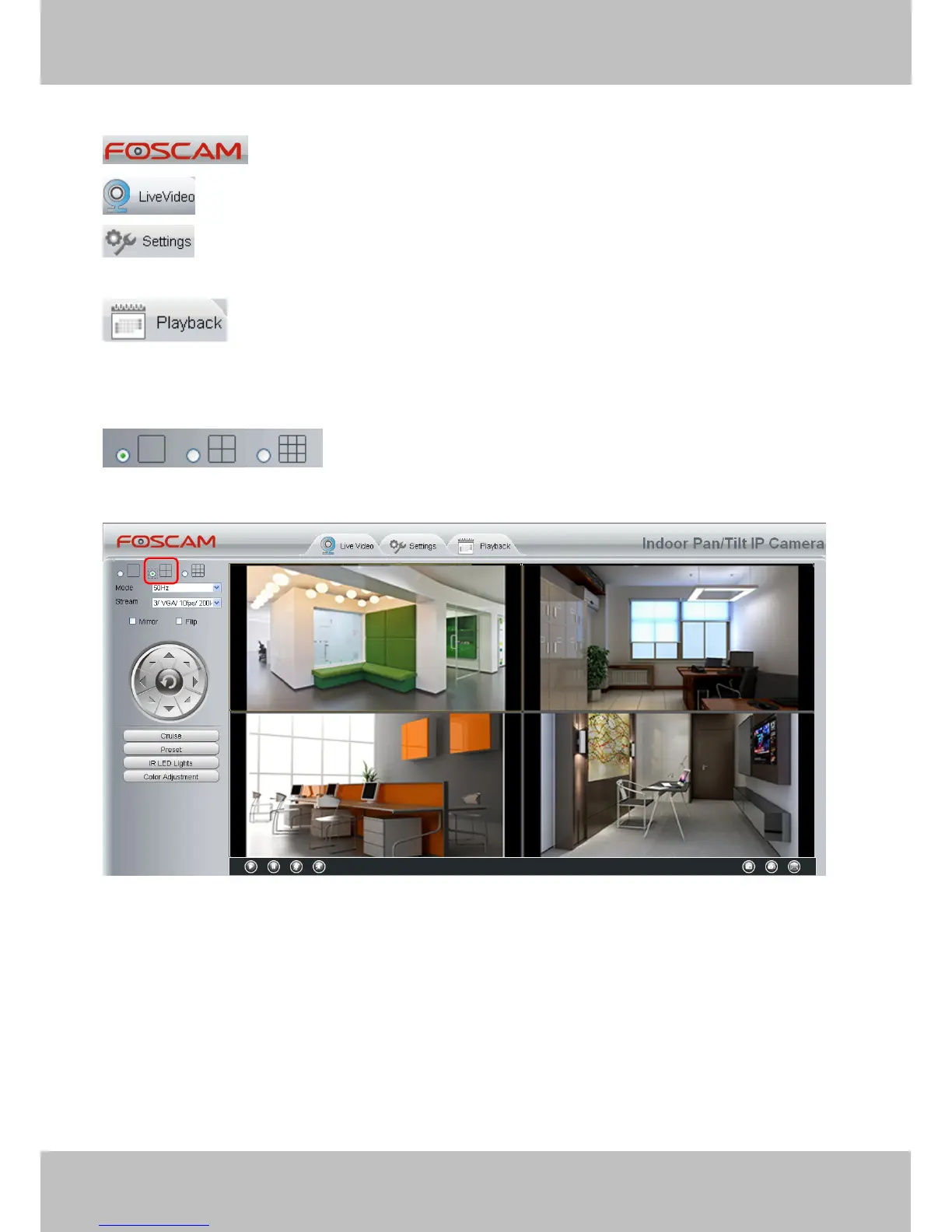
Section 1 FOSCAM Logo/ LiveVideo / Settings/Playback buttons
: FOSCAM LOGO
: Path to surveillance window. Click this button and back to the surveillance window
: Path to Administrator Control Panel, Click it, and it will lead to Administrator Control Panel and
do advanced settings.
: Click this button and back to the Playback panel to view the stored audio files stored in the
SD Card.
Section 2 Multi-Device Window
The firmware inside the camera supports up to maximum of 9 cameras being monitoring at the same time. You
can add other cameras in multi-device setting (read chapter 4.2.5).
Figure 3.7
Section 3 Mode/ Stream / Mirror/ Flip buttons
Mode
1) 50HZ ---------Indoor surveillance (Region: Europe, China)
2) 60HZ ---------Indoor surveillance (Region: USA, Canada)
3) Outdoor------Outdoor surveillance
Stream
The default Stream supports four modes: 0/720P/30fps/4M, 1/VGA/25fps/2M, 2/VGA/ 15fps/ 1M and 3/
VGA/10fps/200K. The format of the stream type is Stream type no. / Resolution / Maximum frame rate/



 To Next Page