Setting the Cruise Mode
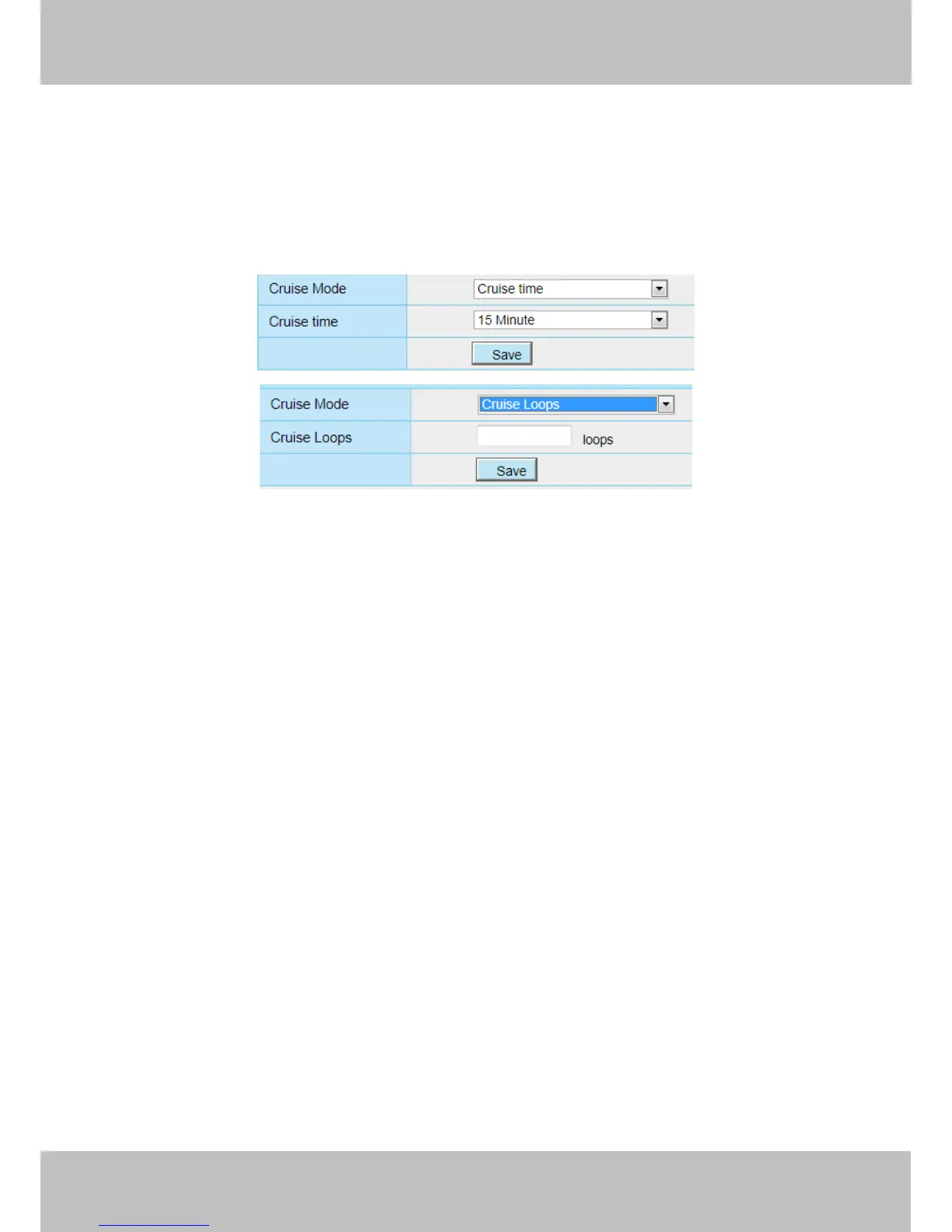
There are two cruise mode: Cruise time and Cruise Loops.
Cruise time: Select Cruise time from Cruise Mode dropdown, then you can set the Cruise time of the
camera.
Cruise Loops:Select Cruise Loops from Cruise Mode dropdown, you can set the Cruise Loops of the
camera.
Click Save to take effect.
Manage the Cruise Track
There are two default cruise tracks: Vertical and Horizontal.
Vertical: The camera will rotate from up to down
Horizontal: The camera will rotate form left to right.
Add: Add one cruise track, then click save button.
Delete: Select one cruise track and delete it.
Save: After you modify the Dwell time, you should click Save button to take effect.
Example
How to do add cruise tracks ?
Firstly, Click Add button and enter a descriptive name to identify the cruise track.
Secondly: On the lower left of the page, you can see all preset points you have added. Select one preset point
and click Add button, you can see the preset point has been added to the cruise track on the cruise track page.
You need to add two or more preset points to the cruise track.



 To Next Page