take effect.
6.4 Setting mode
ssing the SET key for 2 seconds to enter setting model,the basic
settin now be performed in the following order:
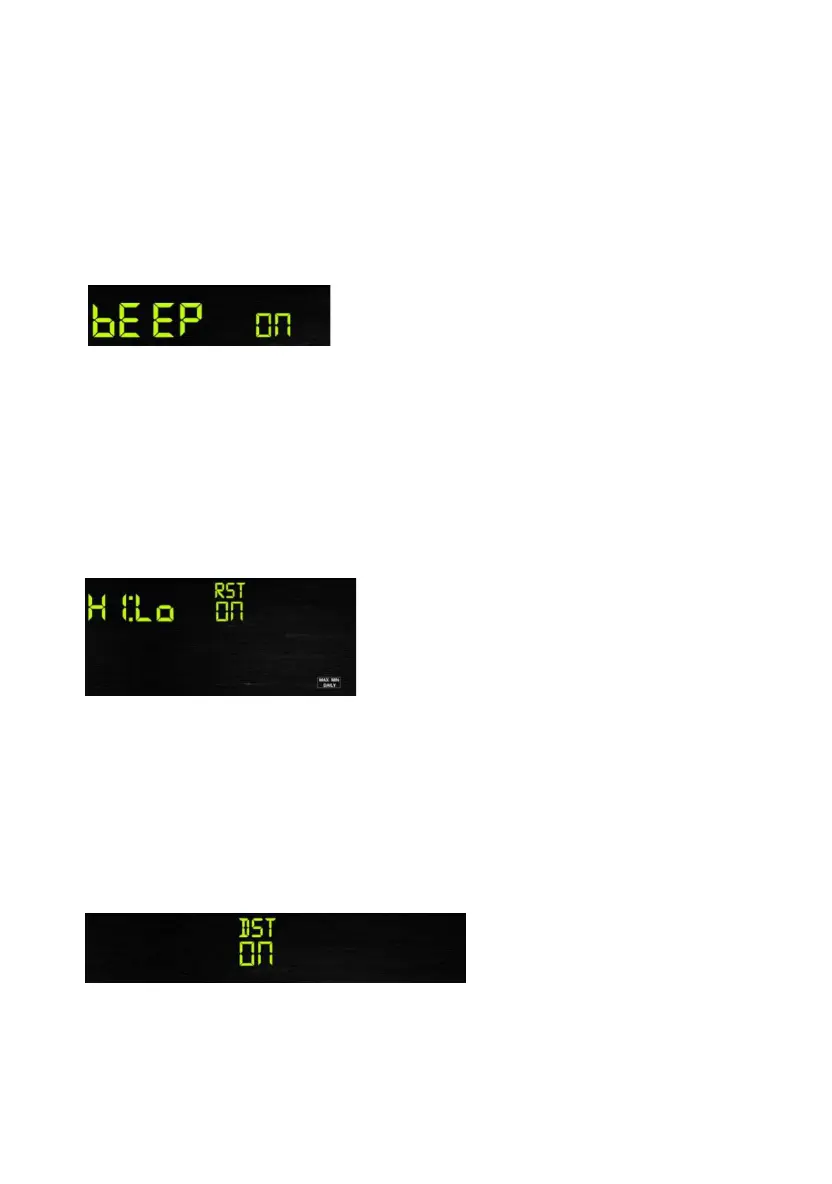
6.4.1 BEEP:
- Press the SET tion, ON/OFF
section digits wi
k ct ON
“ l ot
want the beep s EEP OFF”
6.4.2 MAX/MIN
- Press the SET ction,
O section
PRESSURE/- k N or OFF . (Default is ON,ON: clear at
0:00 every day).
or
to select ON or OFF . (default ON, only WWVB)
Pre
gs can
key for 2 seconds to select the beep sec
ll start flashing, press the WIND/+ or PRESSURE/-
ey to sele or OFF.
BEEP ON” wil make the Beep sound on every key press. If you do n
ound to be heard, select “B
Daily:
key twice to select the MAX/MIN Daily se
N/OFF digits will start flashing,press the WIND/+ or
ey to select O
6.4.3 DST(daylight saving time):
- Press the SET key third time to select the Daylight saving time
section, ON/OFF section digits will start flashing,press the WIND/+
PRESSURE/- key
Note: DST time start at 1:00am GMT of the last Sunday in March and
17



 To Next Page