48
Mobile d)
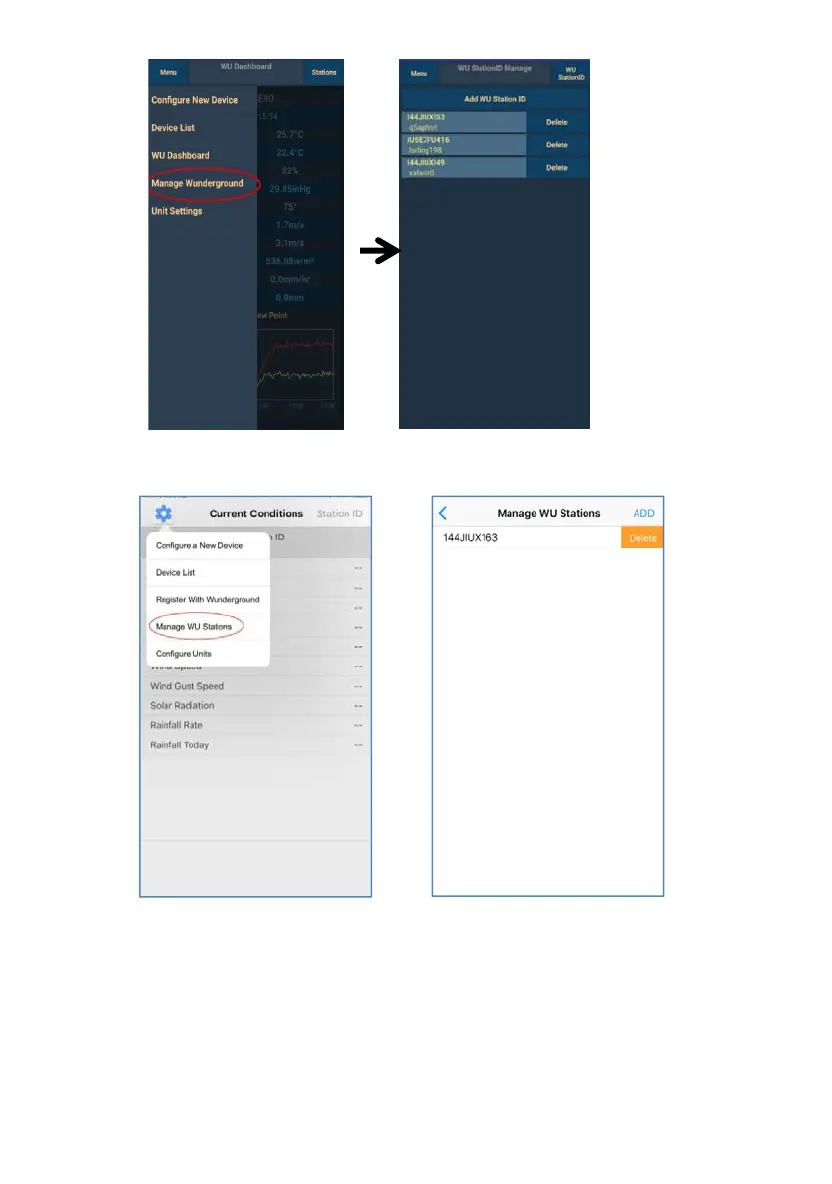
Mobile application –Remove or Add WU ID (iOS)
ile application – Set Units
application –Remove or Add WU ID (Androi
8.5 Mob
You may want to change the units in which sensor values are reported.
To do so, click on the “Configure Units” menu after tapping on the
settings icon. Next, tap on the sensor type you wish to change the
reporting units for and set the units as desired.



 To Next Page