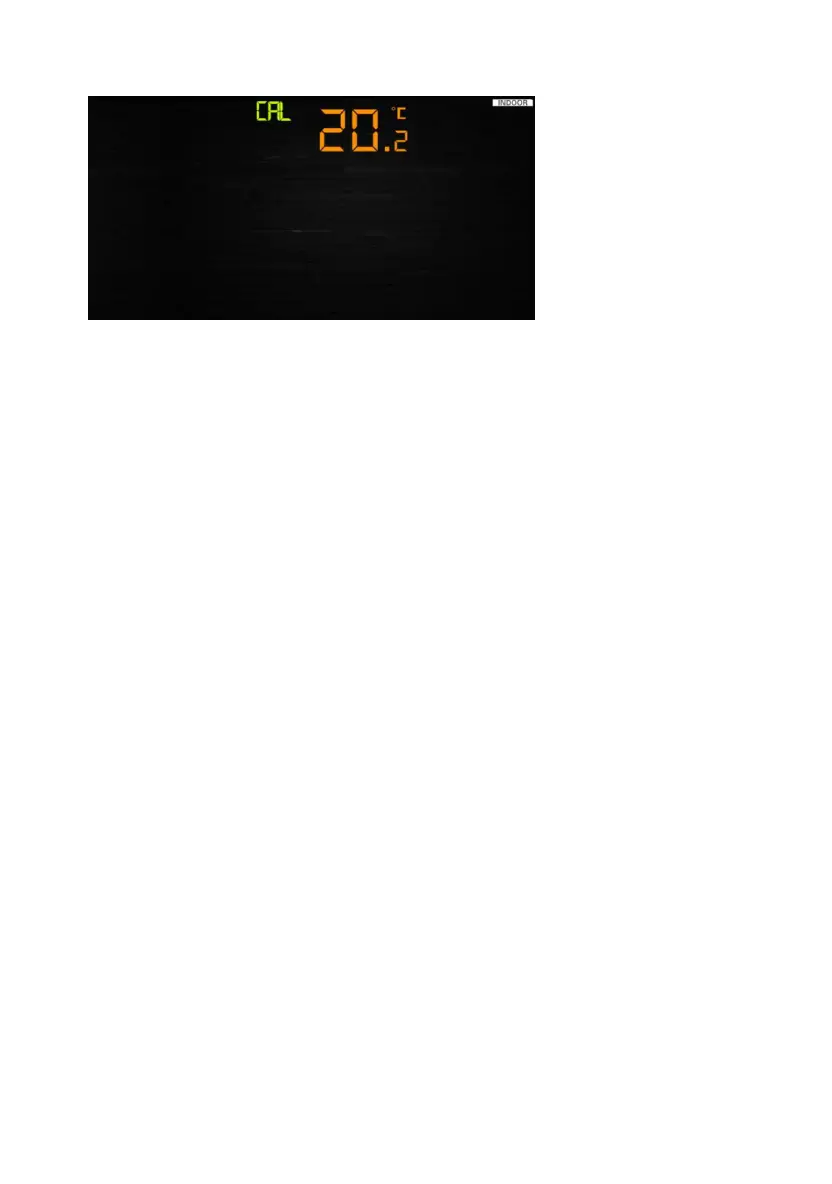
calibration mode.
- Press the WIND/+and PRESSURE/- key to adjust values.
- Press the SET key to confirm & move to the next item.
) Indoor humidity offset calibrated (range +/-10%)
ibrated (range +/-5˚C, default: 0
degrees)
4) Outdoor humidity offset calibrated (range +/-10%)
5) Absolute pressure offset calibrated (range +/-50hpa)
6) Wind direction offset calibrated (adjust by degree)
7) Wind speed factor adjust, default 100% (range 50% to 150%)
8) Rain factor adjust, default 100% (range 50% to 150%)
6.8 Other Features
1. Remove the power from the console by removing the batteries
on the screen,.
4. Press and hold the WIND/+ and PRESSURE/- keys at the same
equence is complete (about 5
- Press the ALARM key to reset any adjusted value.
- Press the LIGHT /SNOOZE key at any time to exit.
Calibration Order:
1) Indoor temperature offset calibrated (range +/-5˚C, default: 0
degrees)
2
3) Outdoor temperature offset cal
6.8.1 Factory Reset/Clear Memory
To restore the console to factory default, perform the following steps:
and disconnecting the AC adapter.
2. Apply power by connecting the AC adapter.
3. Wait for all of the segments to appear
time until the console power up s
seconds).
5. Replace the batteries.
25



 To Next Page