end at 1:00am GMT of the last Sunday in October.
T key forth time to select the Time zone section, time
zone section digits will start flashing,press the WIND/+ or
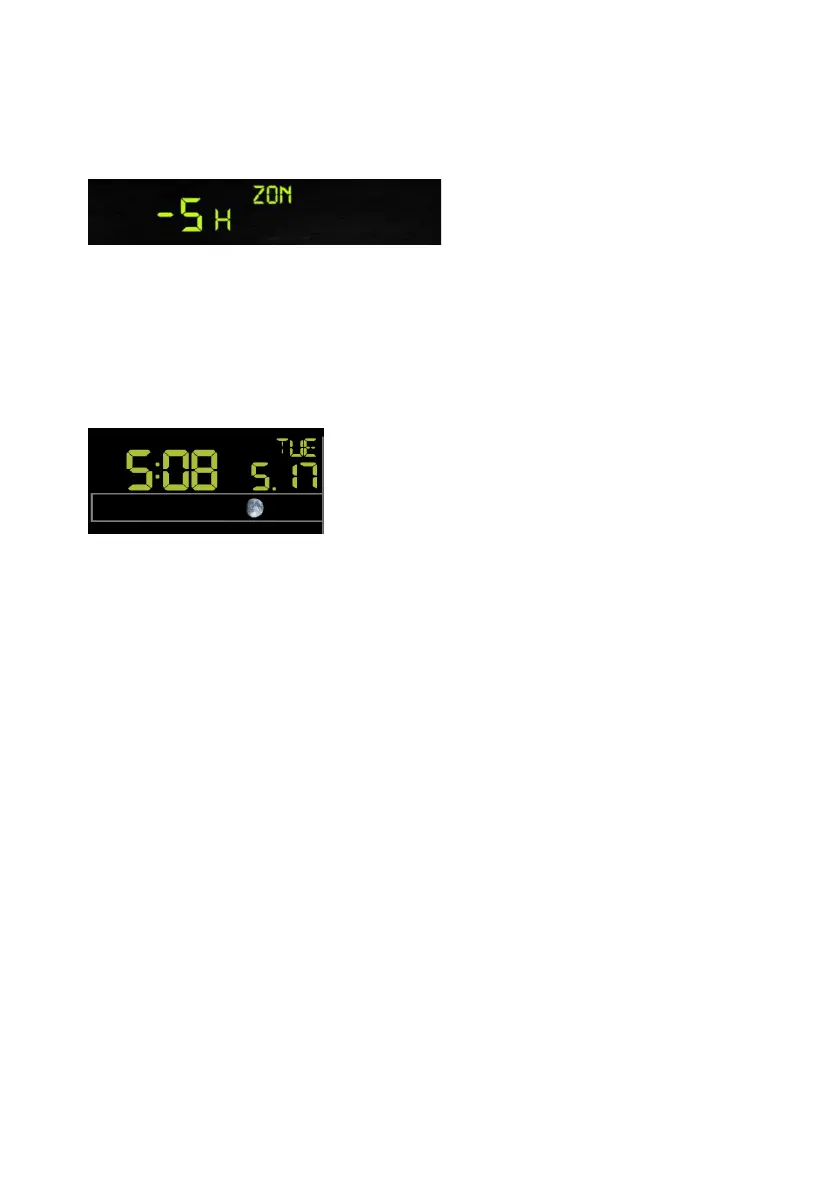
PRESSURE/- key to selec e value . (level: -12 to +12,default: -5)
time to select the 12/24 hour format section
(default: 24hr).
- Press the SET key sixth time to select the hour section.
- Press the SET key seventh time to select the minutes section.
- Press the SET key eighth time to select DD-MM or MM-DD format.
(Default DD-MM format)
ange minute value, second will auto clear to 0.
will be updated to internet time
automatically.
6.4.4 Time zone
- Press the SE
t th
6.4.5 Time / Date
- Press the SET key fifth
- Press the SET key ninth time to select year.
- Press the SET key tenth time to select month.
- Press the SET key again time to select day.
Note: Press the WIND/+ or PRESSURE/-key to set the value.
Note: If user to ch
Note: While WIFI connection, the time
18



 To Next Page