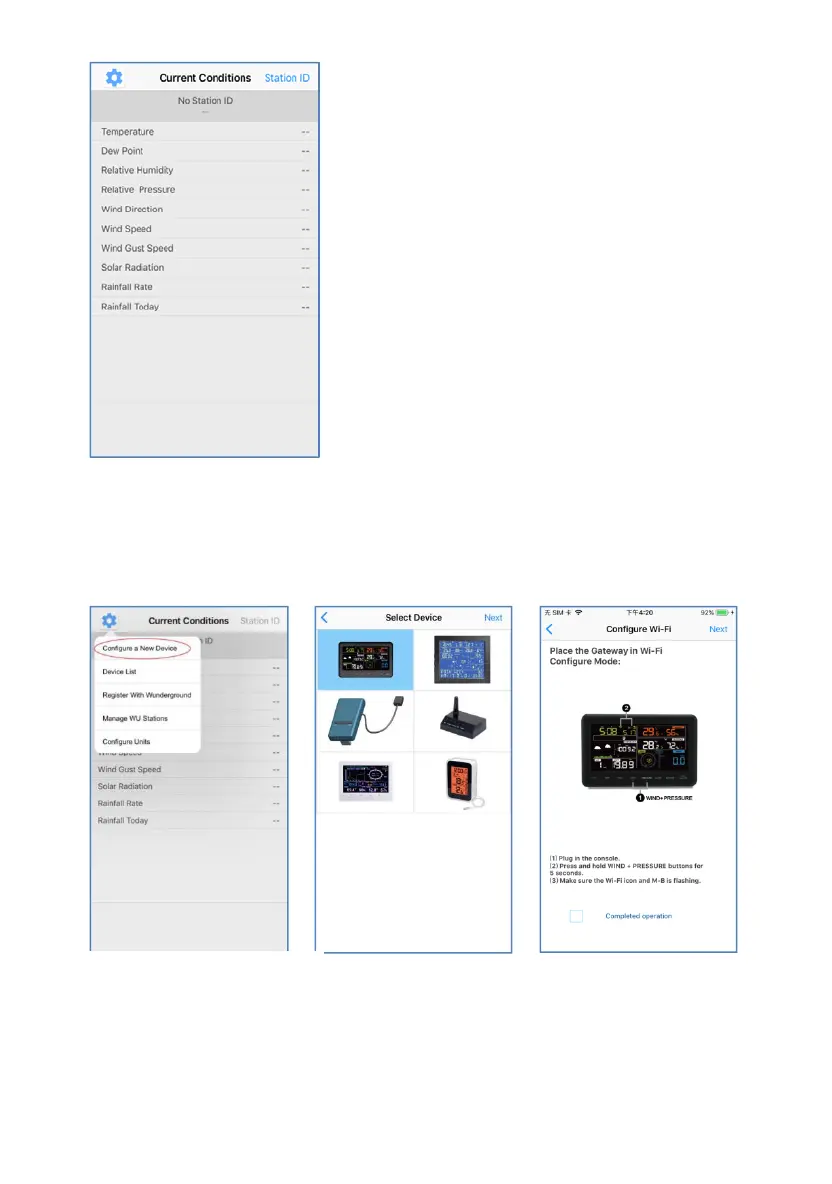
Configure Device
Note:If you own a dual band router (2.4 GHz and 5.0 GHz),make sure
you connect to the 2.4 GHz band, otherwise it will fail to connect the
weather station to WiFi.
2)
Select the device you
have from the device list,
then press Next
3)
Operate as per the
information, tick the box
to confirm “completed
operation”, press Next.
1)
Tap on the settings icon and
select “Configure a New
Device”.
40



 To Next Page