A
BOUT
THE
S
WI TCH
2-6 © 2003 Foundry Networks, Inc. February 2003
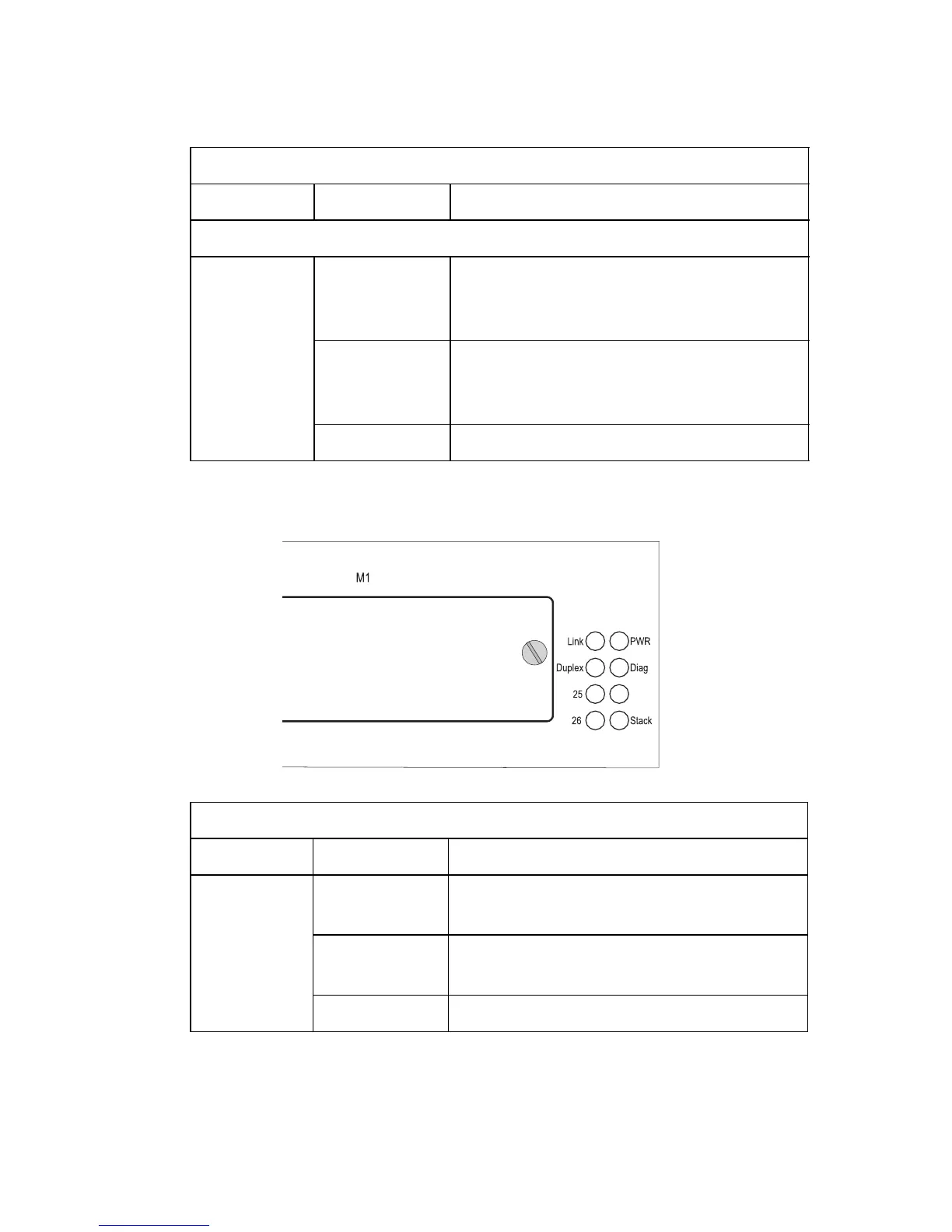
Figure 2-3. System Status LEDs
Module Ports
25, 26
(Link/
Activity)
On/Flashing
Amber
Port has established a valid 10/100
Mbps network connection. Flashing
indicates activity.
On/Flashing
Green
Port has established a valid 1000 Mbps
network connection. Flashing indicates
activity.
Off There is no valid link on the port.
System Status LEDs
LED Condition Status
PWR On Green The unit’s internal power supply is
operating normally.
On Amber The unit’s internal power supply has
failed.
Off The unit has no power connected.
Port Status LEDs
LED Condition Status



 To Next Page