C
ONNECTING
TO
A
P
OWER
S
OURCE
February 2003 © 2003 Foundry Networks, Inc. 4-5
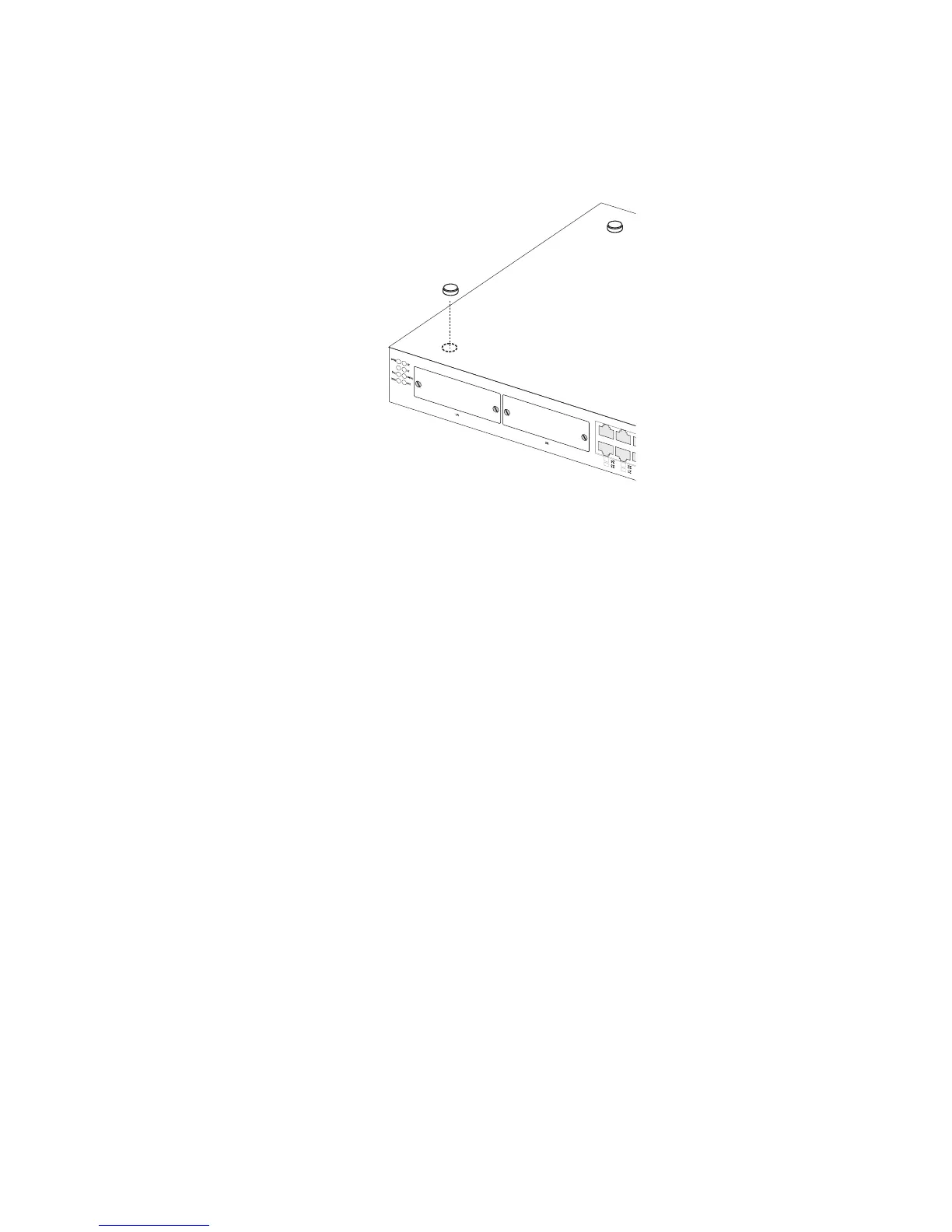
Figure 4-3. Attaching the Adhesive Feet
2. Set the device on a flat surface near an AC power source,
making sure there are at least two inches of space on all sides
for proper air flow.
3. If installing a single switch only, go to “Connecting to a
Power Source” at the end of this chapter.
4. If installing multiple switches, attach four adhesive feet to
each one. Place each device squarely on top of the one below,
in any order.
Connecting to a Power Source
To connect a device to a power source:
1. Insert the power cable plug directly into the receptacle
located at the back of the device.



 To Next Page