I
NST A L LI NG
THE
S
WI TCH
4-6 © 2003 Foundry Networks, Inc. February 2003
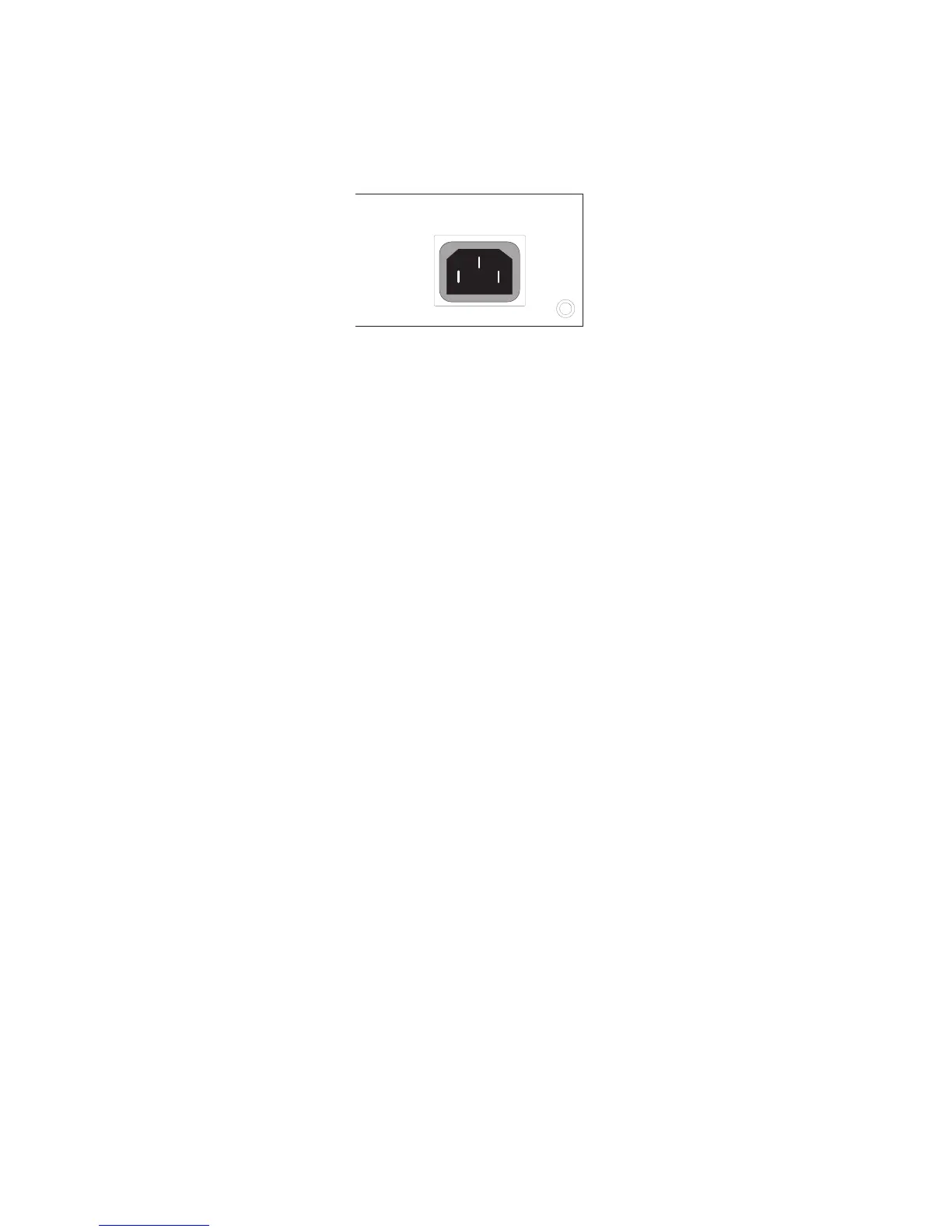
Figure 4-4. Power Receptacle
2. Plug the other end of the cable into a grounded, 3-pin socket.
1RWH For International use, you may need to change the AC line
cord. You must use a line cord set that has been approved
for the receptacle type in your country.
3. Check the front-panel LEDs as the device is powered on to be
sure the Power LED is lit. If not, check that the power cable is
correctly plugged in.
100-240V~
50/60Hz, 2A



 To Next Page