M
AKING
N
ETWORK
C
ONNE CT IONS
5-4 © 2003 Foundry Networks, Inc. February 2003
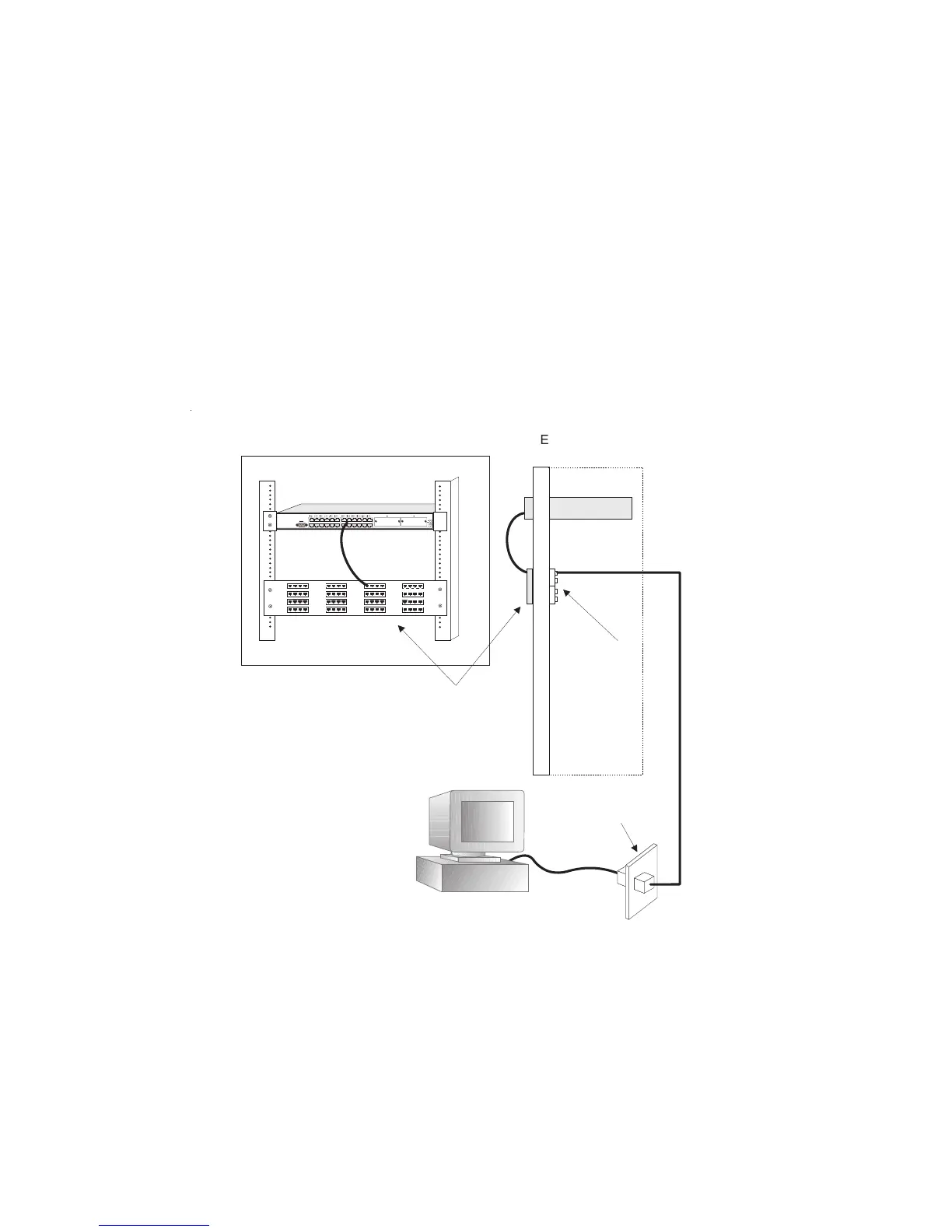
1. Attach one end of a patch cable to an available port on the
switch, and the other end to the patch panel.
2. If not already in place, attach one end of a cable segment to
the back of the patch panel where the punch-down block is
located, and the other end to a modular wall outlet.
3. Label the cables to simplify future troubleshooting.
Figure 5-2. Wiring Closet Connections
Equipment Rack
(side view)
24-Port Fast Ethernet Switch
Patch Panel
Punch-Down Block
Wall



 To Next Page