3
33
Advanced Chipset Features
► North Bridge Conguration/ South Bridge Conguration
Press <Enter> to go to its submenu.
North Bridge Conguration
► Memory Remap Feature
This item is used to enable/disable memory remap feature. Its mainly for if you have a 64bit
OS and 4GB of RAM. Basically it allows you to remap the overlapped PCI memory above the
total physical memory.
► DRAM Frequency
This item is used to adjust the DRAM frequency. Select [Auto] for SPD enable mode. You also
can select a value manually such as [800 MHz].
► Memory Command Rate
This feature allows you to select the delay between the assertion of the Chip Select signal till
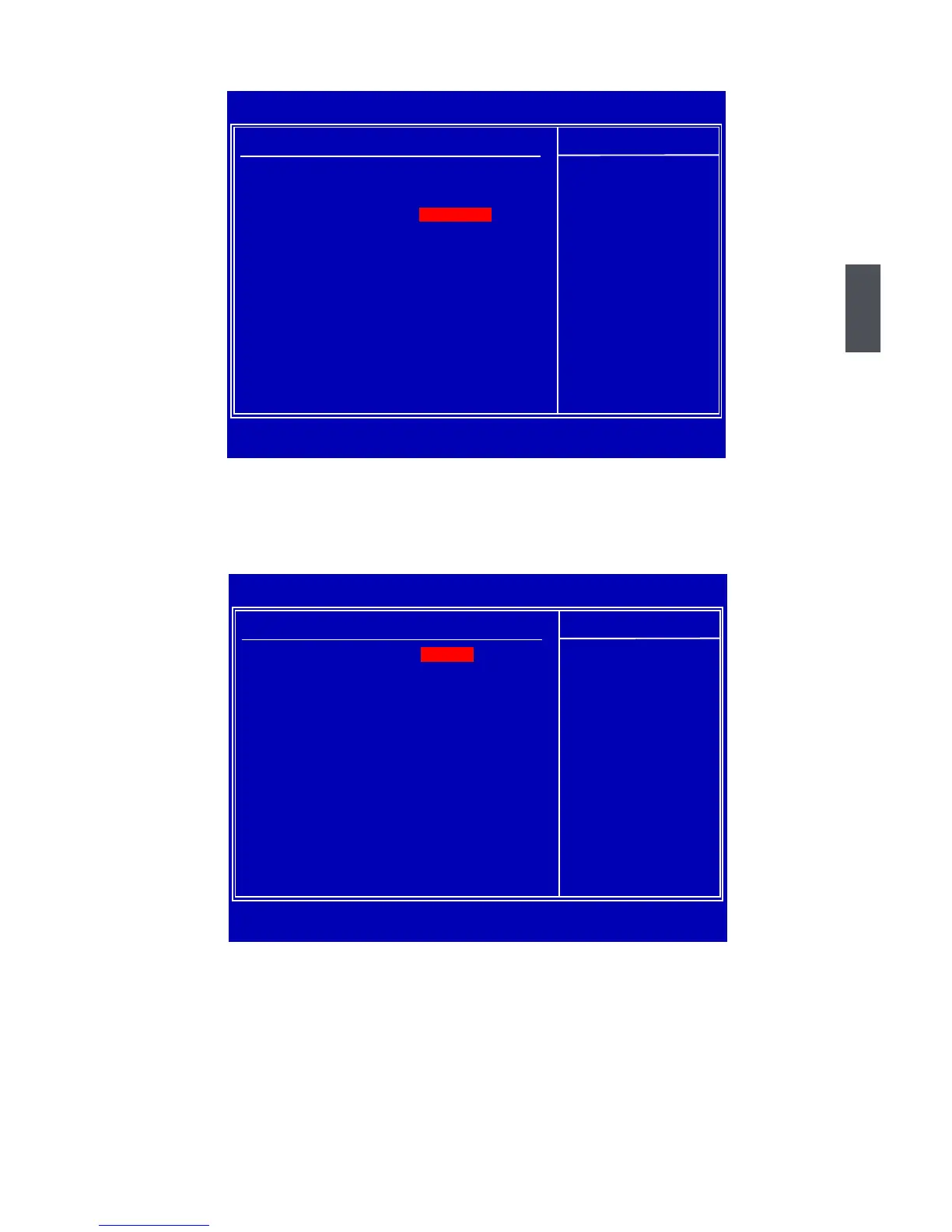
CMOS Setup Utility - Copyright (C) 1985-2008, American Megatrends, Inc.
North Bridge Conguration
North Bridge Chipset CongurationNorth Bridge Chipset Conguration Help Item
Memory Remap Feature [Enabled] ENABLE: Allow
PCI MMIO Allocation:4GB To 3328MB remapping of
DRAM Frequency [Auto] overlapped PCI memory[Auto] overlapped PCI memory
Memory Command Rate [Auto] above the totalMemory Command Rate [Auto] above the total[Auto] above the total
Memory Timing by SPD [Enabled] physical memory.[Enabled] physical memory.
Memory Hole [Disabled]
Initate Graphic Adapter [PEG/PCI] DISABLE: Do not allow[PEG/PCI] DISABLE: Do not allow
IGD GTT Graphic smemory size [No VT mode, 2MB] remapping of memory.
DVMT Mode Select [DVMT Mode][DVMT Mode]
PEG Port [Auto]
↑↓←→:Move Enter:Select +/-/:Value F10:Save ESC:Exit F1:General Help
F9:Optimized Defaults
[Enabled]
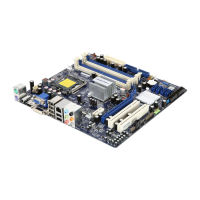
CMOS Setup Utility - Copyright (C) 1985-2008, American Megatrends, Inc.
Advanced Chipset Features
Advanced Chipset Settings Help Item
WARNING: Setting wrong values in below sections Configure North Bridge
may cause system to malfunction. features.
► North Bridge Conguration► North Bridge Conguration [Press Enter]
► South Bridge Conguration► South Bridge Conguration [Press Enter]
↑↓←→:Move Enter:Select +/-/:Value F10:Save ESC:Exit F1:General Help
F9:Optimized Defaults
[Press Enter]







 To Next Page