CD INSTRUCTION
62
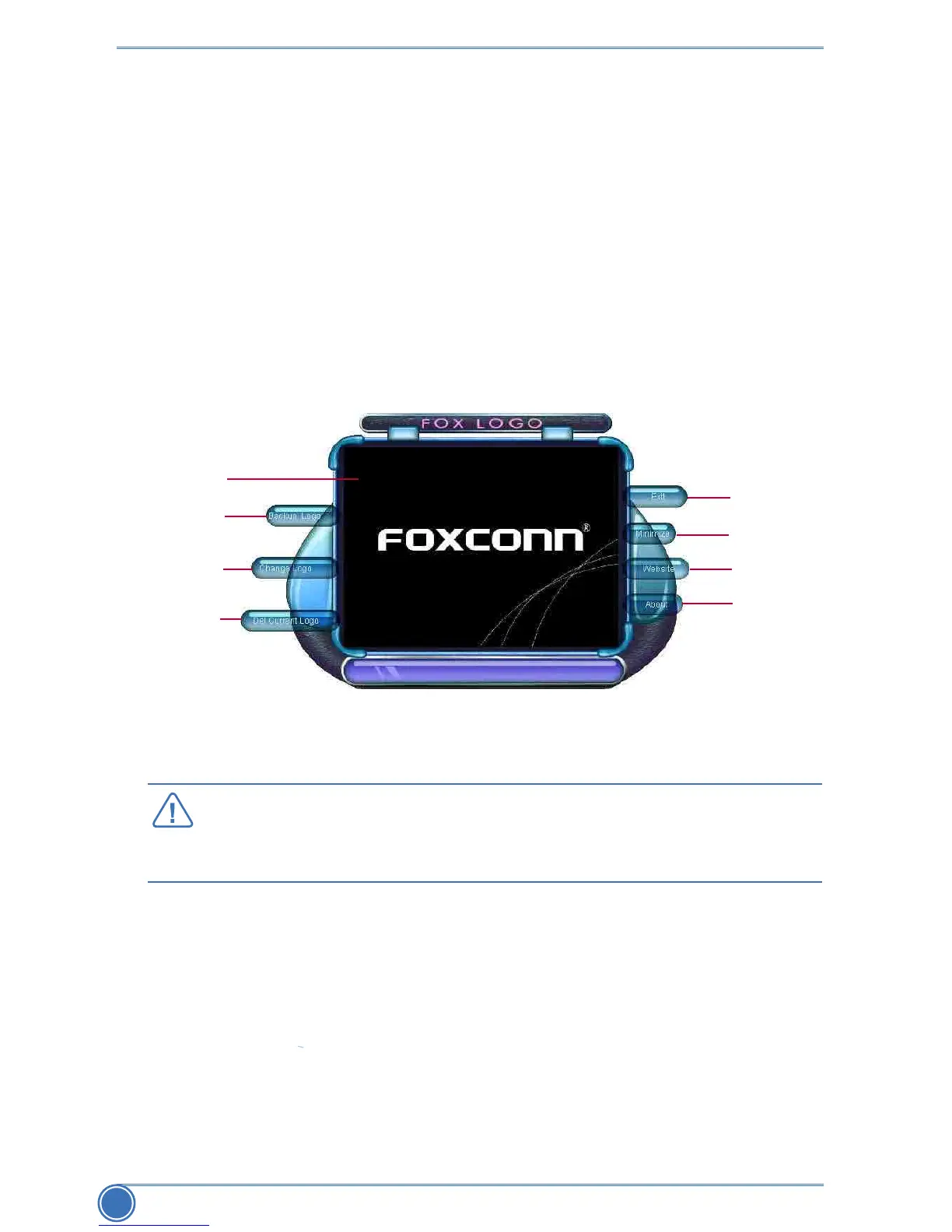
4-4 FOX LOGO
FOX LOGO is a simple and useful utility to backup, change and delete the boot time Logo. The
boot Logo is the image that appears on screen during POST (Power-On Self-Test).
YoucanprepareaJPGimage(1024x768)le,thenuseFOXLOGOtoopenitandchangethe
boot time Logo. Boot time Logo will be displayed if you enable the BIOS "Quiet Boot" setting in
"Advanced BIOS Features" menu.
Supporting Operating Systems :
■WindowsXP(32-bitand64-bit)
■Windows7(32-bitand64-bit)
WhenyouchangeLogoordeletecurrentLogo,thesystemwillashBIOSle
automatically. During this time, please DO NOT shut down the application and the
system, or the motherboard will be damaged seriously.
CAUTIO
N
Minimize
Exit
Website
About
Backup
Change
Delete
Main screen



 To Next Page
 Loading...







