RAID CONFIGURATION
75
Intel(R)MatrixStorageManageroptionROMv5.0.0.1011ICH9RwRAID5
Copyright(C)2003-04IntelCorporationAllRightsReserved.
Intel(R)RapidStorageTechnology-UptionROM-11.0.8.1204
Copyright(C)2003-11IntelCorporation.AllRightsReserved.
Name:
RAID Level:
TryRAID0-1
RAID0(Stripe)
Port Drive Model Serial # Size Status
0 HitachiHDS721616PLA
PVF904Z21G2JZM 149.0GB Non-RAIDDisk
1
ST380811AS
5PS1TAGW 74.5GB Non-RAIDDisk
2
SAMSUNG HD161HJ
S0V3J9APA30524 149.0GB MemberDisk
3
ST380815AS
5RW1CA37
74.5GB Non-RAIDDisk
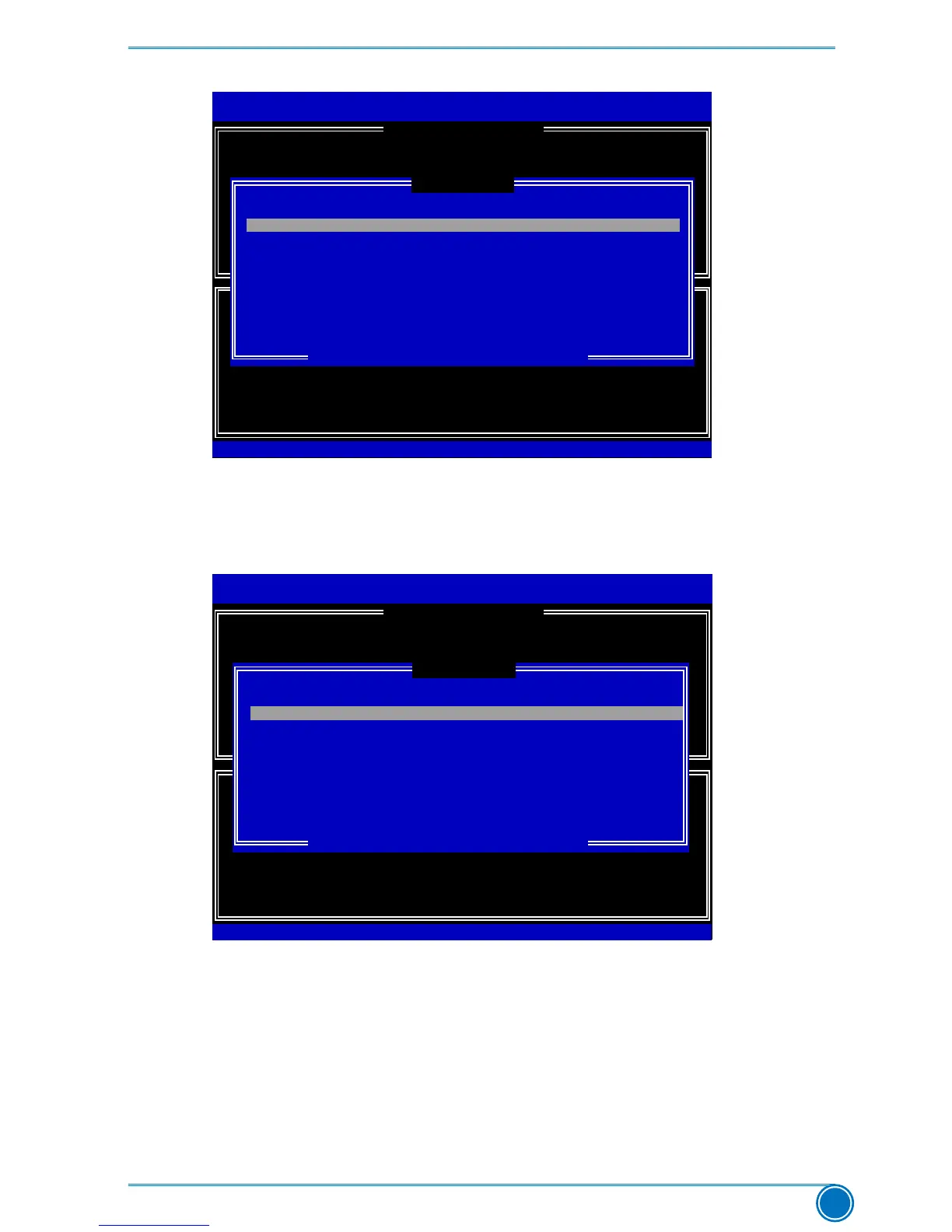
Select2to6diskstouseincreatingthevolume.
[↑↓]-Prev/Next[SPACE]-SelectDisk[ENTER]-Done
[ SELECTDISKS]
0 HitachiHDS721616PLAPVF904Z21G2JZM 149.0GBMemberDisk
[ CREATE VOLUME MENU ]
[↑↓]-Change[TAB]-Next[ESC]-PreviousMenu[ENTER]-Select
5.Fromtheharddisklist,selectthepreviouslyconguredRAID0harddisks,andpress
<Space> key to select them. Two signs will appear to indicate the selections. Press <Enter>
to continue.
Intel(R)MatrixStorageManageroptionROMv5.0.0.1011ICH9RwRAID5
Copyright(C)2003-04IntelCorporationAllRightsReserved.
Name:
RAID Level:
TryRAID0-1
RAID0(Stripe)
Port Drive Model Serial # Size Status
►0 HitachiHDS721616PLA
PVF904Z21G2JZM 149.0GB MemberDisk
1
ST380811AS
5PS1TAGW 74.5GB Non-RAIDDisk
►2
SAMSUNG HD161HJ
S0V3J9APA30524 149.0GB MemberDisk
3
ST380815AS
5RW1CA37
74.5GB Non-RAIDDisk
Select2to6diskstouseincreatingthevolume.
[↑↓]-Prev/Next[SPACE]-SelectDisk[ENTER]-Done
0 HitachiHDS721616PLAPVF904Z21G2JZM 149.0GBMemberDisk
Intel(R)RapidStorageTechnology-UptionROM-11.0.8.1204
Copyright(C)2003-11IntelCorporation.AllRightsReserved.
[↑↓]-Change[TAB]-Next[ESC]-PreviousMenu[ENTER]-Select
[ CREATE VOLUME MENU ]
[ SELECTDISKS ]
6.Itgoesto“StripSize”menudirectly.Capacityautomaticallydisplays148.1GB,andatthis
time, you can not input any value in capacity as there is no additional volume available.
TheavailablevaluesofStripSizerangefrom4KBto128KB.Thestripvalueshouldbe
selected based on different applications. Some suggested choices are :
16K-Bestforsequentialtransfer.
64K-Goodgeneralpurposestripsize.
128K-Bestperformanceformostdesktopsandworkstations.
Thedefaultvalueis128K.Press<Enter>.











 To Next Page