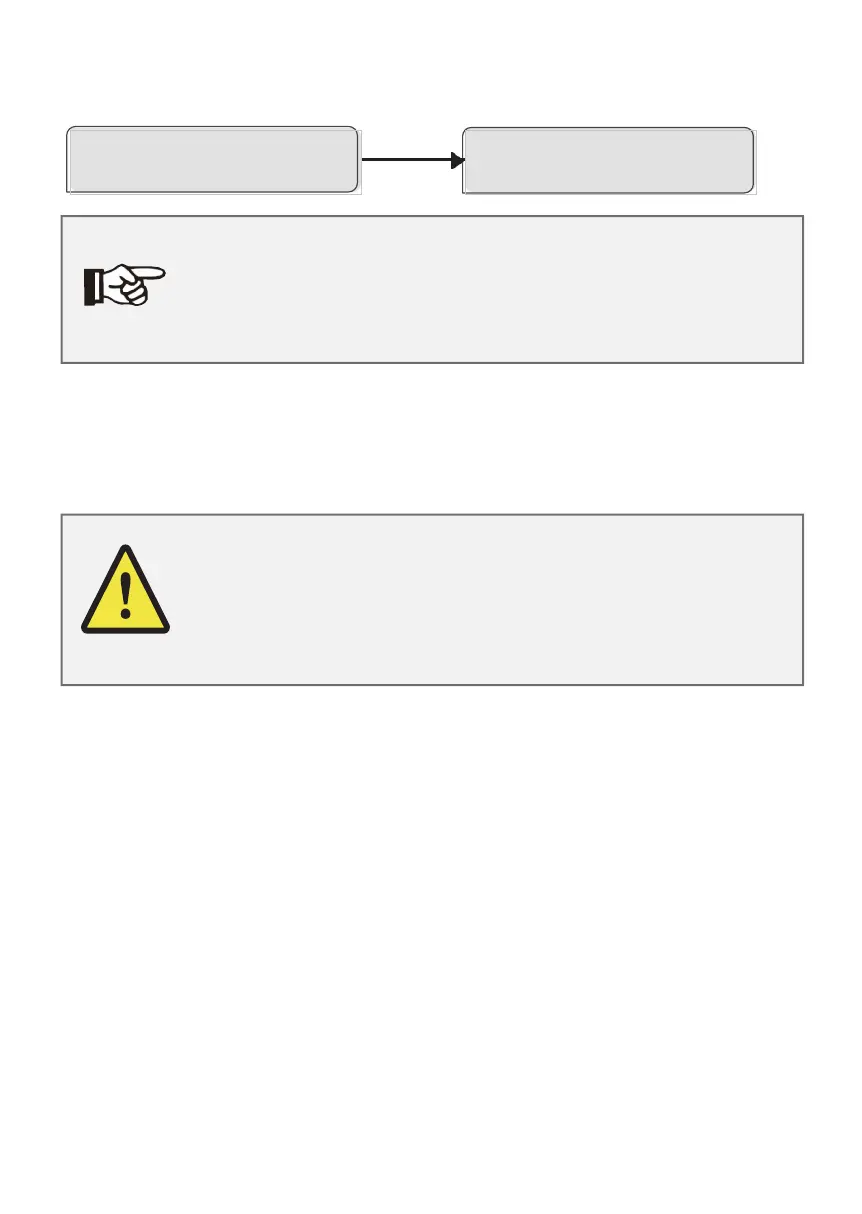
Note!
Make sure you have put the right file in the U-disk, if you
only want to upgrade one chip, just put the one file into
U-disk, if you want to upgrade all chips, you need put all
files into U-disk.
Warning!
Make sure the input voltage is more than 120V (preferably in good
illumination conditions), and do not remove the U-disk during up-
date, or the update may fail. If there is any problem or error
during the upgrade, please contact our service teamfor help.
4
Short press on the button to select the one you want to upgrade, then long
press on the button, the inverter will start the upgrade process automatically.
CopyingFile
Master/Slave/Manager xx%
Update
Master/Slave/Manager xx%
5
After the upgrade is complete, please remember to turn off the DC switch or
disconnect the PV connector, then remove the U-disk and replacethe waterproof
lid.
(6) Isolation Fault (For Australia Market Only)
The Isolation fault alarm is an additional detection, as required by AS 4777.2
and AS/NZS 5033, it will give an “Isolation Fault” alarm and trigger the buzzer
once the earth impedance of the PV arrays is less than 100K▲
(7) Reactive Power Control
The Power Factor can be amended from 0.8 leading to 0.8 lagging to achieve the reactive
power control. It can be amended via Fox phone application with following steps:
a) login to your installer account on the phone application;
b) select the station that need to be amended;
c) select the inverter SN that need to be amended from the Device page;
d) press the “Setting Params” bottom;
e) select the “Reactive control”, and amend the parameters accordingly;



 To Next Page