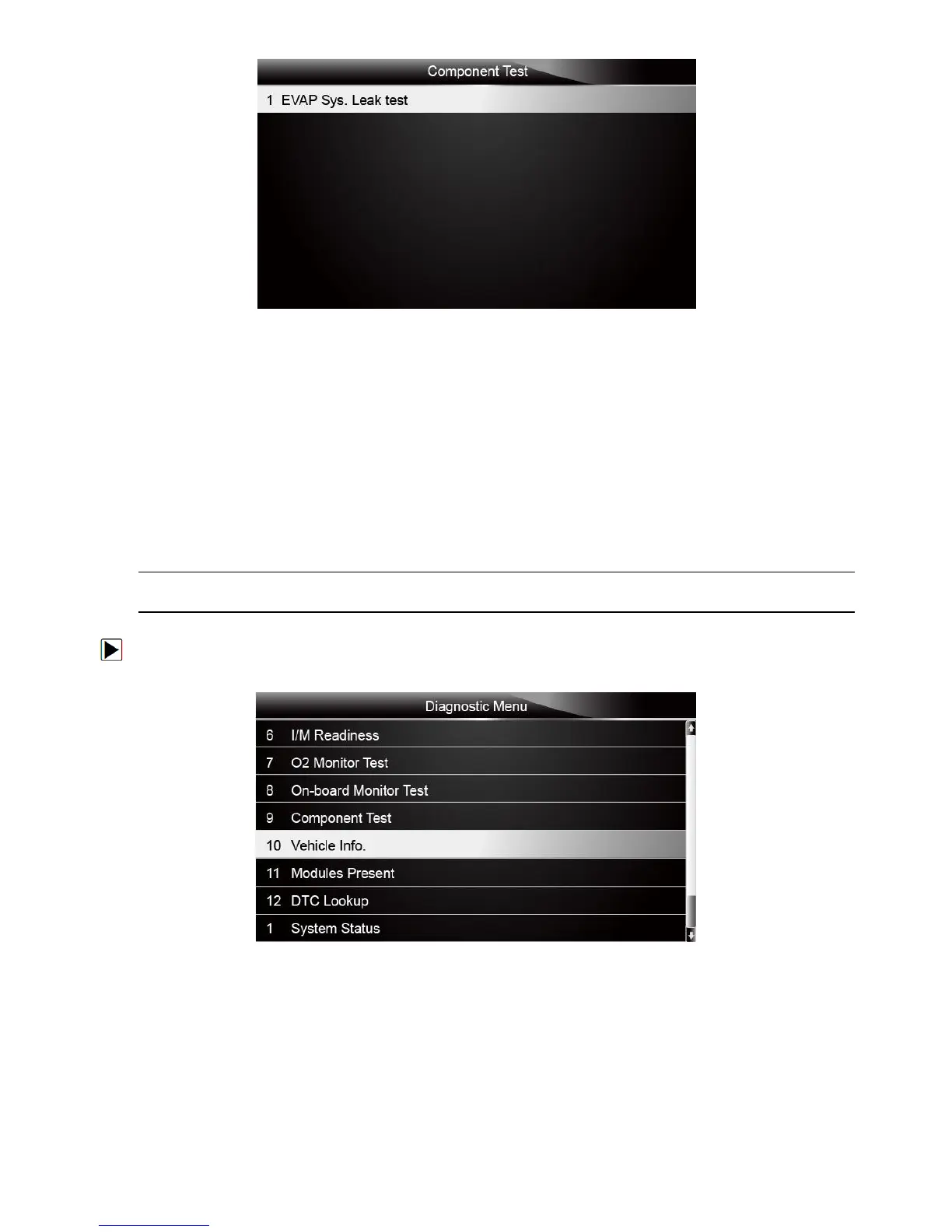
Figure 5-33 Sample Component test screen
3. Press the BACK key to exit and return.
5.10 Request Vehicle Information
Vehicle Information allows to request the vehicle’s VIN number, calibration ID(s) which identifies
software version in vehicle control module(s), calibration verification numbers (CVN(s)) and
in-use performance tracking on model year 2000 and newer OBD II compliant vehicles.
CVNs are calculated values required by OBD II regulations. They are reported to check if
emission-related calibrations have been changed. Multiple CVNs may be reported for a control
module. It may take several minutes to do the CVN calculation. In-use performance tracking
tracks performance of key readiness monitors.
NOTE
Available options will vary depending on the vehicle under test.
To request vehicle information:
1. Scroll with the arrow keys to highlight Vehicle Info. from Diagnostic Menu and press the
ENTER key.
Figure 5-34 Sample Diagnostic Menu Screen
2. Follow on-screen instruction and send the command to read vehicle information. A screen with
a list of available options displays.



 To Next Page