19
4 LAYOUTS & SWITCHES
THE LAYOUTS LIST
EZ editing is (you guessed it…) easy, but the FC also provides a deeper way to manually edit layouts and
switches. The Edit Layout page of the Foot Controllers menu provides an overview of 12 switches, and
also allows deep editing of individual footswitches, with all of the settings from EZ page and more.
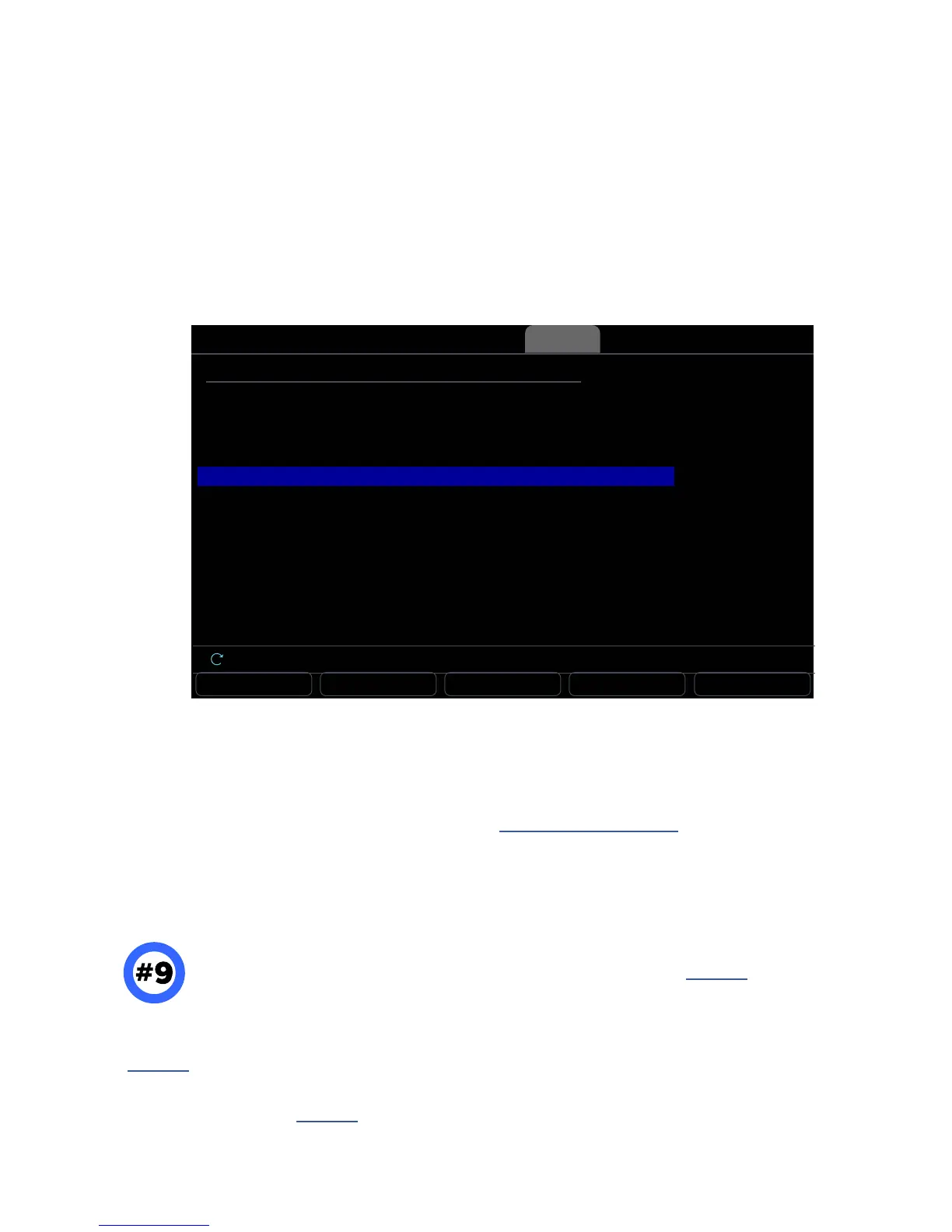
On the Axe-Fx III, open the Setup | Foot Controllers and page to the “ tab.
Use the A knob or NAV buttons to select the desired layout.
Number 9... As you review or edit layouts, you may notice “Layout 9” in the list.
Layout 9 is in fact the Master Layout Menu used to access other layouts (see p.11).
Do not edit this layout unless you understand what it is, what you’re changing, and how it works.
If you modify the Master Layout Menu — intentionally or otherwise — you can easily reset it to factory default
settings without resetting anything else. Just use the “RESET LAYOUT” button on the Edit Layout page
(see p.20). Unlike all other layouts, #9 reverts to factory settings instead of being completely cleared.
As you get deeper in to the FC, you may nd the ability to modify the MLM quite useful, with
options like “Layout Link” see p.38, or the ability to add functions to ll in blank switches.
RESET ALL EDIT LAYOUT EDIT NAME COPY LAYOUT PASTE LAYOUT
FC Controllers
Layout 1
Layout 2
Layout 3
Layout 4
Layout 5
Layout 6
Layout 7
Layout 8
Layout 9
PRESETS
SCENES
EFFECTS
CHANNELS
LOOPER
PER-PRESET
PERFORM 1
PERFORM 2
MasterLayout
LAYOUT NAME
Nav
Layouts Ring Colors Remote CSLayouts
The push-knobs offer additional functions:
RESET ALL sets all functions for all switches in all layouts to “Unassigned” and clears all customization.
(A conrmation screen requires you to press ENTER rst.)
EDIT NAME allows you to rename the layout (see “Naming Layouts” on p. 22).
COPY LAYOUT and PASTE LAYOUT provide a means to replicate a layout to a new location.
Select any layout and press ENTER or the EDIT LAYOUT button (push-
knob B) to open that layout for deeper editing.



 To Next Page