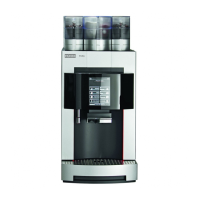
Care of the A200
Page 38
Menu
Confi guration Standby
Café Crème Cappuccino
Tea
Milk coff ee
Iced Latte
macchiato
Espresso
The machine is ready for service.
Filter replacement (1/7)
Remove and empty the
water tank.
Follow the instructions on the
display.
Click Continue when a corre-
sponding button appears.
The machine guides you to the
next step.
If you require a detailed guide
for a certain step, you can fi nd
this under the
i
symbol in
the bottom-right corner of the
screen.
Press Filter replacement.
Filter replacement
Confi g > Care
Descale
Emptying the system
Rinse
Confi guration
Information
Products
Individualization
Care
In the menu Confi guration,
select the menu item Care.
Administration
Tap on the Franke logo to
switch to the Service Menu.
Press Confi guration.
Health hazard
Contaminations could present a health hazard if the (optional) water
fi lter is used for too long.
•Replace the fi lter when prompted by the machine to do so.
•Do not use dried-out or used fi lter cartridges.
•Take care to ensure that the fi lter cartridge is mounted correctly.
CAUTION
The water fi lter ensures optimal
water quality. The (optional)
water fi lter must be replaced
on schedule in order to ensure
a long lifespan for the coff ee
machine.
Replacing the optional water fi lter



 To Next Page