Configuring
Page 48
Continued on next page
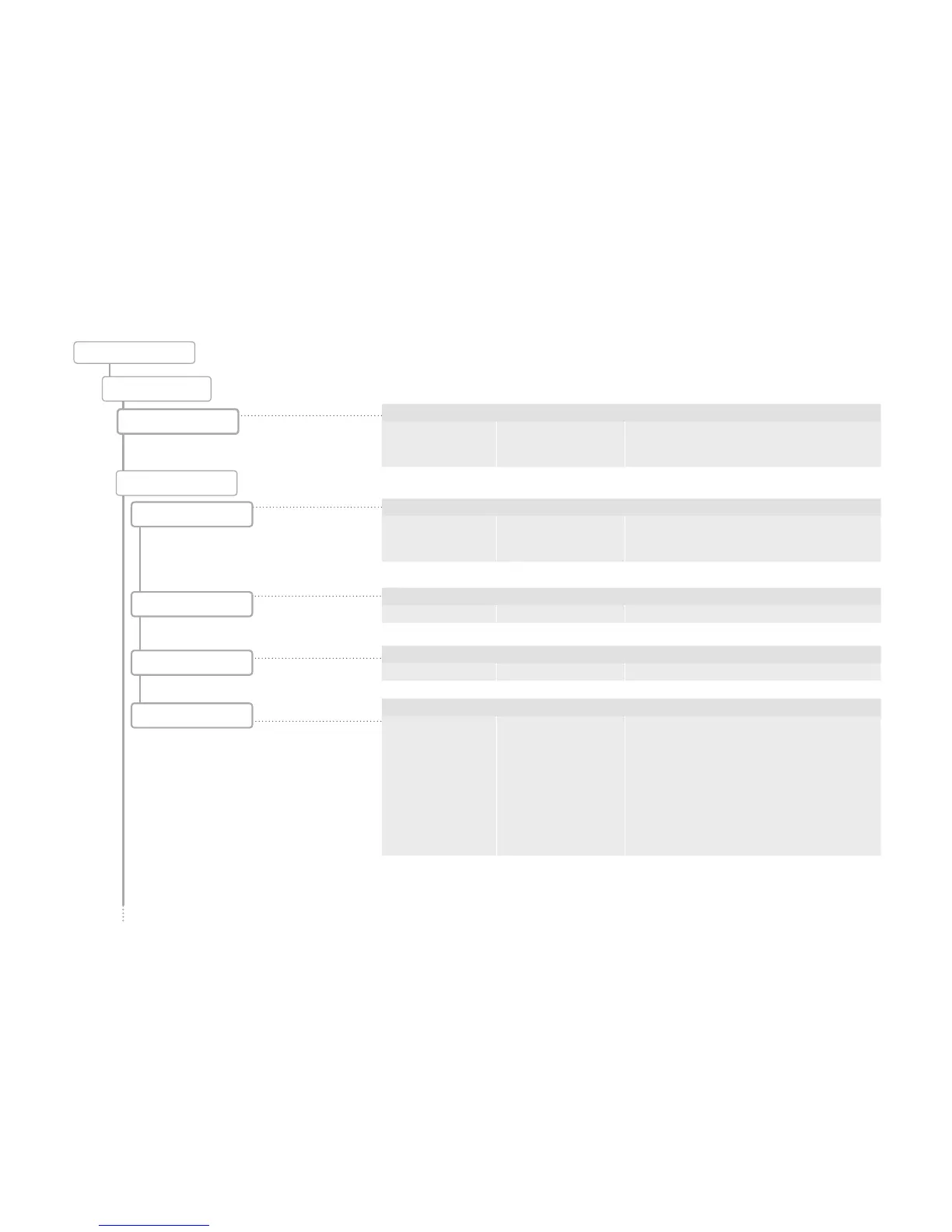
Assign Favorites
Parameter Value range Remarks
Assign a function to
favorite buttons 1-3
• No function
• Rinsing
• Descaling
• Advertising images
• Display brightn
• Product settings
• Water supply
• Individual products
counter
• Assign functions to the Favorites keys that you use
frequently.
Assign Favorites key:
• Click on the desired function in the selection menu.
• Exit the menu item, and confirm the configuration
change if necessary.
Parameter Value range Remarks
Select language 8 languages • The language is switched immediately
• For Asian languages, the English name of the langua-
ge appears in brackets
Parameter Value range Remarks
Assign product key - • 36 keys can be assigned on 6 pages
• When a button is touched, a selection list appears
with the available products (32)
Switch products
Panel setup
Clear products
Load products
Configuration
Individualization
Language
Config/Individualization
Parameter Value range Remarks
Clear product from key - -
Parameter Value range Remarks
Switch product keys - -



 To Next Page