Troubleshooting and Error Codes
Page 40
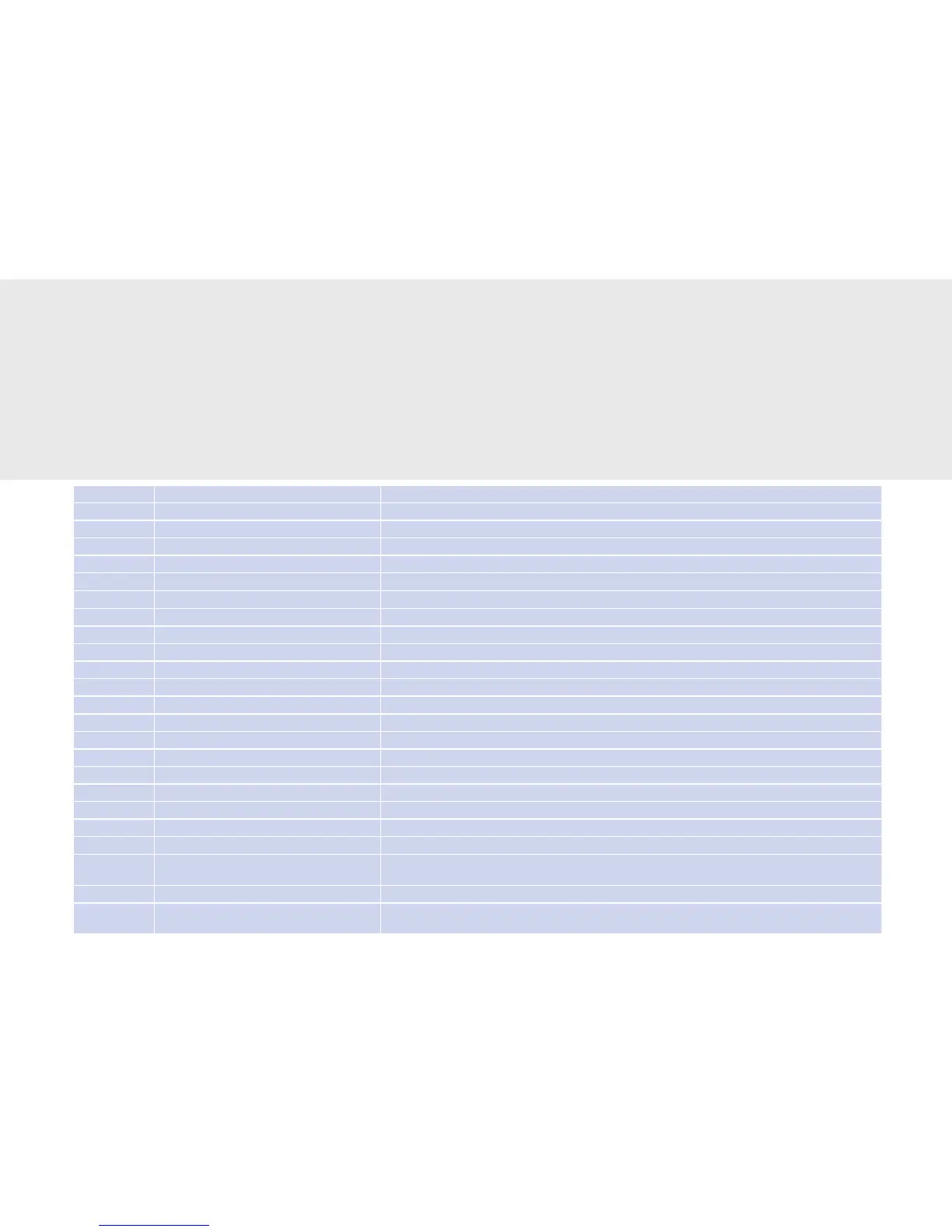
Error code Text on machine display Solution
1 External RAM Contact customer service.
2 Outlet missing Attach outlet and check that it is properly seated.
3 Door open Close grounds container door.
4 Instant container Instant container has been removed. Replace instant container.
5 External RAM Contact customer service.
10 to 13 Temperature sensor Contact customer service.
14 to 17 Temperature sensor Contact customer service.
18 to 21 Temperature sensor Contact customer service.
22, 23, 24 Heater timeout Contact customer service.
30 to 32 Water feed Contact customer service.
40 to 44 Motor timeout Contact customer service.
50 to 58 Chip card ID Contact customer service.
90 Perform PM Contact customer service and schedule maintenance.
100 Drawer full Empty drawer
105 Fresh/waste water Only for versions with water tank: Empty or ll up tank.
110 Flow meter Switch the machine o and back on again. Contact customer service.
120 No beans Add coee beans.
122 No choco Add chocolate powder.
130 No milk Add milk.
132 to 137 No syrup Add syrup.
140 Communication Only with billing device connected. Switch the machine and billing o and back on again. Contact customer
service.
150 Empty drawer Empty drawer
302, 303, 304
to 307
- no display - Contact customer service.
Troubleshooting and Error Codes
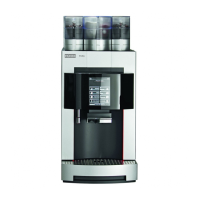
If a problem occurs, your Evolution Plus coee machine will give you instructions.
Error codes are displayed via the display screen. The table below shows how you can respond to these errors. Should
you be unable to resolve a problem despite all best eorts, please contact our service department.
Help with Machine Errors



 To Next Page