_
+
_
+
_
+
_
+
_
+
_
+
_
+
_
+
Konfigurieren
Page 32
11Download menu
10Quality check
9Card service
8Display
7Display errors
6Clear counters
5Display counters
4Accounting
3Temperature
2Clock
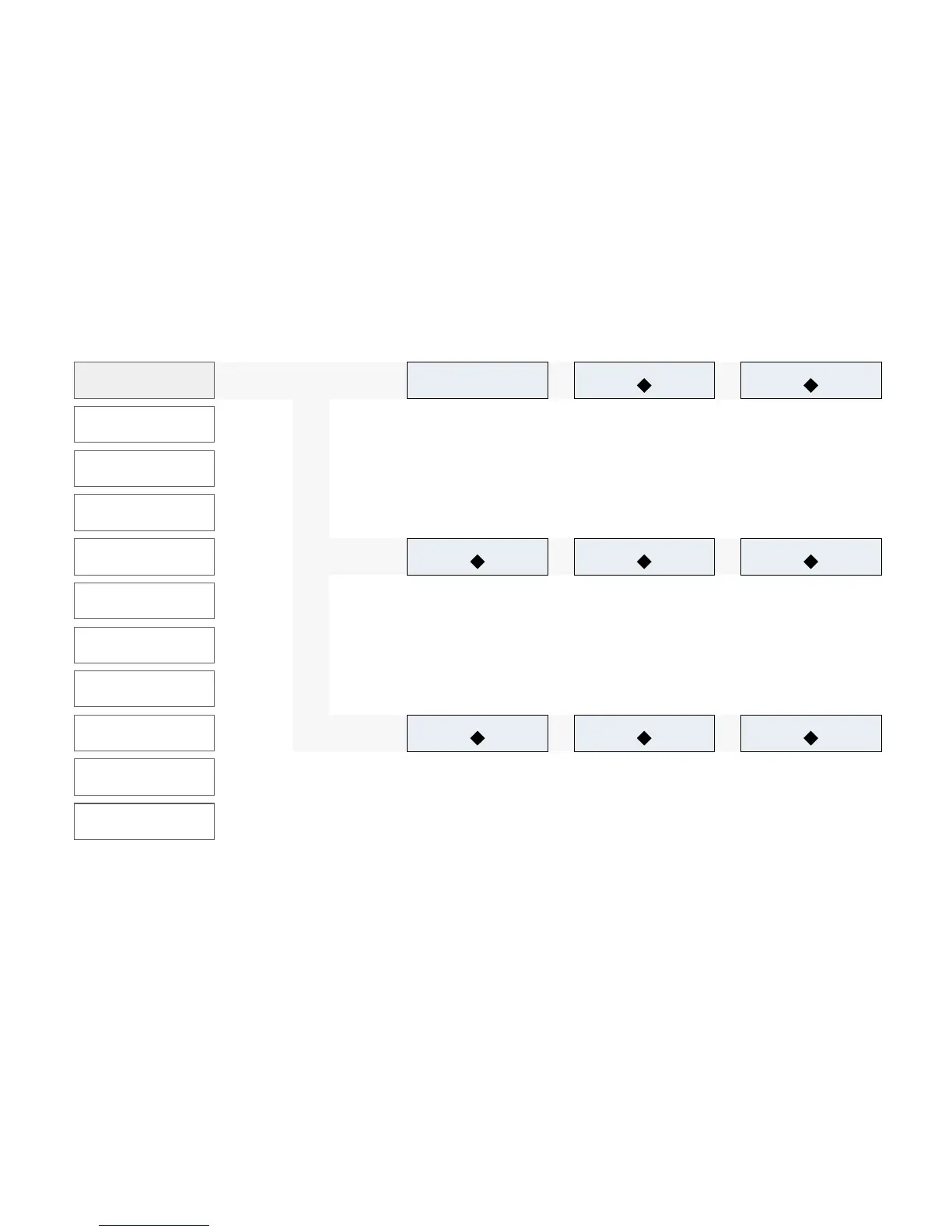
1Product definition
1Product definition
1.1 Select Prod.
1.3 Grind quantity left
1.2 Quantity of brewing water
Product buttons for making selec-
tion
Press +/– (+/– about 2 g)
Press +/ – (+/– about 50 ml)
The grind quantity can be set
individually for each grinder.
The coffee is made stronger/
weaker.
Adjust the quantity of water for
the coffee.
The coffee is made stronger/
weaker.
To select the product you want
to change, press the button for
the appropriate product.
The selected product flashes.
1.6 Pre-brewing1.5 Grind quantity right1.4 Grind quantity center
*Press +/– (+/– about 2g)
Press +/ – (+/– about 20 ml)
Press +/– (+/– about 2 g)
Change pre-brew quantity.
The coffee is made stronger/
weaker.
The grind quantity can be set
individually for each grinder.
The coffee is made stronger/
weaker.
The grind quantity can be set
individually for each grinder.
The coffee is made stronger/
weaker.
1.9 Quantity of foam1.8 Temperature of milk
1.7 Quantity of milk
Press +/– (+/– about 4 s)
Change the volume of froth.
The coffee is made more
aromatic/weaker.
Press +/– (+/– about 20%)
Press +/– (+/– about 4s)
Adjust the milk temperature.
The drink is made
hotter/colder.
The quantity of milk affects the
flavor.
Milk blend products are made
weaker or stronger.
Modify your product settings.
You can use various parameters
to control and define the quality
and quantity of the drinks you
prepare.
Before you can make settings
you must select a product un-
der 1.1 Product selection.
Programming structure in detail



 To Next Page