21
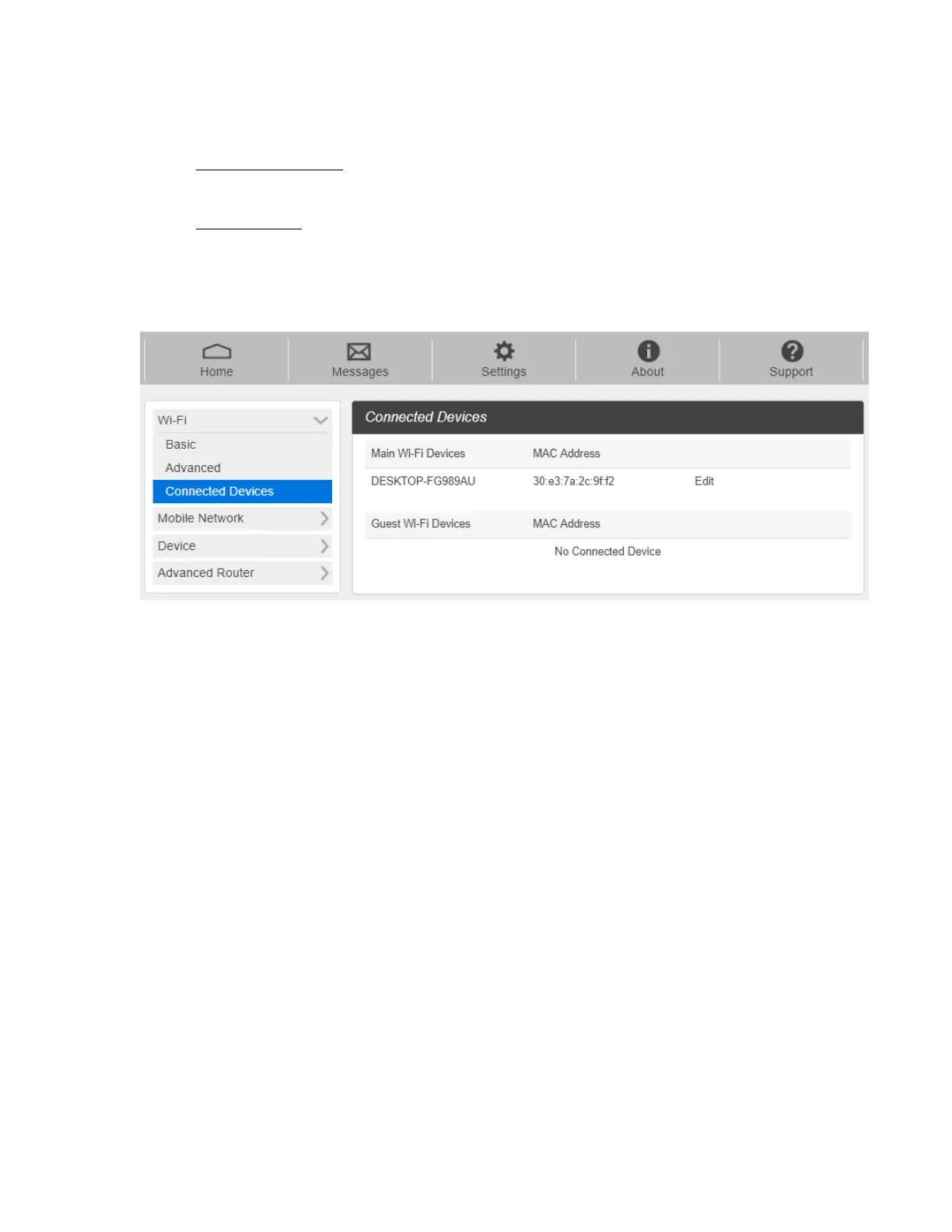
- Connected Devices
The Connected Devices menu contains the following options:
- Main Wi-Fi Devices – Normally this is the hostname of the connected device as set
on the connected device. You can use the pencil tool to change the name of any
connected device.
- MAC Address – The MAC address is a unique network identifier for this connected
device.
To Edit a Connected Device:
1. Click on the Edit. A page opens, allowing you to edit the name of the device.
2. Update the name of the device and click OK.



 To Next Page