25
to connect to the mobile broadband network each time you power on your T9.
NOTE: If you enter the wrong SIM PIN three times, your SIM will be disabled
permanently until you enter the PUK code from your service provider.
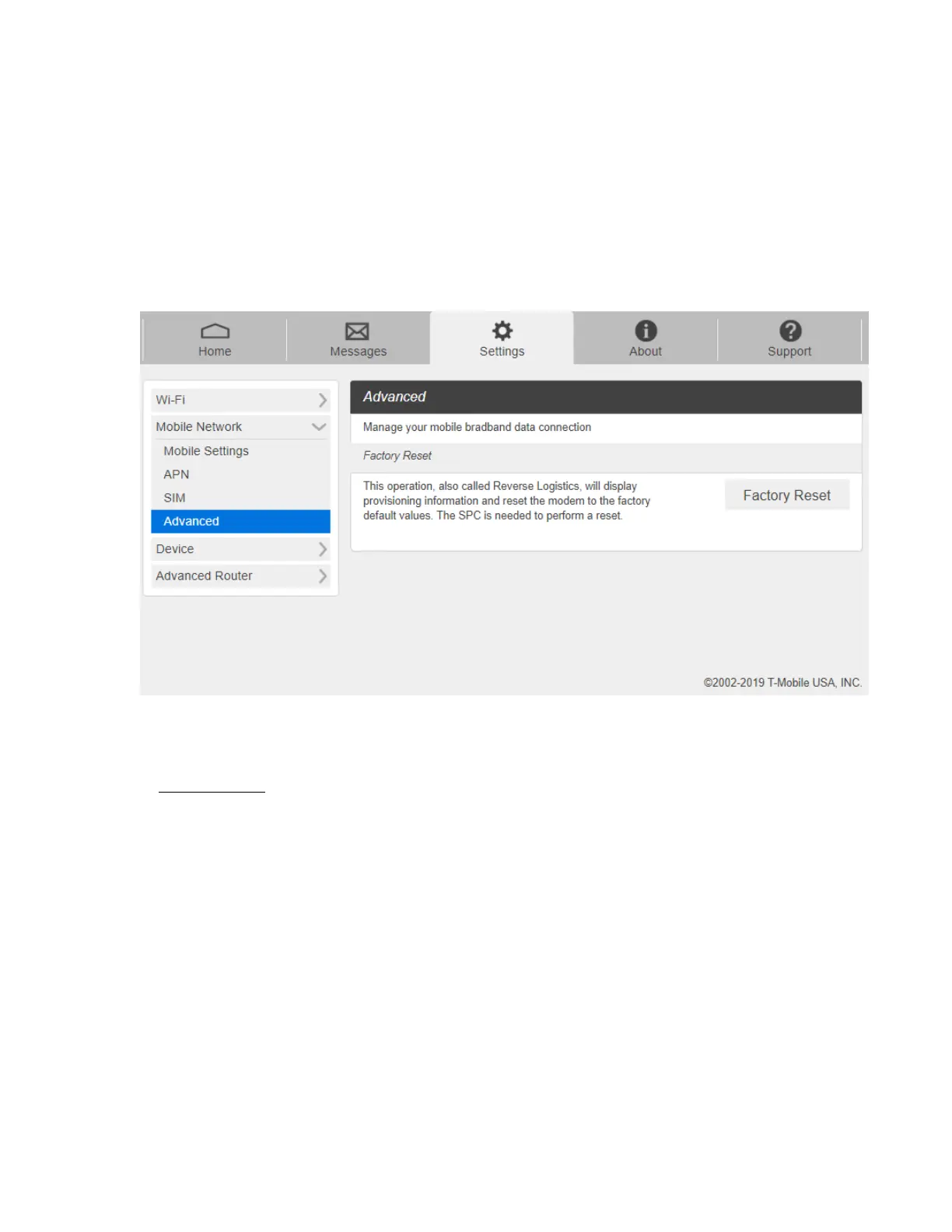
- Advanced
Advanced Mobile Network Settings should only be used as directed by T-Mobile Customer
Service personnel. Certain advanced options will reset your device's connections and
programming and will require reactivation.
1. From the Web UI, click Settings > Mobile Network > Advanced to set the mobile
network advanced settings on this interface.
- Factory Reset: Click Factory Reset to reset the modem to the factory default value.



 To Next Page