13
Call Customer Care Toll Free at 1-888-522-5226 www.AbbottDiabetesCare.com
ENGLISH
The result will appear on the display screen and if the sound is on,
your meter will beep twice. To mark the result as a control solution
result, press and hold the “c” button for two seconds until the control
solution symbol (
) appears at the top right of the display screen.
If you have marked a blood glucose test as a control solution test by
mistake, you can unmark it by pressing and holding the “c” button
again for two seconds.
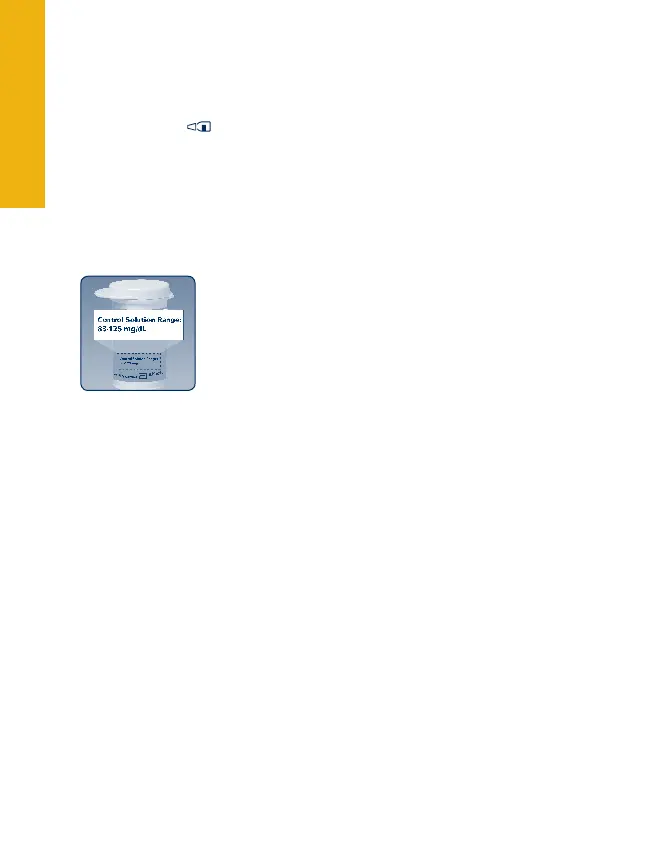
Compare your control solution test result to the
range printed on your test strip vial label. Your
control solution results should fall within the
range printed on the side of your test strip vial.
Out of range test results may be caused by:
Expired or bad control solution.•
Expired or bad test strip.•
Error in performing test.•
Watered-down control solution.•
Meter malfunction.•
Control solution test done outside 59° to 104° F.•
To turn the meter off, remove the test strip
.
4



 To Next Page