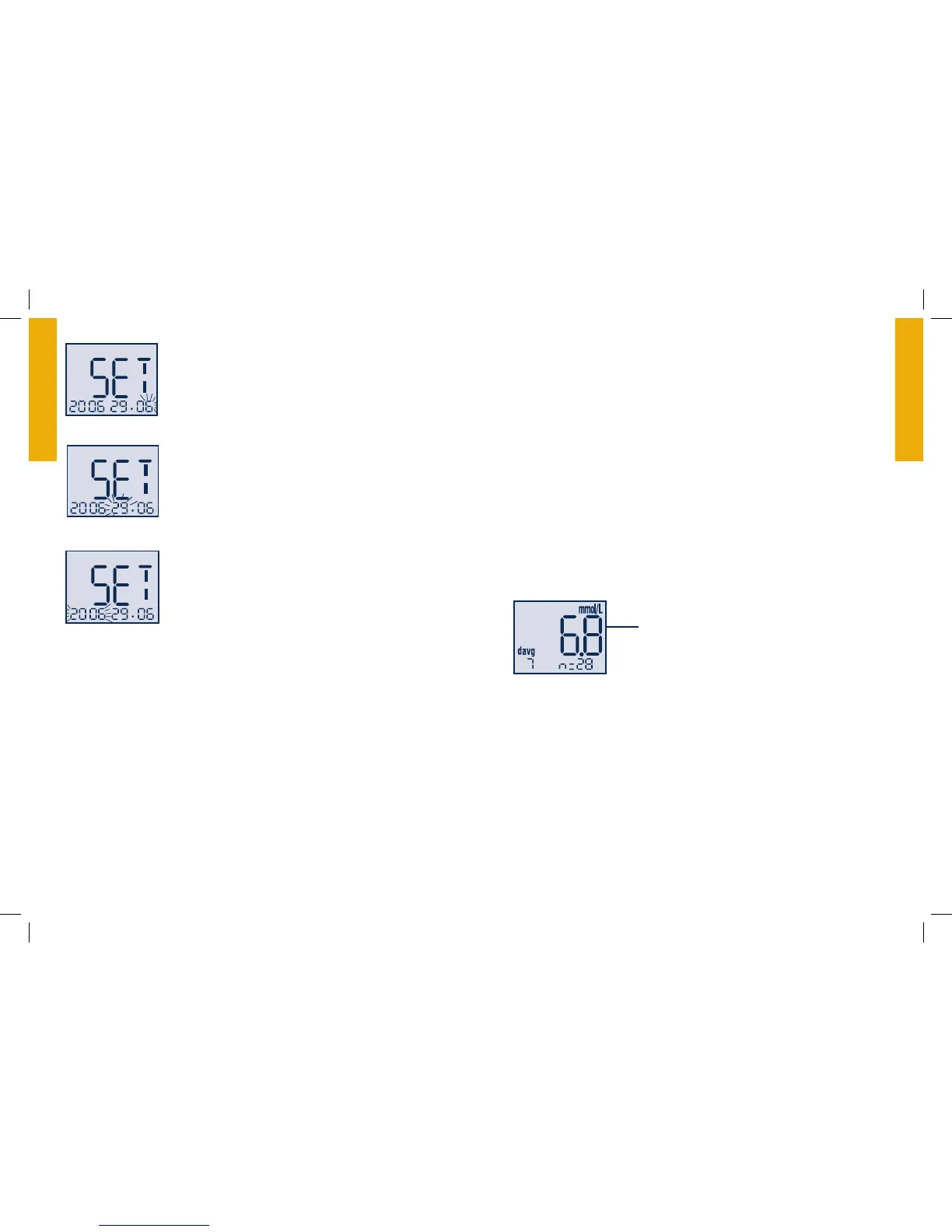
Setting the Date and Date Format
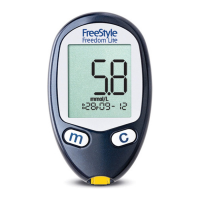
With the month blinking, press the “1. c” button
until the correct month appears.
Press the “2. m” button to move to the day setting.
With the day blinking, press the “3. c” button until
the correct day appears.
Press the “4. m” button to move to “Date Format.”
With the date blinking, press the5. “c” button
to select month-day or day-month format.
The date automatically updates to the format
selected.
Press the “6. m” button to move to the year setting.
With the year blinking, press the “7. c” button
until the correct year appears.
You have completed Meter Set-Up.
To move to “Setting the User Reminder Alarms” press the •
“m” button.
To exit press and hold the “• m” button.
Day
Ye a r
Month
Meter Results
Meter Memory
To Ent er•
Start with the meter o (no test strip inserted). Press the “m” button
and release; the rst memory screen to appear will be your 7-day
average.
To Exit•
Press and hold the “m” button until the meter turns off.
7-, 14-, 30- Day Average
The first memory display screen you see is your 7-day average. This
includes all the readings from the last 7 days starting from the current
date and time shown on the meter. (Control solution, LO, and HI
readings are not included in the average.)
The “c” button allows you to scroll forward to the 14- and 30-day
averages. Continue to press the “c” button to view stored test results.
Your most recent result will display first.
The “m” button allows you to scroll backward.
7davg: Example:
7davg = your 7-day average
n = indicates the number of results
included in your average
Equivalent to
123 mg/dL


 To Next Page