Important Control Solution Information
FreeStyle control solution is good for three months after opening
the bottle or until the expiry date printed on the label, whichever
comes first.
Important: Count forward three months from the date you open a new
bottle of control solution. This is your discard date. Write this date on
the side of the control solution bottle.
Example: You open the control solution on January 15th. Count
forward three months to April 15th. This is the discard date that you
record on the bottle.
Use only FreeStyle control solution with your FreeStyle Lite system.•
Replace the cap on the control solution bottle immediately after •
using.
Do not use control solution after the expiry date.•
Do not add water or any liquid to control solution.•
Control solution tests are specified to be accurate only when used •
between 15° to 40° C (59° to 104° F).
Control solution test results should fall within the appropriate range •
printed on the test strip vial label.
I mportant: The control solution range is a target range for control
solution only. It is not a target range for your blood glucose level.
If control solution results are out of this range, repeat the test.•
If your control solution test results continue to fall outside of the •
appropriate range printed on the test strip vial, do not use the
FreeStyle Lite system to test your blood glucose. Contact Customer
Care.
Caution: Results from FreeStyle control solution tests do not
reflect your blood glucose level.
2
1
3
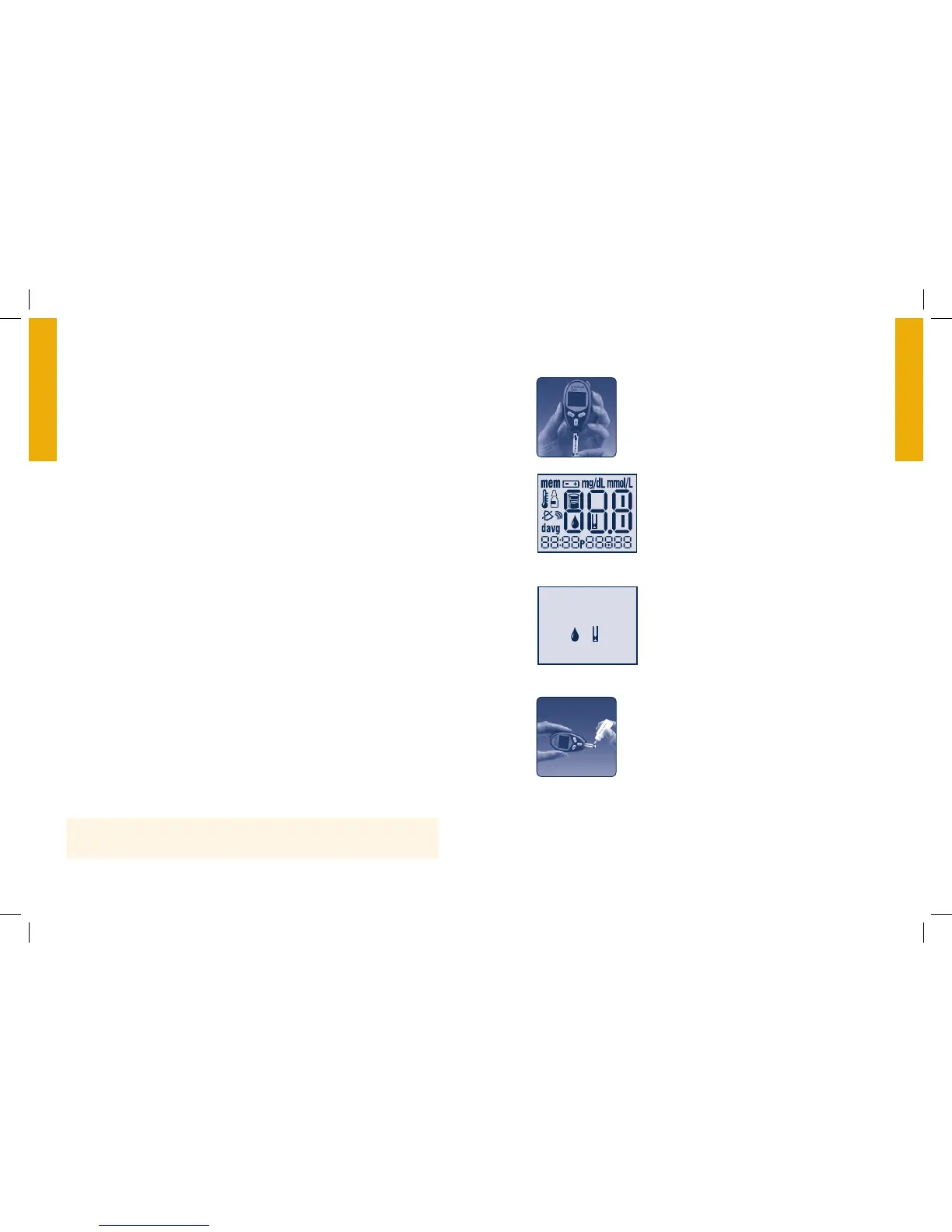
Performing a Control Solution Test
Insert the top of the test strip into your meter
until it stops. This will switch on the meter.
System Check Screen
When the meter switches on, this screen
will appear so that you can make sure the
display is working properly.
Wait for the meter to display the blood drop
and test strip symbols.
Gently touch only the Sample Area of the test
strip to the control solution.
Important: Do not apply control solution to both
Test Strip Sample Areas.
If the sound prompt is on, your meter will beep when the test strip
is full. A short line then moves clockwise around the display screen
while the sample is processing.
System Check



 To Next Page