condition exists (for example, low oil pressure or high
coolant temperature), the check engine light will illu-
minate to alert the driver to correct the condition as
soon as possible. If the condition gets worse, the
stop engine light will illuminate.
NOTE: If the check engine light illuminates dur-
ing vehicle operation, take the vehicle directly to
an authorized Freightliner service facility.
Stop Engine Warning
WARNING
When the red STOP engine lamp illuminates, the
driver must immediately move the vehicle to a
safe location at the side of the road to prevent
causing a hazardous situation that could cause
bodily injury, property damage, or severe damage
to the engine.
The red stop engine warning light illuminates to indi-
cate that the protection system available for the en-
gine has been activated. The engine ECU will derate
the engine, allowing it to run, but at lower rpm and
slower vehicle speed. The vehicle may be driven to a
safe location.
NOTICE
Because operating the engine when the red stop
engine light is illuminated can lead to severe en-
gine damage, the driver must move the vehicle to
a safe location as quickly as possible and shut
down the engine.
If the engine is shut down while the vehicle is in ser-
vice, a single restart attempt may be performed. De-
pending on the nature of the fault condition, a cool-
down period may be required before restarting. If,
upon restarting, the fault condition still exists the
lamp will come on and the engine should be shut
down. At this point, the vehicle is unsafe to drive and
should be transported to an authorized Freightliner
service facility.
02/06/2012 f040797
AUXILIARY
SCREENS
SOFTWARE VER: x.yy
CONFIG: ccccccc
HARDWARE VER: z
Right || Hold Down
Right Press
Version Information
Highlighted
Menu
Screen AM
Input Name
Pin pp of 26
xx.x Units
Down Press
Change to
Next Input
Right || Hold Down
ECUs on Data Bus
J1939 SA xx
J1939 SA yy
Down Press
Scroll Screen
Down 1 Line
Right || Hold Down
Right Press
Check Analog Inputs
Highlighted
Right Press
Check Data Link
Highlighted
Menu
Menu
Screen AK
Screen AL
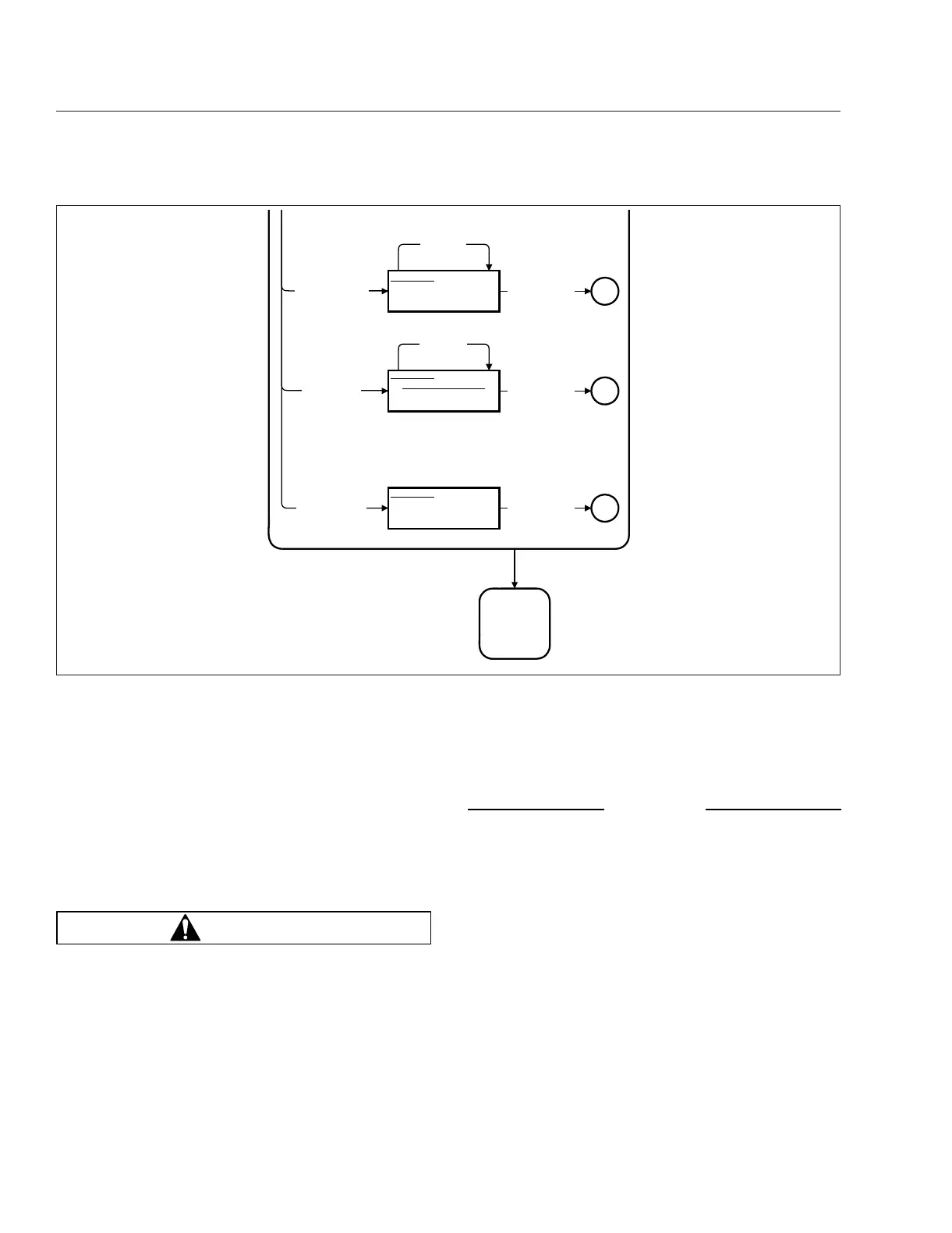
Fig. 19.8, Diagnostic Menu Screens, Screen 3
Propane Fuel System
19.13











 To Next Page