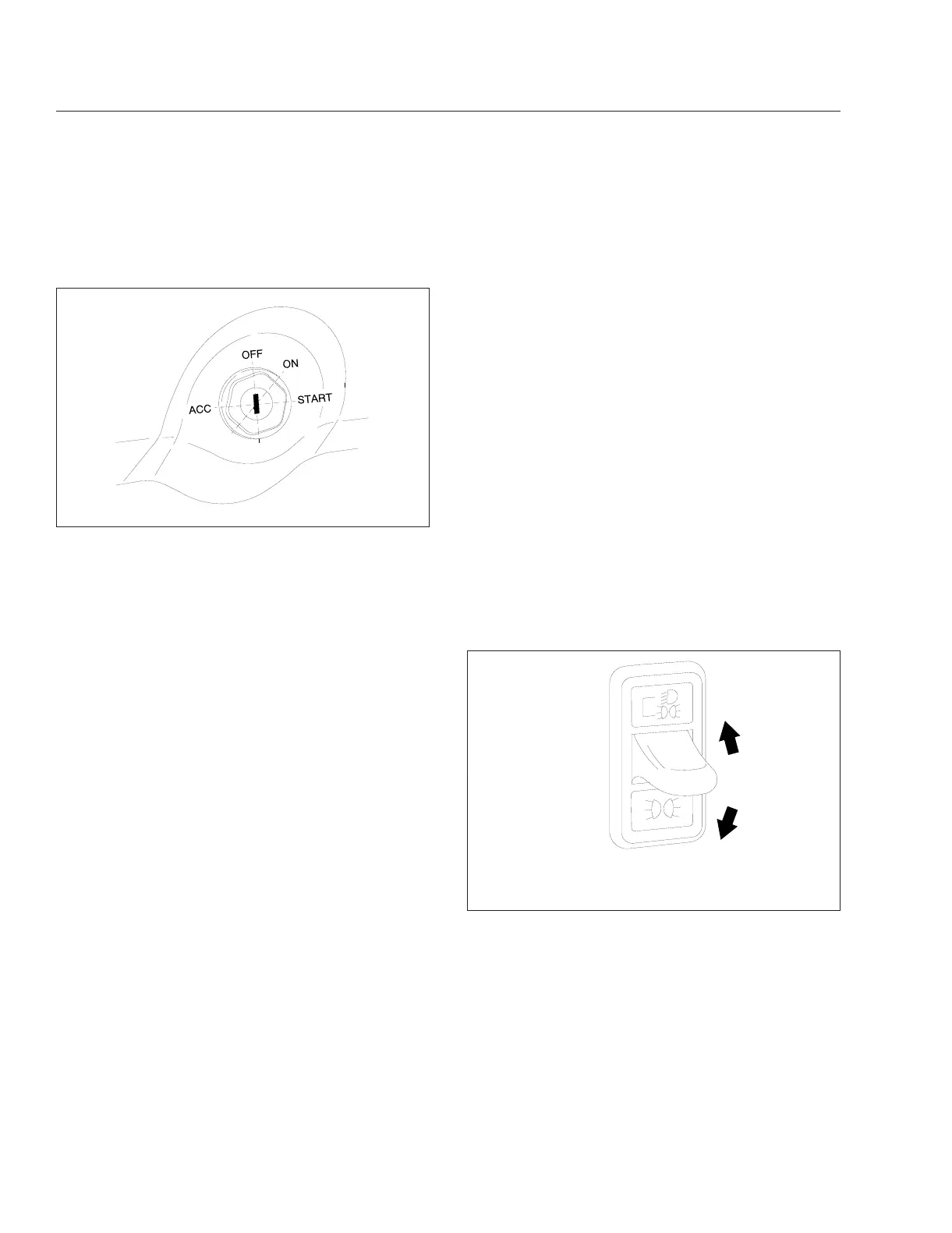
Ignition Switch and Key
The ignition switch has four positions: ACCESSORY,
OFF, ON, and START. See
Fig. 4.1.
In the OFF position, the key slot is vertical; the key
can be inserted and removed only in this position.
The following can be operated in the OFF position
(regardless of whether the key is inserted): low beam
headlights, taillights, brake lights, road lights, clear-
ance lights, turn signals, hazard warning lights, horn,
CB radio, clock, and electric oil pan heater.
In the ACCESSORY position, the key is turned coun-
terclockwise. The radio (if so equipped), mirror heat,
air dryer, backup lights, and all of the components
that are operable in the OFF position are operable in
the ACCESSORY position.
All electrical systems are operable in the ON posi-
tion. The warning lights and the buzzer for low air
pressure and low oil pressure operate until minimum
pressures are built up.
Turn the key fully clockwise to the START position to
start the engine. When the engine starts, release the
key.
Lighting Controls
The lighting controls operate through switches lo-
cated on the dash. Two types of dash switches are
used:
•
Paddle switches have a single paddle located
in the center of the switch. The paddle can be
raised or lowered to perform a function.
•
Rocker switches can be pressed up or down to
perform a function. Certain rocker switches are
guarded to prevent them from being switched
on or off accidentally.
When the panel lights are on, most switch legends
are backlit with a colored light, usually green. This
allows the driver to find the switch more easily in the
dark. When the switch is on, the switch icon is nor-
mally backlit with a colored light, usually amber.
Some switch icons are dead-fronted (not visible until
the switch is turned on). When turned on, some
switches are illuminated from within by a red or
amber light-emitting diode (LED).
Headlight/Parking Light Switch
The headlight/parking light switch is a paddle switch
located on the left-hand control panel above the
cruise/RPM control switches. See
Fig. 4.2. When the
paddle is lowered, the parking lights illuminate (the
front turn signals, the marker and identification lights,
and the taillights). When the paddle is raised, the
low-beam headlights illuminate, along with all the
parking lights. To turn off all lights, return the paddle
to the center position.
NOTE: The front turn signal is the amber lens in
each headlight unit. The low-beam headlight is
the top clear lens in each headlight unit.
When the headlights or parking lights are on, the
panel lights also illuminate. An amber light in the
switch backlights either the top icon (for headlights
and parking lights) or the bottom icon (for parking
lights only).
09/12/2001
f610509
Fig. 4.1, Ignition Switch Positions
10/15/2001
f610580
Raise the paddle to illuminate the low-beam headlights.
Lower the paddle to illuminate the parking lights.
Fig. 4.2, Headlight/Parking Light Switch
Controls
4.1











 To Next Page