Daytime Running Lights
Switching on the ignition and releasing the parking
brakes automatically activates the daytime running
lights, if so equipped. The daytime running lights will
operate until the parking brakes are applied or the
headlights are turned on.
NOTE: Daytime running lights are standard on
all Canadian vehicles.
The daytime running lights illuminate at about two-
thirds of normal power.
Panel Light Increase/Decrease Switch
When the panel lights are on, they can be either
brightened or dimmed by using the INCR/DECR
rocker switch just below the headlight switch. See
Fig. 4.3. To brighten the panel lights, press the upper
part of the switch (at the "INCR+" legend). To dim the
panel lights, press the lower part of the switch (at the
"DECR–" legend).
When the panel lights are on, both legends are back-
lit in green.
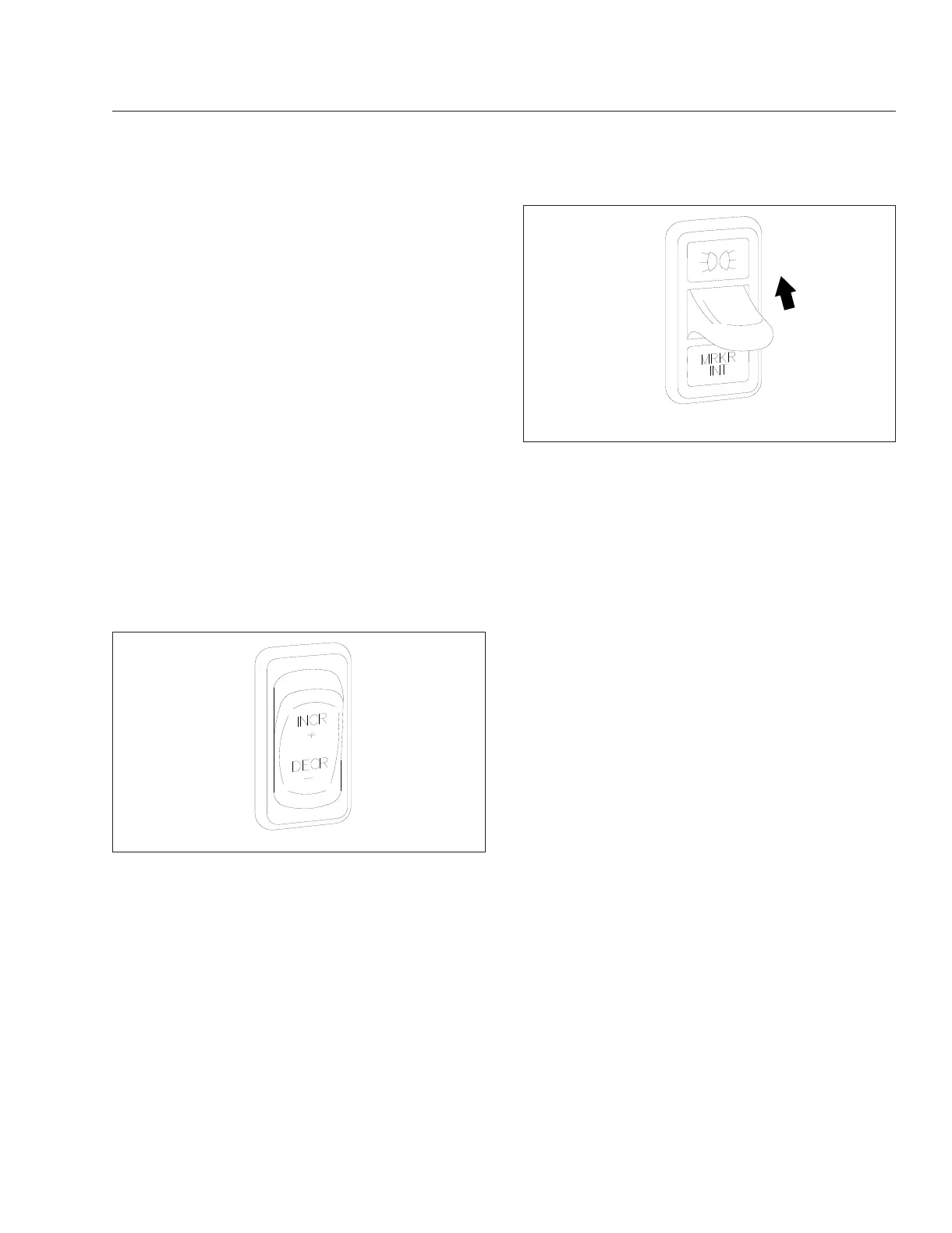
Marker Light Interrupt Switch
The optional marker light interrupt (MRKR INT)
paddle switch temporarily deactivates the marker
lights and taillights. See
Fig. 4.4.
With the vehicle lights on, raise and hold the paddle
switch to briefly turn off the marker lights and tail-
lights. When the paddle is released the marker lights
will return to normal operation. With the vehicle lights
off, raise the paddle switch to momentarily turn the
marker lights on.
Multifunction Turn Signal
Switch
The multifunction turn signal switch is attached to the
left-hand side of the steering column. This switch has
the following functions:
•
turn signals
•
windshield wipers and washers
•
high-beam headlights
•
hazard warning lights
See Fig. 4.5 for the multifunction switch and its com-
ponent parts.
Turn Signal Lever
The turn signal lever is mounted on the steering col-
umn. See Fig. 4.6. Moving the lever down activates
the left turn signal lights; moving it up activates the
right turn signal lights.
When a turn signal is activated, a green indicator
arrow flashes at the far left or far right of the instru-
ment panel.
The lever automatically returns to the neutral position
(self-cancels the switch) when the steering wheel
returns to the straight ahead position after a turn. To
cancel the signal manually, move the lever to the
neutral position.
f610598
10/29/2001
Fig. 4.3, Panel Light Increase/Decrease Switch
05/09/2002
f610581
Raise the paddle to flash the marker lights.
Fig. 4.4, Marker Light Interrupt Switch
Controls
4.2











 To Next Page