FRITZ!Fon M2 15
Registering FRITZ!Fon M2 with the Base Station
FRITZ!Fon 15
2.3 Registering FRITZ!Fon M2 with the Base Station
Register FRITZ!Fon M2 at your FRITZ!Box or another base station
(DECT). The base station connects FRITZ!Fon M2 with the telephone
line.
Register FRITZ!Fon M2
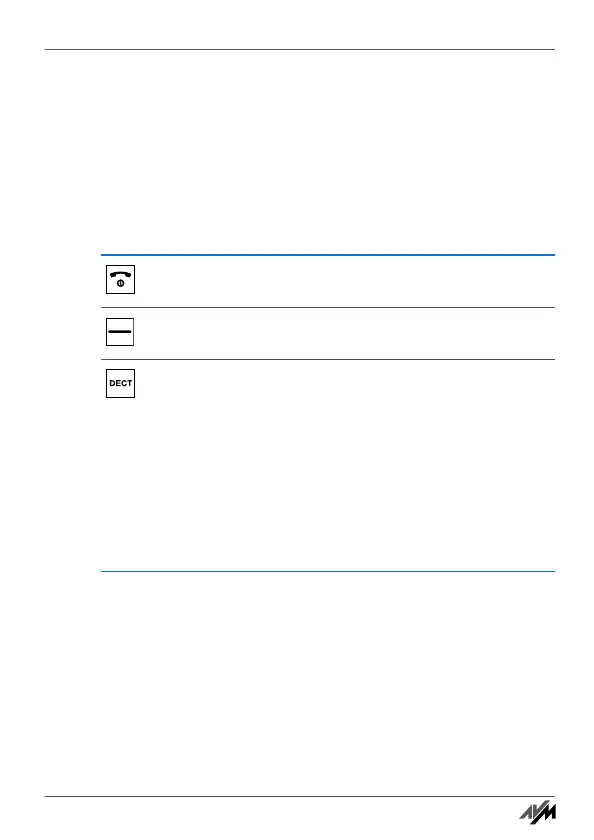
Press the hang-up button. The FRITZ!Fon M2 is
switched on.
Only if “Register” appears over the right selection but-
ton: Press the selection button.
Press the DECT button (search or paging button) on
your base station.
Press and hold down the DECT button until FRITZ!Fon
M2 is successfully registered.
If FRITZ!Fon M2 asks for the PIN, enter the system PIN
of the base station. Press “OK”.
Upon delivery, the system PIN of the FRITZ!Box is
“0000”.
Handbuch_FRITZ!Fon M2-en.fm Seite 15 Mittwoch, 10. Oktober 2012 1:39 13



 To Next Page